Lexar PLAY 2280 4TB vs 8TB: A PS5 Storage Buying Guide
This article contains paid Amazon affiliate links. As an Amazon Associate I earn from qualifying purchases.
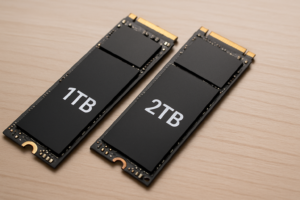
The 4TB and 8TB Lexar PLAY 2280 target PS5 owners who want a substantial installed library. The larger model’s main advantage is room for more content. It should not be purchased on the assumption that twice the capacity means twice the gaming performance.
Check the console requirements
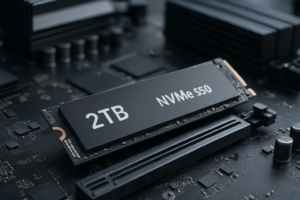
Lexar supplies PLAY 2280 with a heatsink and positions it for PS5 storage expansion. Sony’s current requirements are the final compatibility reference, including interface, supported capacity and the total dimensions of the drive and cooling assembly.
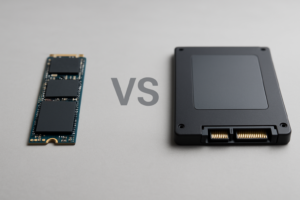
Do not confuse PLAY 2280 with the short PLAY 2230. Our M.2 size guide explains the names. A product suitable for a handheld is not automatically the correct choice for a console expansion bay.
Size the library instead of counting games generically
Add the installed sizes of the titles you actually want available. Large games, smaller independent releases and downloaded add-ons consume very different amounts of space. A manufacturer’s illustrative game count is not a promise for your collection.
Allow for updates and new purchases. If the measured library occupies only a fraction of 4TB, the 8TB model may leave expensive space unused. If keeping a large collection ready to play matters, the additional room can reduce repeated transfers and deletions.
Compare equal purchase conditions
Lexar lists both capacities in the PLAY 2280 family. Compare the current price of complete, new retail versions with the intended heatsink rather than mixing bare products, different families or used stock. Check seller eligibility for the manufacturer’s regional support.
Our SSD capacity guide describes a useful cost calculation. Divide the extra purchase cost by the additional space you expect to use, rather than automatically treating a larger nominal capacity as a better deal.
Keep the upgrade distinct from backup
An expansion SSD gives the console more installation space. It does not create an independent backup of every account setting, save or personal capture. Check the console’s supported save and backup features separately.
Follow Sony’s current installation procedure, including powering down and handling the expansion bay correctly. Expect the console’s setup process to prepare the new storage. Never put a drive containing your only copy of important data through formatting without a separate copy.
Buying recommendation
Choose 4TB when it comfortably covers the measured library and leaves room for growth. Choose 8TB when a genuinely large installed collection makes the premium worthwhile. For most buyers, the decisive benefit is avoiding storage management interruptions; neither capacity should be sold as an automatic improvement to frame rates or every game’s loading time.
Compare options on Amazon
- Find Lexar PLAY 2280 4TB heatsink SSD on Amazon (paid link)
- Find Lexar PLAY 2280 8TB heatsink SSD on Amazon (paid link)
These links open matching Amazon listings. Confirm the exact model, capacity, seller, condition and current price before ordering.
Sources
You might also like
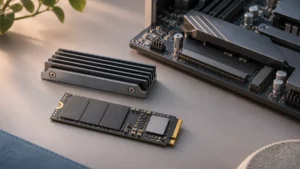
Research checked November 12, 2026. This is a specification-based buying guide; DrivesHero has not performed a new hands-on test of these products for this article. Featured image: AI-generated conceptual illustration, not a photograph of the specific products.

James Kennedy is a writer and product researcher at Drives Hero with a background in IT administration and consulting. He has hands-on experience with storage, networking, and system performance, and regularly improves and optimizes his home networking setup.