Boot Speed Ssd Vs Hdd: Which One Is More Preferable?
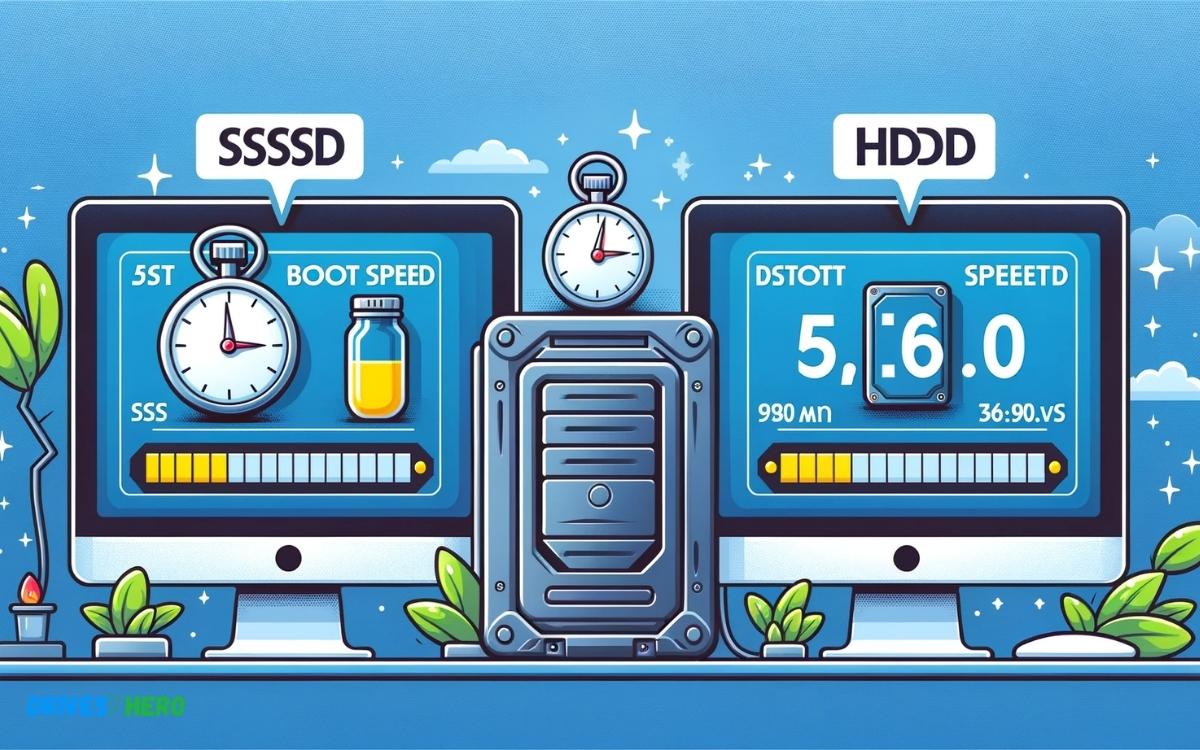
When comparing the boot speed of SSDs (Solid State Drives) versus HDDs (Hard Disk Drives), the difference is immediately noticeable.
Check out this helpful video on the topic:
SSDs, with their lack of moving parts and use of flash memory, offer significantly faster boot times compared to HDDs. This is primarily due to the near-instantaneous access times of SSDs, allowing the operating system to load much more quickly.
In contrast, HDDs rely on spinning disks and mechanical read/write heads, leading to slower boot speeds as the system waits for these components to initialize and access the necessary data.
Consequently, upgrading from an HDD to an SSD can dramatically reduce boot times, resulting in a smoother and more responsive user experience.
Key Takeaway
10 Features Of Boot Speed Ssd Vs Hdd
| Feature | SSD (Solid State Drive) | HDD (Hard Disk Drive) |
|---|---|---|
| Boot Speed | Typically under 10 seconds | Usually 30 seconds or more |
| Data Transfer | 200 MB/s – 550 MB/s (SATA); up to 3500 MB/s (NVMe) | 80 MB/s – 160 MB/s |
| Noise | Nearly silent as there are no moving parts | Audible spinning and clicking noises |
| Durability | Higher due to lack of moving parts | Lower due to moving parts |
| Power Consumption | Generally lower; around 2 – 3 watts | Higher; usually 6 – 7 watts |
| Heat Production | Minimal due to no moving parts | Generates more heat due to moving parts |
| Cost per GB | Higher cost per gigabyte | Lower cost per gigabyte |
| Capacity | Smaller capacities up to 4TB commercially | Larger capacities up to 14TB+ |
| Form Factor | 2.5”, 1.8”, and M.2 (for NVMe) | 3.5” and 2.5” |
| Lifespan | Limited by write cycles, but generally long-lasting | Prone to wear and tear over time |
Understanding Boot Speed
Boot speed refers to the time it takes for your computer to start up and become usable after being turned on. This is a crucial aspect of user experience, as a faster boot speed means less waiting time and more efficient usage of the device.
Definition Of Boot Speed
Boot speed, also known as startup time, is the duration it takes for a computer to perform the necessary processes to load the operating system and other essential software, making the system ready for use.
What Is Boot Speed?
Boot speed is the time taken by a computer to power on and load the operating system and other essential software, allowing the user to start using the system without experiencing significant delays.
Importance Of Fast Boot Speed
A fast boot speed is essential for a seamless user experience. It ensures that users can quickly start working on their tasks without being held back by long waiting times. Fast boot speed contributes to overall productivity and efficiency in using the computer.
Hdd Boot Speed
When it comes to boot speed, the choice between HDD (Hard Disk Drive) and SSD (Solid State Drive) is crucial. In this post, we’ll delve into the specifics of HDD boot speed and compare it with SSD to help you make an informed decision.
Overview Of Hdd Boot Speed
HDD boot speed refers to the time it takes for a computer to start up and become operational using a Hard Disk Drive.
Unlike SSDs that use NAND flash memory for storage, HDDs store data on spinning magnetic disks, which can affect the boot speed performance.
Factors Affecting Hdd Boot Speed
- Drive RPM (Revolutions Per Minute)
- Fragmentation and disk health
- System configuration and hardware
- Operating system and boot files location
Comparison Of Hdd Boot Speed With Ssd
When comparing HDD boot speed with SSD, HDDs generally have slower boot times due to their mechanical nature.
SSDs, on the other hand, offer significantly faster boot speeds due to their lack of moving parts and instant data access. Moreover, the lack of fragmentation in SSDs further contributes to their faster boot times compared to HDDs.
Ssd Boot Speed
When it comes to boot speed, SSDs (Solid State Drives) have gained a competitive edge over traditional HDDs (Hard Disk Drives) due to their lightning-fast performance.
Overview Of Ssd Boot Speed
SSD boot speed refers to the time it takes for a computer to power on and load the operating system when using a solid-state drive.
The absence of moving parts in SSDs enables them to access data much faster than HDDs, resulting in significantly quicker boot times.
Factors Affecting Ssd Boot Speed
Several factors contribute to the SSD boot speed, including the drive’s read/write speeds, the type of interface (SATA, NVMe), the system’s hardware and configuration, and the optimization of the operating system.
The read/write speeds, in particular, play a crucial role in determining how quickly the operating system can be loaded from the SSD.
Comparison Of Ssd Boot Speed With Hdd
When comparing the SSD boot speed with HDDs, the difference is stark. SSDs can boot up a system in a matter of seconds, while HDDs typically take several times longer due to their mechanical nature.
The absence of moving parts in SSDs eliminates the mechanical delay experienced by HDDs, making them the clear winner in terms of boot speed.
Performance Comparison
In the world of computer storage, the debate between SSDs and HDDs has been ongoing for quite some time.
Both offer their own set of advantages and drawbacks, but when it comes to boot speed, there’s a clear winner.
The performance comparison between SSD and HDD when it comes to boot speed is crucial for anyone looking to optimize their system’s startup time.
Speed Comparison Between Ssd And Hdd
- SSDs, or Solid State Drives, are renowned for their lightning-fast speed and responsiveness.
- Unlike traditional HDDs (Hard Disk Drives), SSDs don’t rely on moving parts to access data, resulting in significantly faster boot times.
- The difference in speed between SSDs and HDDs can be dramatic, with SSDs being up to 30-100 times faster in terms of boot speed.
- This rapid boot time can make a noticeable difference in the overall performance and user experience of a system.
Benchmarks For Boot Speed
When it comes to benchmarks for boot speed, the performance disparity between SSDs and HDDs becomes abundantly clear.
Various tests and studies consistently demonstrate the superior boot speed of SSDs compared to traditional HDDs.
For instance, popular benchmarks like CrystalDiskMark and AS SSD Benchmark consistently show that SSDs outperform HDDs by a significant margin in boot speed tests.
Real-world Performance Differences
- Faster application launch times: SSDs excel in quickly launching applications and loading files, enhancing overall productivity.
- Improved multitasking capabilities: The speed of SSDs allows for more efficient multitasking, enabling smoother transitions between different tasks and applications.
- Reduced system startup time: SSDs considerably reduce the time it takes for a system to boot up, minimizing downtime and enhancing user experience.
When it comes down to it, the performance benefits of SSDs extend beyond boot speed alone. Real-world usage scenarios consistently reflect the superiority of SSDs over HDDs in terms of overall system responsiveness and efficiency.
Conclusion
The speed difference between SSDs and HDDs is clear. SSDs offer faster boot times, improved system responsiveness, and overall better performance. If you’re looking for a significant speed boost, investing in an SSD is the way to go.
With its numerous benefits, the SSD is undoubtedly the superior choice for enhancing boot speed and overall computing experience.

Harold Williams is a senior writer and technical editor at Drives Hero with 20+ years of experience in IT administration. He specializes in storage systems, SSD reviews, and performance testing, bringing real-world insight to every guide.