Data Transfer Rate Ssd Vs Hdd: Which One Is More Preferable?
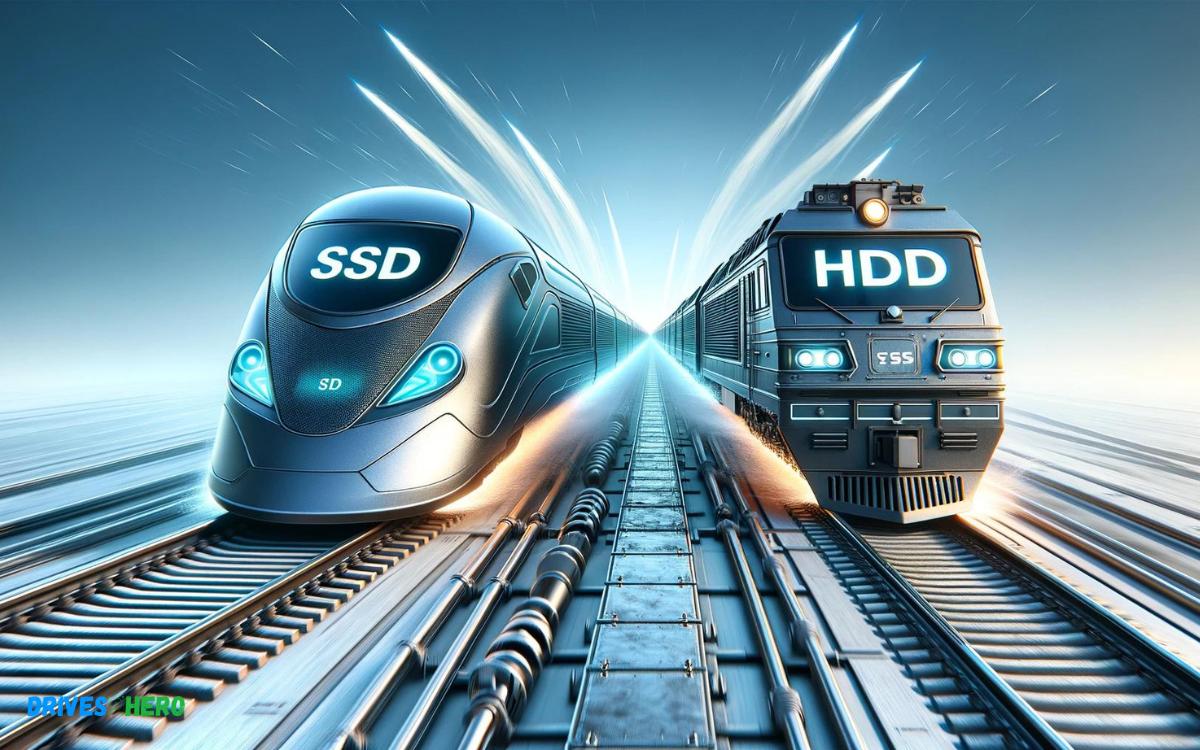
Solid State Drives (SSDs) generally offer significantly faster data transfer rates compared to Hard Disk Drives (HDDs).
Check out this helpful video on the topic:
On average, a SATA SSD will have a data transfer rate of about 500 MB/s, while newer NVMe SSDs can reach speeds up to 3500 MB/s or higher. In contrast, a modern HDD typically has a data transfer rate around 100-160 MB/s.
Data transfer rate is crucial when it comes to overall computer performance, especially in tasks that involve moving large files or running programs that frequently read and write to the storage device.
The superior speed of SSDs is due to the absence of moving parts, as they use NAND flash memory to store data, allowing for quicker access and transfer of data.
HDDs rely on mechanical parts spinning disks (platters) and moving read/write heads, which makes them slower:
- SSDs use flash memory, resulting in quick data access and high transfer rates.
- HDDs have mechanical parts, leading to relatively slower data transfer rates.
- SATA SSDs: ~500 MB/s transfer speed.
- NVMe SSDs: Up to 3500 MB/s or higher.
- HDDs: ~100-160 MB/s transfer speed.
Experience a remarkable boost in speed and performance when upgrading from an HDD to an SSD, thanks to the vastly superior data transfer rates of solid-state technology.
Key Takeaway
8 Specifications Of Data Transfer Rate Ssd Vs Hdd
| Specification | SSD (Solid State Drive) | HDD (Hard Disk Drive) |
|---|---|---|
| Data Transfer Rate (Average) | 200 MB/s – 550 MB/s (SATA SSDs)<br>3,500 MB/s (NVMe SSDs) | 100 MB/s – 160 MB/s |
| Peak Data Transfer Rate | Up to 700 MB/s (SATA SSDs)<br>Up to 7,000 MB/s (NVMe SSDs) | Up to 210 MB/s |
| Access Time | 0.1 ms | 5 ms – 10 ms |
| Power Consumption | Lower power consumption due to no moving parts | Higher power consumption due to mechanical parts |
| Noise Level | Silent operation | Audible clicks and spinning noise |
| Vibration | No vibration as there are no moving parts | Susceptible to vibration due to spinning disks |
| Heat Production | Generally lower | Generally higher |
| Durability | Higher due to no moving parts; less prone to physical damage | Lower due to sensitive mechanical parts |
Understanding Data Transfer Rate
Data transfer rates dramatically differ between SSDs and HDDs, with SSDs typically offering faster speeds due to their lack of moving parts.
Understanding these variations is crucial for optimizing computer performance and data management efficiency.
Importance In Storage Devices
- System Boot-up: A higher DTR leads to quicker system start-ups.
- File Access: Files open faster, leading to a smoother user experience.
- Data Copy/Transfer: Large files can be moved or copied in less time, enhancing productivity.
- Application Performance: Applications that handle large volumes of data run more efficiently with higher DTRs.
Potential table or bullet points comparing actual DTR data
| Device Type | Average Read Speed (MB/s) | Average Write Speed (MB/s) |
|---|---|---|
| SSD | 500 – 550 | 450 – 500 |
| HDD | 80 – 160 | 100 – 140 |
Assessing the DTR of SSDs and HDDs is crucial when evaluating the broader performance of a computer or storage solution.
Ultimately, the choice between an SSD or HDD may hinge on the user’s specific needs, weighing the balance between speed, capacity, and cost.
The stark contrasts in DTR can guide this decision, allowing users to tailor their systems for optimal performance.
Hdd Data Transfer Rate Explained
Understanding the differences in data transfer rates between SSDs and HDDs is critical for optimizing computer performance.
SSDs generally offer faster speeds than HDDs, enhancing file transfer efficiency and system responsiveness. This key advantage makes SSDs the preferable choice for high-speed operations and data-heavy tasks.
Factors Affecting Hdd Data Transfer Rate
Fundamental factors influence the performance of an HDD’s data transfer rates:
- Platter Rotation Speed: Measured in revolutions per minute (RPM), a higher RPM denotes faster data reading and writing capabilities.
- Disk Density: This refers to the amount of data that can be stored on a single square inch of the drive’s platter. Higher density can lead to quicker data transfer rates.
- Data Fragmentation: Over time, files can become fragmented, spreading pieces of data across the disk, slowing transfer rates as the read/write head has to move more to access all fragments.
- Interface Type: The interface, such as SATA (Serial ATA) or PATA (Parallel ATA), defines the maximum potential speed of data transfer between the storage device and the computer.
- Cache Size: HDDs come with a cache memory. Larger cache sizes typically result in better performance as more data can be temporarily stored for quick access.
Comparison Of Hdd Data Transfer Rates
A straightforward comparison between HDDs helps us understand the spectrum of transfer rates available:
| RPM | Average Data Transfer Rate (MB/s) |
|---|---|
| 5400 RPM | 100 MB/s – 150 MB/s |
| 7200 RPM | 150 MB/s – 200 MB/s |
| 10000 RPM | 200 MB/s – 250 MB/s |
Dive into these averages, and you’ll find notable diversities based on the make and model of the HDD.
Remember, the rotational speed has a profound impact, with enterprise-level drives pushing towards the higher end of these average rates due to optimized performance and reliability features.
Ssd Data Transfer Rate Explained
SSD drives boast significantly faster data transfer rates than HDDs, revolutionizing file access and write speeds.
While HDDs rely on mechanical parts, SSDs leverage flash memory, ensuring quicker, more efficient data handling and improved overall performance.
Factors Affecting Ssd Data Transfer Rate
- Interface Type: The connection interface of an SSD, such as SATA or NVMe, is a key determinant of its potential speed.
- Controller Chip: The SSD’s controller orchestrates data flow and can be a bottleneck if not high-quality.
- NAND Flash Type: Types of NAND like SLC, MLC, TLC, or QLC impact both performance and durability.
- DRAM Cache: The presence of a DRAM cache can greatly enhance the speed by storing the mapping table of the SSD.
- Firmware: Firmware optimizes performance and reliability, affecting the overall transfer rate.
- SSD Capacity: Larger SSDs generally offer better performance due to increased parallelism.
Comparison Of Ssd Data Transfer Rates
| Type of SSD | Peak Read Speeds | Peak Write Speeds |
|---|---|---|
| SATA SSD | Up to 600 MB/s | Up to 600 MB/s |
| NVMe SSD | Up to 3500 MB/s | Up to 3000 MB/s |
Impact Of Data Transfer Rate On Performance
The Data Transfer Rate is a critical factor influencing SSD and HDD performance. SSDs boast significantly higher rates, enabling quicker file access and system responsiveness compared to HDDs, thus enhancing overall computing efficiency.
Real-world Examples And Benchmarks
| Storage Type | Interface | Max Read Speed (GB/s) | Max Write Speed (GB/s) |
|---|---|---|---|
| Samsung 970 EVO Plus SSD | PCIe NVMe | 3.5 | 3.3 |
| Western Digital Blue HDD | SATA III | 0.15 | 0.15 |
- Boot Time: SSDs often boot in less than 30 seconds; HDDs can take over a minute.
- Gaming: Games load noticeably faster on SSDs, enhancing the gaming experience.
- File Transfers: Large file transfers can be several times quicker with SSDs.
Optimizing Data Transfer Rate In Storage Devices
Understanding and optimizing the data transfer rate of storage devices is crucial for efficient computing.
Particularly when comparing Solid-State Drives (SSD) with Hard Disk Drives (HDD), the differences in data transfer rates can significantly affect overall system performance.
An SSD’s data transfer rate typically eclipses that of an HDD, due to the absence of moving parts and more advanced technology.
Whether you’re gaming, handling large data sets, or just booting up, enhancing the transfer rate ensures a smoother and faster experience.
To elevate performance to its peak, one must adopt a series of best practices and leverage newer technologies aimed specifically at SSDs and HDDs.
Best Practices For Maximizing Data Transfer Rate
Boosting data transfer rates commences with implementing a handful of best practices:
- Regular defragmentation of HDDs can reorganize fragmented data, allowing for swifter access and transfer.
- Implementing RAID configurations can not only provide data redundancy but also improve speeds, especially in multi-drive setups.
- For both SSDs and HDDs, ensure that firmware is up to date to benefit from the latest speed enhancements and fixes.
- Maintaining at least 15-20% free space in your storage device prevents performance degradation.
- Connecting your storage devices using interfaces that support higher speeds, such as SATA 3 or NVMe for SSDs, can make a noticeable difference.
Technologies And Techniques For Improving Data Transfer Rates In Ssds And Hdds
Several technologies and techniques can help push data transfer rates even further:
| Technology/Technique | Description | Applicable to |
|---|---|---|
| NCQ (Native Command Queuing) | Optimizes the order of commands to improve efficiency. | HDDs/SSDs |
| TRIM | Allows for automatic deletion of invalid data to streamline write performance. | SSDs |
| NVMe (Non-Volatile Memory Express) | Protocol designed to maximize the strengths of SSDs over PCIe connections. | SSDs |
| RAPID Mode | Utilizes free DRAM as a cache to enhance data processing speeds. | SSDs |
| S.M.A.R.T. (Self-Monitoring, Analysis, and Reporting Technology) | Monitors health and performance, anticipating failures before they happen. | HDDs/SSDs |
In addition to these technologies, optimizing the logical block addressing and alignment, especially in SSDs, can further improve performance.
Ensuring that your device’s drivers are optimized to work with your specific SSD or HDD is also crucial; these act as the communicators between your storage device and the rest of your computer system.
By considering these strategies, significant improvements in data transfer speeds can be achieved for both SSDs and HDDs.
Conclusion
Understanding the differences between SSDs and HDDs is crucial for optimizing your device’s performance. SSDs lead to faster data transfer rates, durability, and efficiency.
Yet, HDDs offer cost-effective, larger storage solutions. Choose wisely to align with your storage needs and enhance your computing experience.

Harold Williams is a senior writer and technical editor at Drives Hero with 20+ years of experience in IT administration. He specializes in storage systems, SSD reviews, and performance testing, bringing real-world insight to every guide.