Ssd Vs Hdd Speed Gaming: Which One Is More Preferable?
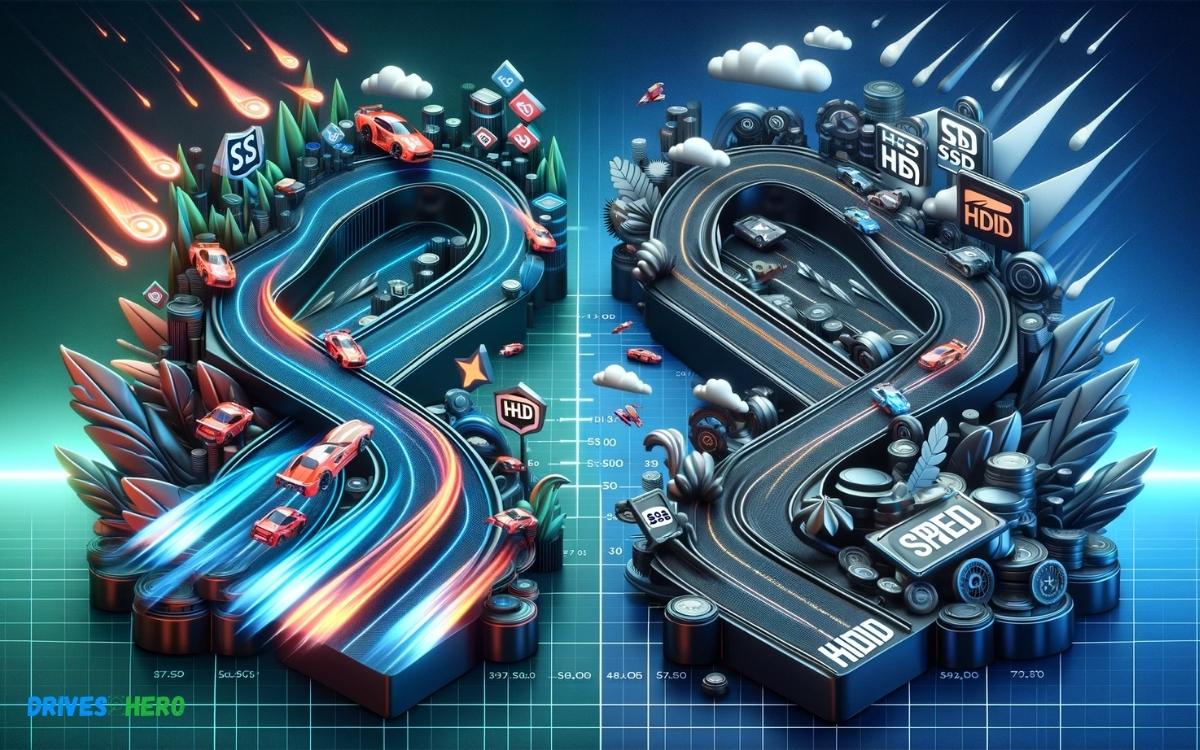
SSDs offer significantly faster data access speeds than HDDs, making them the superior choice for gaming. An SSD can greatly reduce game load times, improve in-game level transitions, and enhance overall system responsiveness.
Check out this helpful video on the topic:
When comparing SSDs (Solid State Drives) with HDDs (Hard Disk Drives) in the context of gaming, several key differences impact performance:
For example:
- When using an SSD, a game like “The Witcher 3” could load in just a few seconds, while the same game could take much longer on a traditional HDD.
Embrace lightning-fast game performance and seamless play with an SSD, leaving behind the sluggish load times associated with traditional HDDs.
Key Takeaway
10 Feature Of Ssd Vs Hdd Speed Gaming
| Feature | SSD (Solid State Drive) | HDD (Hard Disk Drive) |
|---|---|---|
| Storage Type | NAND-based flash memory (no moving parts) | Magnetic storage (spinning disk) |
| Speed | Read/write speeds typically 200-550 MB/s for SATA, up to 3500 MB/s for NVMe | Read/write speeds typically range from 80-160 MB/s |
| Access Time | Around 0.1ms | Around 5-10ms |
| Reliability | Higher due to no moving parts | Lower due to mechanical parts |
| Noise and Vibration | Virtually silent and no vibration | Generates noise and vibration from spinning disks |
| Heat Production | Low | Moderate due to moving mechanical parts |
| Power Consumption | Lower (2-3 watts) | Higher (6-7 watts) |
| Ideal Usage | Gaming, high-performance applications | Mass storage, budget builds |
| Cost per GB | Higher compared to HDD | Lower compared to SSD |
| Gaming Performance | Faster game load times, quicker texture and level loading | Slower game load times and level transitions |
Understanding Storage Drives
The choice between SSDs and HDDs has a significant impact on gaming performance. To make an informed decision, it’s essential to understand the differences between these two storage drives, including the definition of SSD and HDD, and the types available.
Types Of Ssds And Hdds
There are various types of SSDs and HDDs available, each with its own unique characteristics:
- SATA SSDs: These SSDs connect to the system using a SATA interface, providing faster data transfer rates compared to HDDs.
- PCIe SSDs: A PCIe SSD connects directly to the motherboard, offering even higher speeds than SATA SSDs.
- Hybrid SSDs: These drives combine the speed of an SSD with the larger storage capacity of an HDD, catering to both performance and storage needs.
On the other hand, HDDs also come in different types, including:
- 7200 RPM HDDs: These drives have a faster rotation speed, resulting in improved read and write performance compared to lower RPM HDDs.
- 5400 RPM HDDs: Although slower than 7200 RPM HDDs, these drives offer higher storage capacities at a more affordable price point.
Speed And Performance Comparison
When it comes to gaming, speed and performance are essential factors to consider. The choice between using a solid-state drive (SSD) or a hard disk drive (HDD) can greatly impact the speed and overall gaming experience.
Boot Speed
Boot speed is crucial for gamers who want to jump right into their games without any delay. SSDs are known for their lightning-fast boot times, allowing gamers to start playing within seconds.
On the other hand, HDDs typically have longer boot times, as they rely on spinning disks and mechanical components. This makes SSDs the clear winner when it comes to boot speed in gaming.
Loading Times In Gaming
- When it comes to gaming, loading times can make a significant difference in the overall gaming experience.
- SSDs excel in reducing loading times in games, allowing players to load levels and environments quickly, and minimizing any downtime.
- HDDs, due to their mechanical nature, tend to have longer loading times, which can be frustrating for gamers who want a seamless experience.
- Therefore, for loading times in gaming, SSDs outperform HDDs, providing a smoother and more enjoyable gaming experience.
Impact On Gaming Experience
When it comes to gaming, the choice between SSDs and HDDs can significantly impact the overall gaming experience.
Frame Rates And Loading Times
Frame rates and loading times are critical aspects of the gaming experience. The type of storage drive used can directly impact these factors.
SSDs, known for their blazing speed, can significantly improve frame rates and reduce game loading times compared to traditional HDDs.
Their ability to read and write data at a much faster pace allows for smoother gameplay and quicker transitions between scenes.
Storage Capacity Needs
When it comes to storage capacity needs, both SSDs and HDDs offer various options to accommodate different gaming libraries.
However, SSDs tend to have lower storage capacities compared to HDDs, making them more suitable for storing essential game files and programs.
On the other hand, HDDs provide higher storage capacities at a more affordable cost, making them ideal for gamers with extensive game collections.
Cost And Investment Considerations
When it comes to choosing between SSD and HDD for gaming, you need to consider the cost and investment implications.
Understanding the initial cost, long-term value, and durability of these storage options is essential for making an informed decision that meets your gaming needs and budget.
Initial Cost
One of the primary considerations when comparing SSDs and HDDs for gaming is the initial cost. Currently, SSDs are more expensive on a per-gigabyte basis compared to HDDs.
The cost per gigabyte is significantly higher for SSDs, making them a larger upfront investment. On the other hand, HDDs offer a more economical option, providing larger storage capacities at a lower cost.
Long-term Value And Durability
- While SSDs may have a higher initial cost, they offer superior long-term value and durability when it comes to gaming.
- SSDs are equipped with flash memory, making them faster, more responsive, and less prone to mechanical failure.
- With no moving parts, SSDs are generally more durable than HDDs, reducing the risk of data loss due to physical damage.
SSDs contribute to faster boot times, game loading, and overall system performance, enhancing the gaming experience.
What is a good SSD speed for gaming?
A good SSD speed for gaming typically involves considering both sequential and random read/write speeds.
Sure, here’s a list of bullet points outlining considerations for SSD speed in gaming:
- Sequential Read Speed: Aim for at least 500 MB/s for smooth loading of large game files.
- Sequential Write Speed: Look for speeds of 300 MB/s or higher to ensure efficient saving and data transfer during gameplay.
- Random Read/Write Speed: Important for loading game assets quickly, especially small files; higher speeds contribute to faster load times.
- Consider NVMe SSDs: These tend to offer faster speeds compared to SATA SSDs, potentially enhancing gaming performance.
- Budget Consideration: Faster SSDs generally come at a higher price point, so balance your performance needs with your budget constraints.
- Future-Proofing: Opting for SSDs with higher speeds can provide snappier system responsiveness and accommodate future gaming requirements.
- Check Reviews: Look for SSDs with positive reviews regarding speed and performance from reliable sources or trusted reviewers.
- Compatibility: Ensure the SSD you choose is compatible with your gaming system’s interface (SATA or NVMe) and form factor (2.5-inch, M.2, etc.).
- Brand Reputation: Consider SSDs from reputable brands known for quality and reliability in gaming environments.
- Warranty and Endurance: Look for SSDs with a good warranty and endurance rating, especially if you plan on heavy gaming usage.
Conclusion
Both SSDs and HDDs offer distinct advantages for gaming speed. While SSDs provide faster load times and smoother gameplay, HDDs offer larger storage capacity at a lower cost.
Ultimately, the choice between SSD and HDD depends on individual gaming needs and budget. Understanding their differences can help gamers make informed decisions for an optimized gaming experience.

Harold Williams is a senior writer and technical editor at Drives Hero with 20+ years of experience in IT administration. He specializes in storage systems, SSD reviews, and performance testing, bringing real-world insight to every guide.