SSD Controller List: Phison, Silicon Motion, Innogrit and More
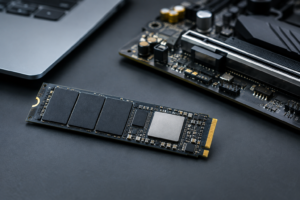
Not all SSDs with the same NAND type perform the same way, and the reason usually comes down to the controller. The controller is the tiny processor that manages how data moves between your NAND flash and DRAM (if the drive has any), and it has more influence over real-world speed, latency, and endurance than most spec sheets let on. This page is meant as a quick reference so you can look up what’s actually inside a drive before you buy it, rather than guessing based on marketing names.
We’ve broken this down by controller maker, since Phison, Silicon Motion, and Innogrit supply chips to dozens of brands you already recognize, like Corsair, Sabrent, ADATA, and Crucial. If you’re deciding between drive families in general, our WD Black SN770 vs SN850X breakdown is a good companion piece since it shows how controller choice changes performance even within the same brand.
Phison Controllers
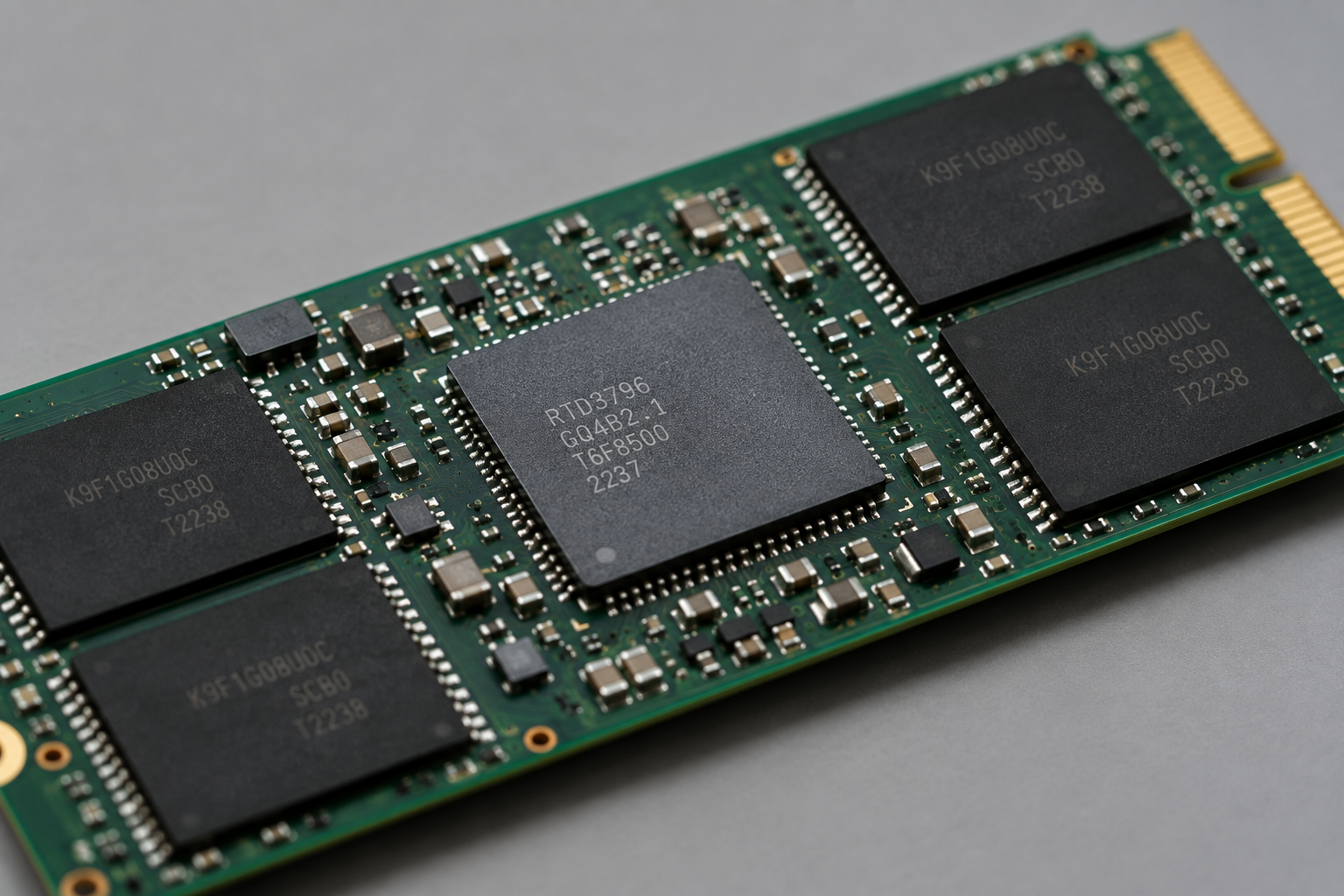
Phison is the largest third-party controller maker in the SSD business, and its chips show up in everything from budget drives to flagship PCIe 5.0 models.
- Phison E12/E12S: PCIe 3.0 x4, DRAM-based. Older but still found in some value drives; paired with TLC NAND.
- Phison E16: PCIe 4.0 x4, DRAM-based. Used in early Gen4 drives like the Corsair MP600 and Sabrent Rocket. Solid but outpaced by newer silicon.
- Phison E18: PCIe 4.0 x4, DRAM-based, this is the flagship chip behind the Seagate FireCuda 530, Corsair MP600 Pro, and Sabrent Rocket 4 Plus. Expect strong sustained writes because of the dedicated DRAM cache, plus TBW ratings that scale with capacity (often 600TBW at 1TB, 1200TBW at 2TB, and 2400TBW at 4TB depending on the drive).
- Phison E19T: PCIe 4.0 x4, DRAM-less with HMB support. A budget-focused controller found in entry Gen4 drives.
- Phison E21T: PCIe 4.0 x4, DRAM-less, HMB-reliant. Used in the Crucial P3 Plus and several budget ADATA models. Fine for everyday use, but you’ll notice write speed drop-off once the SLC cache runs out on large transfers.
- Phison E26: PCIe 5.0 x4, DRAM-based. The controller behind the Corsair MP700 and Gigabyte Aorus Gen5 10000, capable of sequential reads well past 10,000 MB/s. Runs hot, so most E26 drives ship with a heatsink built in or required.
Seagate FireCuda 530
Phison E18 with DRAM cache and high TBW ratings make this one of the most durable Gen4 drives you can buy.
One thing to watch with Phison-based drives: the same model name doesn’t always mean the same controller across capacities. Some 1TB versions of a drive ship with a DRAM-less controller while the 2TB and 4TB versions of that identical model get a DRAM-based chip because the higher capacity needs it to keep performance consistent. Always check the specific capacity you’re buying, not just the product line.
Silicon Motion Controllers
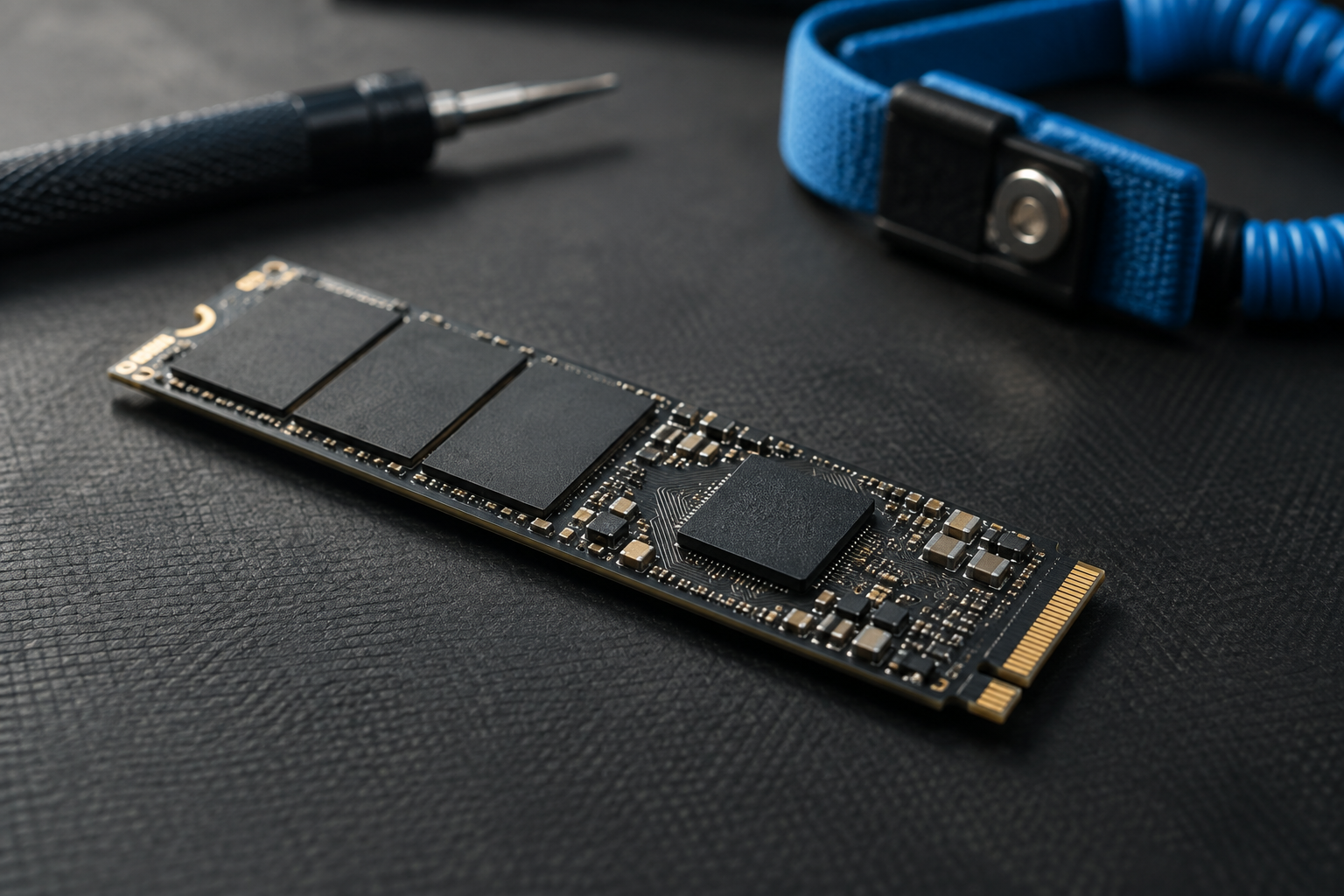
Silicon Motion (SMI) controllers tend to power the more budget and mid-range side of the market, though its newer chips are competitive with Phison at the high end too.
- SM2263: PCIe 3.0 x4, DRAM-less. Common in older budget NVMe drives.
- SM2262EN: PCIe 3.0 x4, DRAM-based. Found in the original Kingston KC2500 and similar mid-tier drives from a few years back.
- SM2267XT: PCIe 4.0 x4, DRAM-less, HMB-dependent. This is the controller behind the Kingston NV2 and several rebranded budget drives. Good for a boot drive, not ideal for heavy sustained workloads.
- SM2267: PCIe 4.0 x4, includes a small DRAM buffer in some SKUs. Slightly better sustained performance than the XT variant.
- SM2264: PCIe 4.0 x4, DRAM-based, aimed at the performance segment and used in several ADATA and Kingston Gen4 drives with more consistent write behavior.
- SM2508: PCIe 5.0 x4, DRAM-based. SMI’s newer flagship chip built to compete directly with Phison’s E26, with a focus on better thermals at similar speeds.
If you’re shopping for a budget NVMe drive, it’s worth checking whether it uses the DRAM-less SM2267XT or the DRAM-equipped SM2264, since that difference matters a lot more once you’re moving large files, editing video, or doing anything beyond general Windows use. Our SATA vs NVMe for gaming guide covers when the controller-level difference actually shows up during gameplay versus when it doesn’t matter much.
Innogrit and Other Notable Controllers
Innogrit is a newer name but has carved out real market share, especially with ADATA and XPG.
- Innogrit IG5220 (Rainier Lite): PCIe 4.0 x4, DRAM-based, used in some mid-range ADATA drives.
- Innogrit IG5236 (Rainier): PCIe 4.0 x4, DRAM-based, this is the controller in the XPG Gammix S70 Blade and ADATA Legend 960, known for strong sequential speeds and decent thermal behavior for a Gen4 part.
- Innogrit IG5666: PCIe 5.0 x4, DRAM-based, Innogrit’s answer to Phison E26 and SMI SM2508, appearing in newer XPG Gen5 drives.
Beyond these three, Samsung and WD/SanDisk use in-house controllers exclusively in their own drives rather than selling chips to other brands. Samsung’s Pablo controller runs the 980 Pro, and its newer Elpis controller powers the 990 Pro with notably better power efficiency. WD’s in-house controller is what separates the SN770 from the SN850X, and it’s a big part of why the SN850X pulls ahead in sustained workloads despite similar NAND. Marvell controllers are less common in consumer drives now but still show up in some enterprise and older SATA models like early Crucial MX-series drives.
Samsung 990 Pro
Samsung’s in-house Elpis controller and V-NAND pairing deliver some of the most consistent performance in the Gen4 space.
If you’re trying to decide whether any of this matters for your actual use case, our piece on whether NVMe is really faster than SATA SSDs is a good next read, and our WD Black vs Samsung SSD comparison digs into how these controller philosophies play out between two of the biggest brands.
How to Check Which Controller Is in Your Drive

Most manufacturers don’t print the controller name on the box, so you’ll need to check the manufacturer’s spec sheet, run a tool like CrystalDiskInfo, or search the model number alongside “controller” to find community teardown reports. This matters more than it sounds like, because two drives with identical NAND can perform very differently once the SLC cache is exhausted, and the controller is almost always the reason why.
Corsair MP600 Pro
Built on the Phison E18 with DRAM cache, a reliable pick if you want proven, well-documented hardware inside.
Frequently Asked Questions
Does the controller matter more than the NAND type?
They work together, but for most everyday use the controller has a bigger impact on how the drive behaves once you push it past quick, small transfers. NAND type affects raw endurance and cost, while the controller decides how well that NAND’s performance holds up during sustained writes, how the DRAM or HMB cache is managed, and how efficiently garbage collection runs in the background.
Are DRAM-less drives actually bad?
Not necessarily. Modern DRAM-less drives use Host Memory Buffer (HMB) to borrow a small slice of your system RAM, which closes a lot of the performance gap for typical tasks like booting, loading games, and general file access. Where they fall behind is in large, sustained transfers, so if you’re moving huge video files or working with large datasets regularly, a DRAM-based controller like the Phison E18 or Silicon Motion SM2264 is going to hold up better over time.
This article contains affiliate links. We may earn a small commission at no extra cost to you.

James Kennedy is a writer and product researcher at Drives Hero with a background in IT administration and consulting. He has hands-on experience with storage, networking, and system performance, and regularly improves and optimizes his home networking setup.