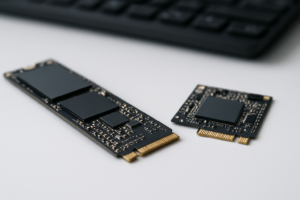
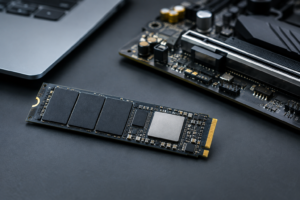
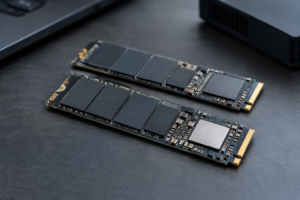
PCIe 5.0 SSDs With DRAM Cache
PCIe 5.0 has been out long enough that the market has split into two camps: drives with real onboard DRAM and drives that lean entirely on Host Memory Buffer (HMB) to borrow a slice of your system’s RAM instead. Both can be fast on paper, but they behave very differently under sustained workloads, and manufacturers don’t always make it obvious which one you’re buying. This page is a working reference for the PCIe 5.0 drives that actually ship with dedicated DRAM, broken down by controller, NAND, and the capacity-specific quirks that spec sheets tend to bury in footnotes.
Why DRAM Cache Still Matters on PCIe 5.0 Drives
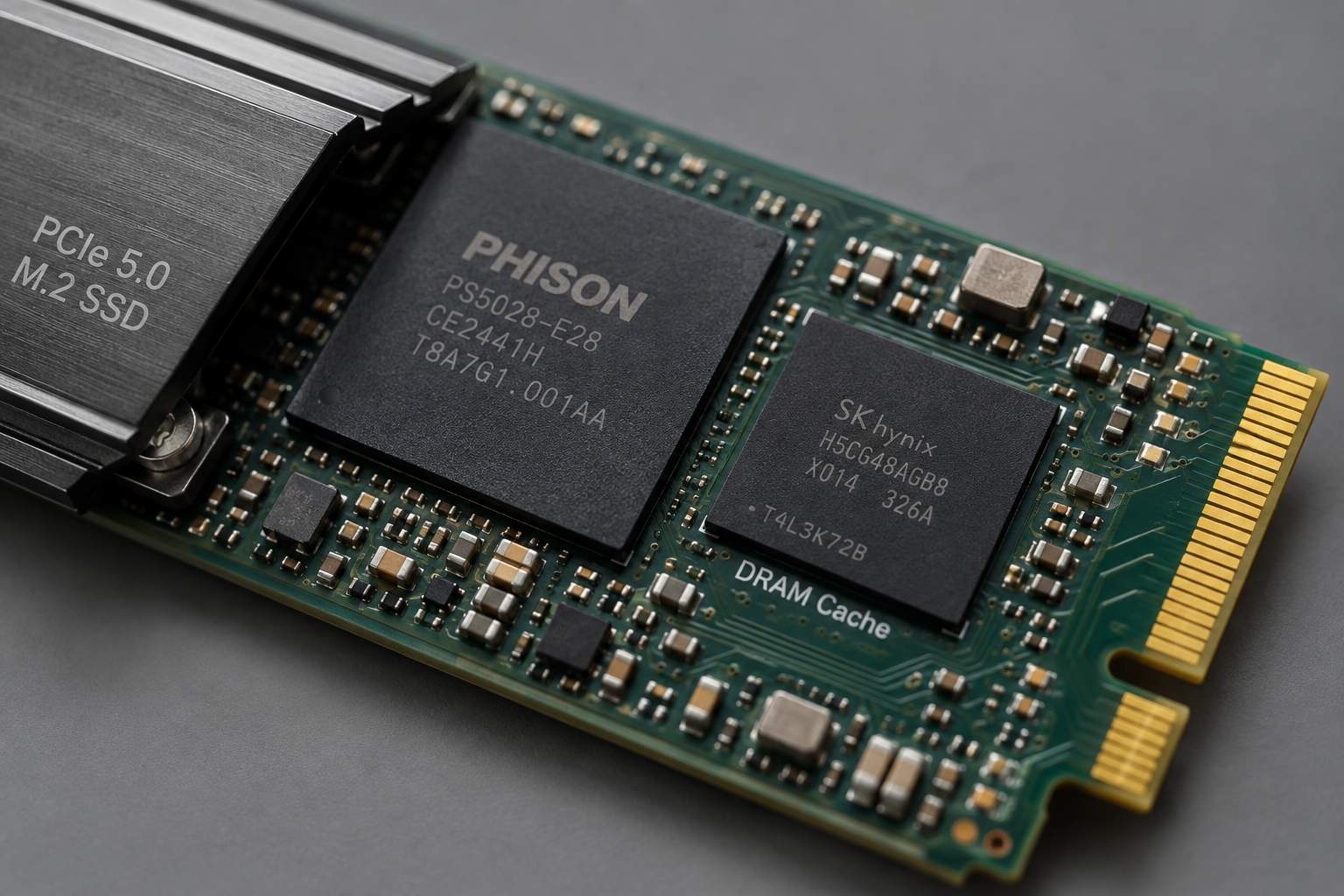
DRAM on an SSD stores the flash translation layer (mapping table) locally instead of pulling it from system memory over the PCIe bus. On a HMB drive, every lookup adds a small round trip to your CPU’s RAM, which is fine for burst workloads but starts to show up during large file transfers, database work, or heavy multitasking. If you’re curious how this plays out in real benchmarks, our breakdown of whether NVMe is really faster than older SSDs covers the mechanics in more depth.
Gamers often don’t notice the difference much since load times are short bursts, which is part of why SATA vs NVMe for gaming comparisons get muddy. But for content creators, virtualization, or anyone copying huge game libraries, a dedicated DRAM chip keeps performance consistent instead of dipping once the cache runs out.
PCIe 5.0 SSDs With Onboard DRAM
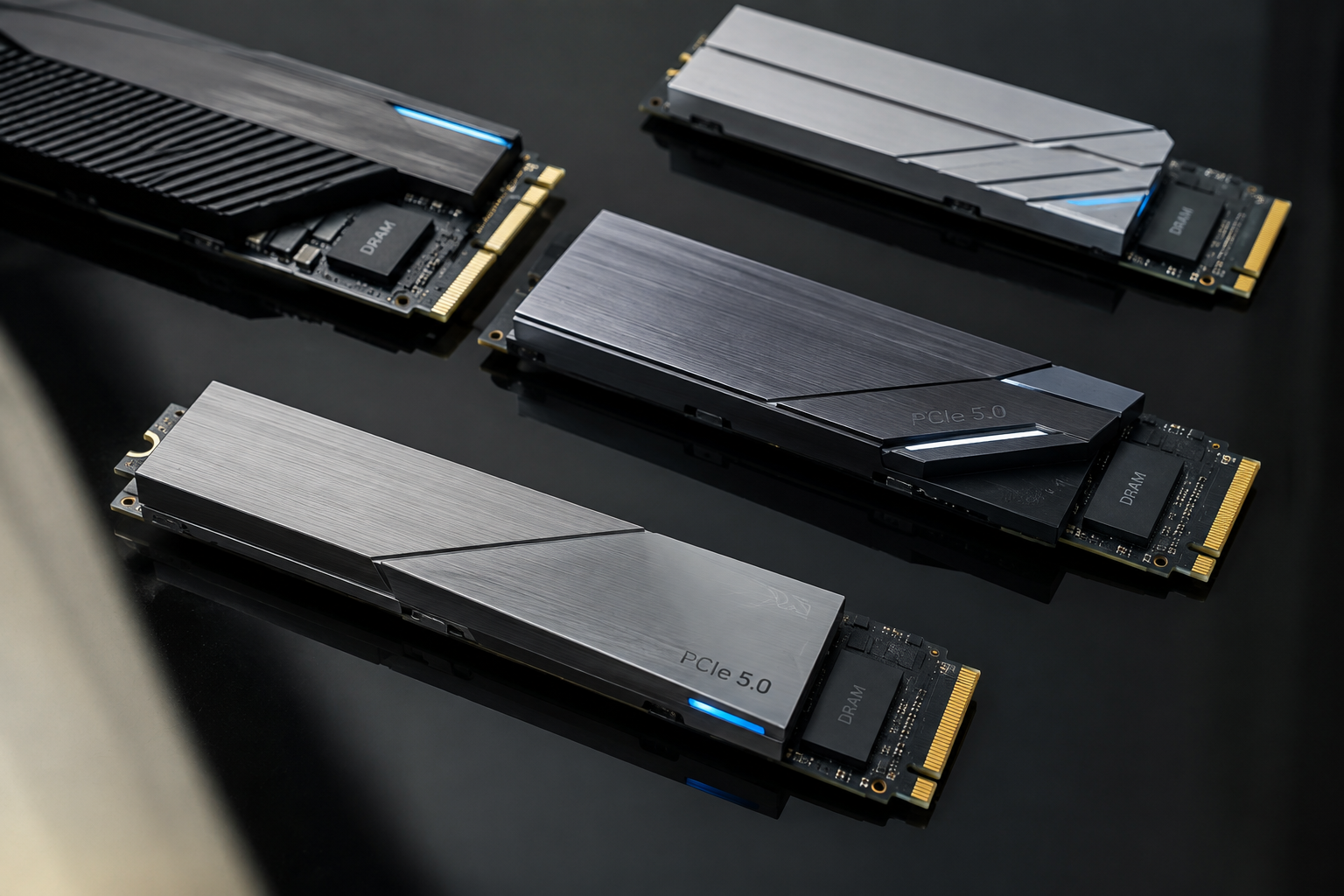
Crucial T700 / T705
Both use the Phison E26 controller paired with Micron’s 232-layer TLC NAND and an onboard LPDDR4 DRAM chip, not HMB. The T705 is the refreshed firmware/NAND revision with higher sustained speeds. Here’s where capacity matters: the 1TB model in both lines runs noticeably slower on writes than the 2TB and 4TB versions because it simply has fewer NAND dies to write in parallel. Endurance scales predictably too: 600TBW on the 1TB, 1200TBW on 2TB, and 2400TBW on 4TB, all backed by a 5-year warranty.
Crucial T700 2TB PCIe 5.0 SSD
Solid DRAM-backed pick with the best price-to-performance balance at the 2TB capacity where write speeds hit their stride.
Samsung 9100 Pro
Samsung’s own in-house controller pairs with its latest V-NAND TLC and an LPDDR4X DRAM cache. Like the Crucial drives, the 1TB SKU trades some write throughput for a lower price because it has half the parallel NAND channels populated compared to the 2TB and 4TB models. TBW figures follow the same rough 600/1200/2400 pattern by capacity, and Samsung backs it with a 5-year warranty, which is standard for this tier.
WD Black SN8100
WD moved to its own in-house controller here instead of Phison, paired with BiCS8 TLC NAND and dedicated DRAM. It’s built for lower power draw than the Phison E26 crowd while still hitting PCIe 5.0 peak speeds, which matters more in laptops than desktops. If you’re comparing it against WD’s older Gen4 lineup, our SN770 vs SN850X specs comparison is a useful baseline for how WD’s naming and tiers work.
SK hynix Platinum P51
SK hynix uses its own Aries controller with in-house 238-layer TLC and onboard DRAM, and it’s one of the more power-efficient PCIe 5.0 drives on the market, which helps it run cooler without a giant heatsink. It’s currently offered in 1TB and 2TB capacities, with the 2TB model pulling ahead on sustained write speed thanks to more active NAND dies. Endurance sits around 600TBW for the 1TB and 1200TBW for the 2TB, both under a 5-year warranty.
SK hynix Platinum P51 PCIe 5.0 SSD
Best pick if thermals and power draw matter more to you than chasing the absolute top speed number.
Capacity Changes the Hardware, Not Just the Price
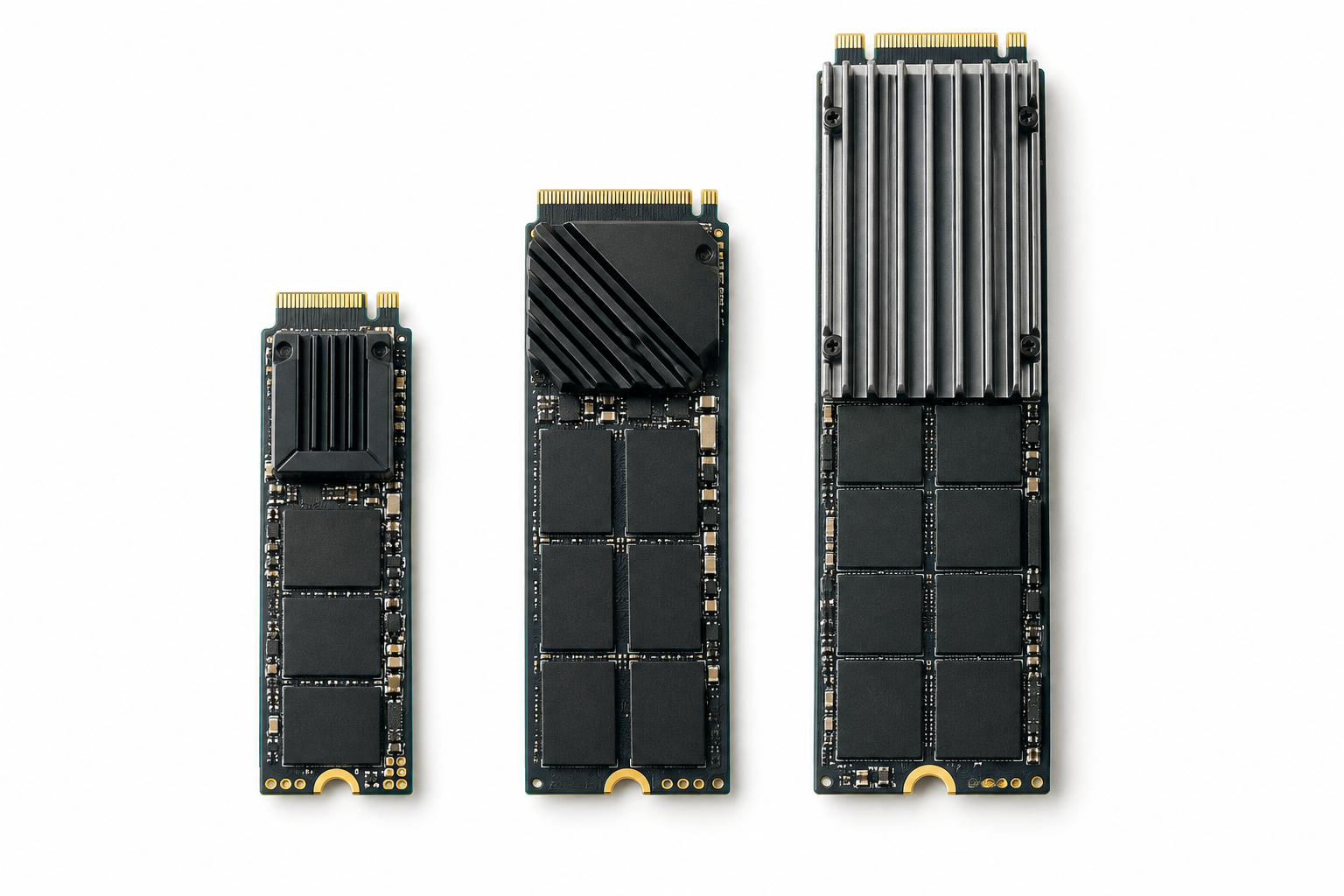
The pattern across nearly every brand here is the same: the smallest capacity in a lineup almost never performs identically to the larger ones, even though they share a model name. Fewer NAND dies means less parallelism, which caps write speed and sometimes endurance. If you’re deciding between capacities and wondering whether it’s worth stepping up, our guide on upgrading to a larger SSD walks through the tradeoffs beyond just storage space.
Before buying based on a headline spec, check the specific capacity’s listed sequential write speed and TBW rating rather than assuming it matches the flagship number quoted in marketing.
Frequently Asked Questions
Does every PCIe 5.0 SSD have DRAM cache?
No. A growing number of budget PCIe 5.0 drives are DRAM-less and rely on HMB, borrowing system RAM instead of using a dedicated chip. These can still hit high sequential numbers in benchmarks but tend to lose consistency during large, sustained transfers compared to drives with real onboard DRAM.
Is DRAM cache worth paying more for on a PCIe 5.0 drive?
If you’re doing heavy file transfers, video editing, or running virtual machines, yes, it makes a real difference in sustained performance. For lighter use like OS boot and casual gaming, a well-built HMB drive can be a reasonable way to save money without a major downside.
This article contains affiliate links. We may earn a small commission at no extra cost to you.

James Kennedy is a writer and product researcher at Drives Hero with a background in IT administration and consulting. He has hands-on experience with storage, networking, and system performance, and regularly improves and optimizes his home networking setup.