2TB NVMe SSDs With DRAM Cache
If you’re shopping for a 2TB NVMe drive and see “DRAM cache” listed in the spec sheet, don’t just skim past it. That single detail affects sustained write performance, drive longevity under heavy workloads, and how a drive handles large file transfers once its SLC cache runs dry. Not every drive marketed as “high performance” actually has a physical DRAM chip on board, and manufacturers don’t always make that obvious.
This page is built as a reference. Instead of explaining DRAM cache in the abstract, we’re listing specific 2TB NVMe drives, their actual controllers, NAND type, DRAM behavior, and warranty terms, so you can compare real specs instead of marketing copy. We’ve also flagged where a manufacturer swapped components between capacities or revisions, because that trips up a lot of buyers who assume every capacity of a model is built the same.
Why DRAM Cache Matters at the 2TB Capacity Point
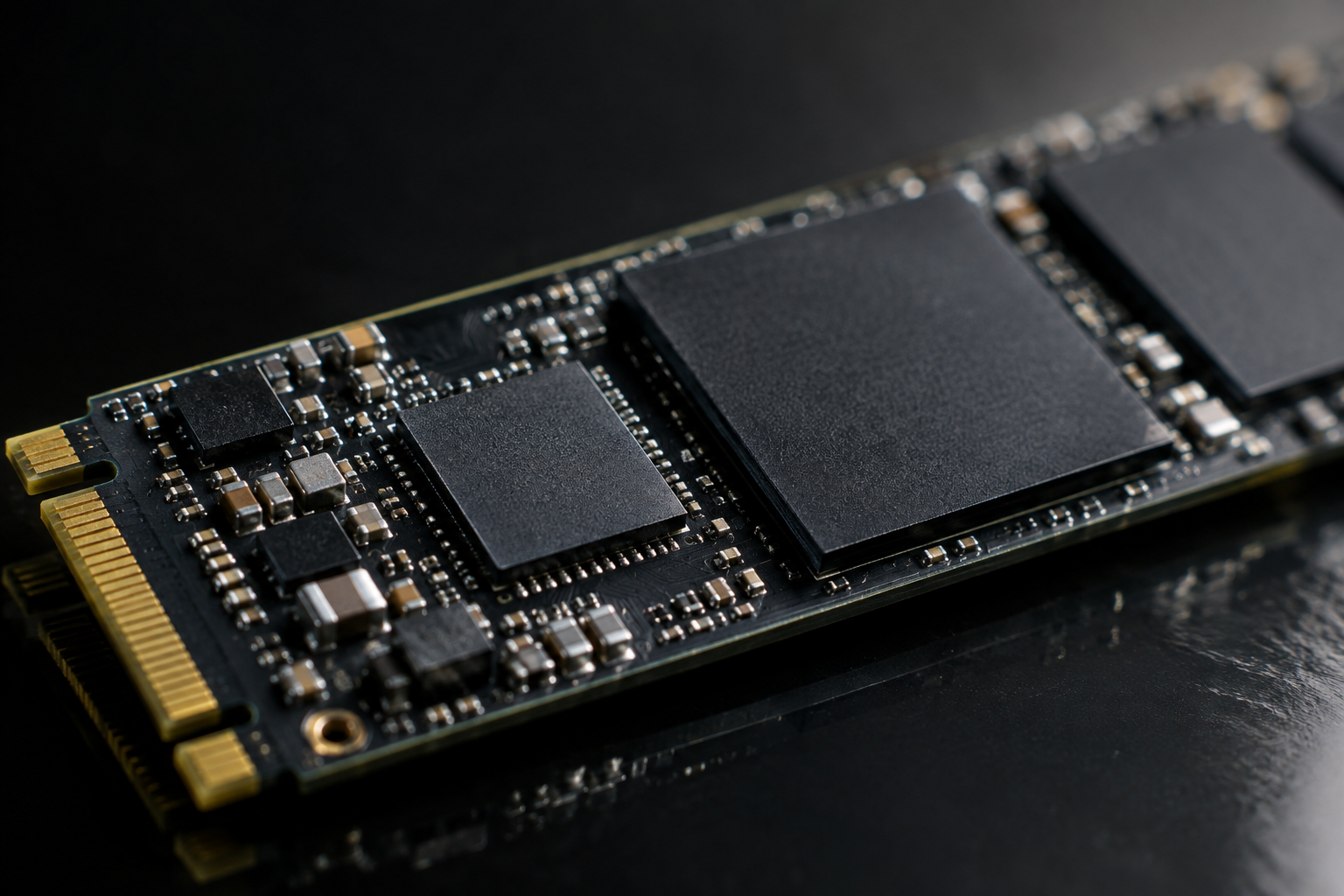
A DRAM chip on an SSD stores the mapping table that tells the controller where every piece of data physically lives on the NAND. Without it, the drive either uses Host Memory Buffer (HMB), which borrows a small slice of your system RAM over the PCIe link, or it manages the mapping table directly on the NAND, which is slower.
At 2TB, this distinction matters more than it does at 500GB. Larger drives have bigger mapping tables to manage, and DRAM-equipped drives generally hold up better during sustained writes, heavy multitasking, or NAS and workstation duty. If you’re curious how this plays out against SATA drives too, our breakdown on SATA vs NVMe SSD for gaming covers some of the practical differences.
2TB NVMe SSDs With DRAM Cache: Full Specs Lookup
Samsung 990 Pro 2TB
Samsung’s own Pablo controller pairs with in-house 176-layer TLC V-NAND and an LPDDR4 DRAM cache on every capacity, including the 2TB model. It’s a full PCIe 4.0 x4 drive rated for around 1,200TBW at 2TB, backed by a 5-year warranty. Samsung didn’t cut DRAM at any capacity tier on this model, which isn’t true of every drive on this list.
Samsung 990 Pro 2TB
Samsung’s flagship consumer NVMe drive with a full DRAM cache at every capacity, including 2TB.
WD Black SN850X 2TB
The SN850X uses Western Digital’s in-house controller paired with 112-layer BiCS5 TLC NAND and a dedicated DRAM cache, running over PCIe Gen4. WD lists roughly 1,200TBW endurance for the 2TB capacity with a 5-year warranty. This is worth contrasting with its little sibling, the SN770, which drops DRAM entirely and relies on HMB. We cover that gap in detail in our WD Black SN770 vs SN850X specs comparison, and it’s a good example of why you can’t assume every drive in a brand’s lineup shares the same architecture.
WD Black SN850X 2TB
Strong gaming and workstation performance with a genuine DRAM cache, unlike WD’s budget SN770 line.
Crucial T500 2TB
Crucial pairs a Silicon Motion SM2408 controller with Micron’s own 232-layer TLC NAND and onboard DRAM. It runs PCIe Gen4 and Crucial rates the 2TB model at around 1,200TBW with a 5-year warranty. The T500 tends to run cooler than Phison-based competitors, which matters if you’re installing it in a laptop or a tight case without much airflow.
Seagate FireCuda 530 2TB
This drive uses the Phison E18 controller alongside Micron 176-layer TLC NAND and a DRAM cache. Seagate rates the 2TB FireCuda 530 with unusually high endurance, around 2,550TBW, and backs it with a 5-year warranty that includes rescue data recovery services on some SKUs. It’s one of the more durable consumer drives at this capacity if you’re writing large amounts of data regularly.
Seagate FireCuda 530 2TB
High endurance rating and included data recovery plan make this a solid pick for heavy write workloads.
Kingston KC3000 2TB
Kingston also builds around the Phison E18 controller, combined with Micron 176-layer TLC NAND and a DRAM cache. The 2TB model is rated around 1,600TBW with a 5-year warranty. Specs are close to the FireCuda 530 since they share a controller family, but Kingston’s firmware tuning and pricing tend to differ, so it’s worth comparing both before deciding.
SK hynix Platinum P41 2TB
SK hynix uses its own Aries controller with in-house 176-layer TLC NAND and a DRAM cache, running PCIe Gen4. The 2TB capacity carries roughly a 1,200TBW rating and a 5-year warranty. It’s less commonly stocked than the other drives here, but it’s consistently one of the more power-efficient DRAM-equipped drives in this class.
Drives That Look Similar But Skip DRAM
Not every “Pro” or “Black” branded drive actually includes DRAM at every capacity. WD’s SN770 uses HMB only, at all capacities, despite sitting in the same product family as the DRAM-equipped SN850X. Samsung’s standard 980 (not the 980 Pro) also relies on HMB rather than onboard DRAM.
Even within a single model line, some manufacturers reduce or change DRAM chip size at lower capacities to cut costs. This is exactly the kind of detail that gets lost when people assume a 1TB and 2TB version of the same model are identical apart from storage size. If you want a deeper look at how these tiers get marketed, our article on 512GB NVMe SSD vs 512GB SSD walks through similar labeling confusion at a smaller capacity.
How to Verify DRAM Presence Yourself
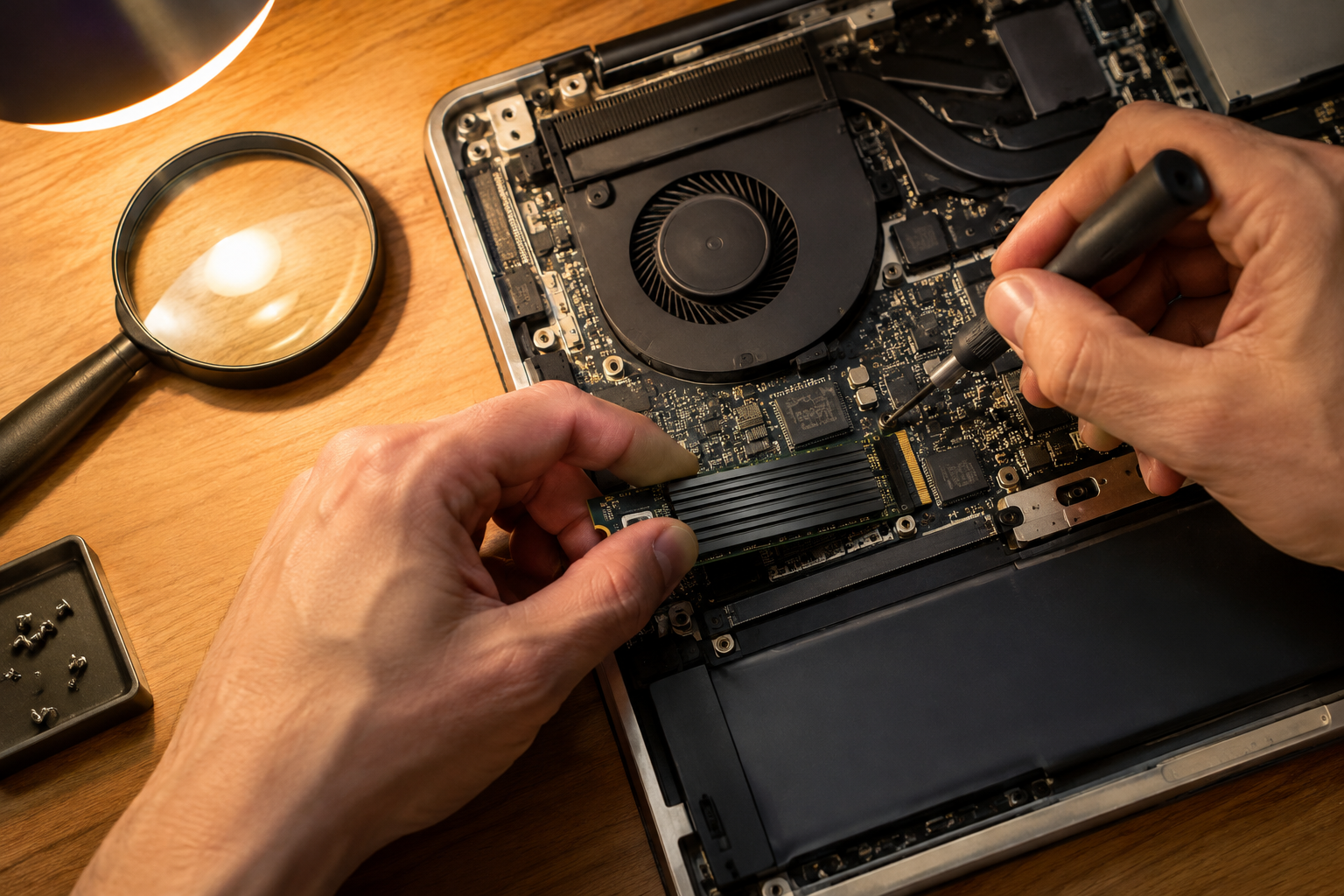
Manufacturer spec sheets are the first place to check, but they don’t always spell out DRAM clearly. Look for the DRAM chip listed under “cache” or “buffer” in the technical specifications, not just in marketing bullet points.
- Search the exact model and capacity together, since some brands only include DRAM above 1TB.
- Check independent teardown reviews, which physically identify the DRAM chip on the PCB.
- Look up the controller model separately. Controllers like Phison E18, Samsung Pablo, and WD’s in-house design are all DRAM-capable, but manufacturers can still ship them without a DRAM chip attached on cheaper SKUs.
If you’re weighing whether the DRAM question even matters for your use case, our guide on whether NVMe is really faster than SATA SSDs is a good starting point for understanding where these performance differences actually show up in daily use.
FAQ
Does every 2TB NVMe SSD have DRAM cache?
No. Some 2TB drives, particularly budget models, still rely on HMB instead of a physical DRAM chip. DRAM presence depends on the specific model and sometimes the specific capacity, not just the price bracket the drive sits in.
Is DRAM cache worth paying more for on a 2TB drive?
If you do sustained large file transfers, video editing, or run a NAS or workstation, yes. For basic gaming or everyday computing, a well-designed HMB drive can perform close enough that you might not notice the difference day to day.
Do all capacities of the same SSD model share identical specs?
Not always. Manufacturers frequently change DRAM size, NAND die count, or even NAND generation between capacities of the same model name. Always check the specific capacity’s spec sheet rather than assuming the 1TB and 2TB versions are built the same way.
This article contains affiliate links. We may earn a small commission at no extra cost to you.

James Kennedy is a writer and product researcher at Drives Hero with a background in IT administration and consulting. He has hands-on experience with storage, networking, and system performance, and regularly improves and optimizes his home networking setup.