7200 Rpm Vs Ssd Speed: Which Is The Better Choice?
When comparing 7200 RPM hard drives to SSDs in terms of speed, SSDs are significantly faster.
Check out this helpful video on the topic:
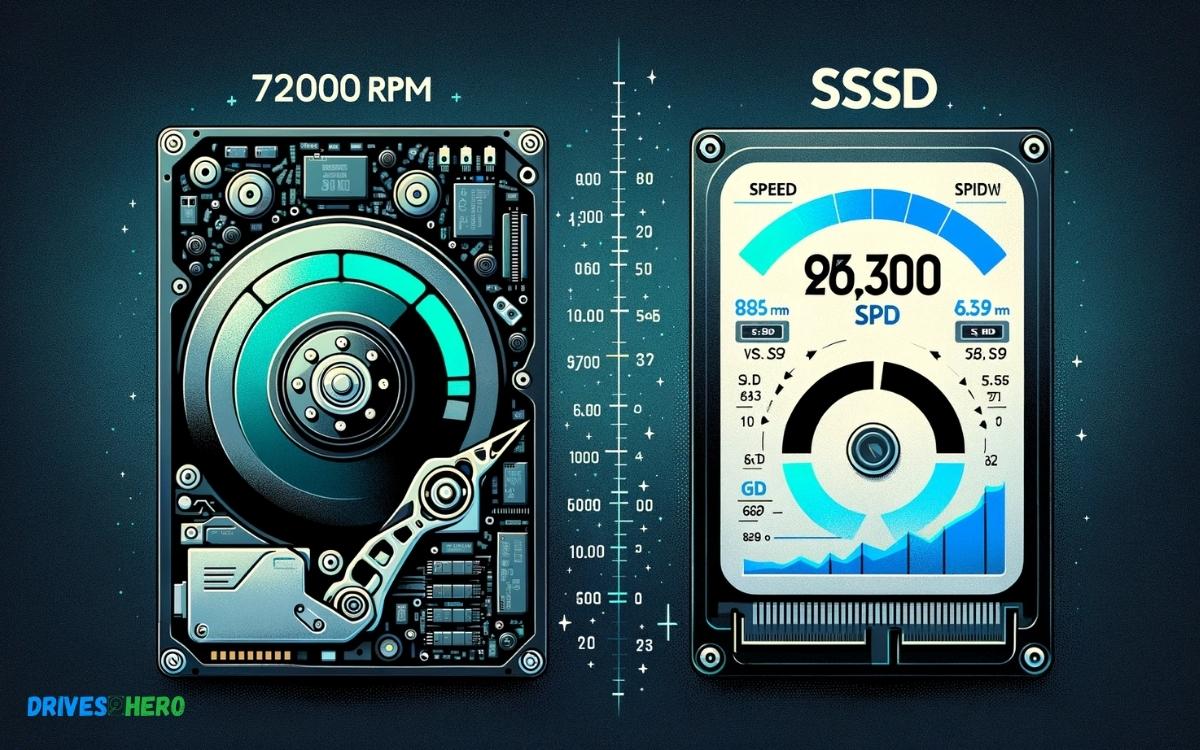
A 7200 RPM hard drive typically offers read/write speeds around 80-160 MB/s, whereas an SSD can deliver speeds from 500 MB/s up to 5500 MB/s or more, depending on the interface and technology used, like NVMe over PCIe.
Hard disk drives (HDDs) like the 7200 RPM models store data on rotating magnetic platters. The RPM (rotations per minute) indicates the speed of the platter; a higher RPM generally means faster data reading and writing.
However, HDDs are limited by the mechanical nature of their moving parts. On the other hand, Solid State Drives (SSDs) use flash memory to store data, which allows for much faster data access as there are no moving parts to slow down the process.
The type of SSD and the interface it uses (e.g., SATA III, NVMe over PCIe) play significant roles in its performance capabilities. NVMe SSDs, in particular, offer the highest speeds due to their direct connection to the motherboard via the PCIe bus.
Here are some speed comparisons:
For rapid boot times, quick file transfers, and overall system responsiveness, an SSD far outpaces a 7200 RPM hard drive, making it a preferred choice for speed-critical applications.
Key Takeaway
13 Features Of 7200 Rpm Vs Ssd Speed
| Feature | 7200 RPM HDD | SSD |
|---|---|---|
| Average Read Speed | 80-160 MB/s | 200-550 MB/s or higher |
| Average Write Speed | 80-160 MB/s | 200-500 MB/s or higher |
| Access Time | 5-10 ms (milliseconds) | 0.1 ms (milliseconds) |
| Data Transfer Rate | Up to 1,000 Mbit/s (or 125 MB/s) | Up to 6 Gbit/s (or 750 MB/s) for SATA SSDs; up to 64 Gbit/s (or 8,000 MB/s) for NVMe SSDs |
| Power Consumption | 6-7 Watts (active) | 2-3 Watts (active) |
| Noise | Audible spinning and reading noise | Silent operation |
| Heat Production | Moderate, requires cooling | Low heat output, less cooling needed |
| Durability & Lifespan | Prone to mechanical failure; 3-5 years average lifespan | No moving parts; typically 5-7 years or more |
| Cost per Gigabyte | Cheaper, 0.03−0.03 – 0.03−0.05 per GB | More expensive, 0.10−0.10 – 0.10−0.25 per GB |
| Capacity | Commonly up to 10TB | Commonly up to 4TB for consumer SSDs |
| Usage | Bulk storage, archives, backup | System drives, applications that require fast access |
| Vibration Resistance | Sensitive to vibrations | Highly resistant to vibrations |
| Impact Resistance | Low; can be damaged by drops/shocks | High; more resistant to physical damage |
Understanding Storage Drive Technologies
Hard Disk Drives (hdd)
Hard disk drives (HDD) are the traditional, mechanical storage devices used in computers. They consist of spinning disks coated with a magnetic material to store data.
The data is read and written using a mechanical arm with a read/write head that moves across the surface of the disk.
The speed of HDDs is typically measured in revolutions per minute (RPM), with common speeds being 7200 RPM.
Solid State Drives (ssd)
Solid state drives (SSD) are a newer storage technology that uses integrated circuit assemblies to store data persistently.
Unlike HDDs, SSDs have no moving parts and are much faster. They use flash memory to store data, resulting in quicker read and write speeds.
In terms of speed, SSDs significantly outperform traditional HDDs, and they are particularly beneficial for improving overall system performance and reducing load times for applications and files.
Performance Metrics For 7200 Rpm And Ssd
Read And Write Speeds
When it comes to read and write speeds, the difference between a traditional 7200 RPM hard drive and a Solid State Drive (SSD) is night and day.
An SSD is capable of delivering significantly faster read and write speeds compared to a 7200 RPM drive.
With read speeds ranging from 200 MB/s to 550 MB/s and write speeds ranging from 150 MB/s to 520 MB/s, SSDs outperform 7200 RPM hard drives in every aspect.
Random Access Times
The random access times of a storage device can greatly impact its overall performance, especially in tasks that involve small file access. In this context, SSDs triumph over 7200 RPM hard drives.
The SSDs offer random access times of approximately 0.1 milliseconds, while the random access times of 7200 RPM hard drives are typically in the range of 5-10 milliseconds.
This substantial difference in access times manifests in a remarkable improvement in system responsiveness and overall speed of operations.
Impact On System Performance
When it comes to system performance, the choice between a 7200 RPM hard disk drive (HDD) and a solid-state drive (SSD) goes beyond just speed. The impact on system performance is significant and can affect various aspects of daily computer usage.
Boot Times And Application Loading
Boot times and application loading are among the most noticeable performance factors for users. An SSD typically offers significantly faster boot times and application loading compared to a traditional 7200 RPM HDD.
The absence of mechanical components in SSDs allows for near-instantaneous boot-ups and rapid launch times for applications.
This can lead to a more efficient and productive computing experience, especially for tasks that involve frequent system startups and application switching.
File Transfer Speed
- When it comes to file transfer speed, SSDs also outperform 7200 RPM HDDs by a wide margin.
- The use of flash memory in SSDs enables swift read and write operations, leading to quicker file transfer times.
- This can be particularly advantageous when dealing with large files or when performing data-intensive tasks such as video editing and data analysis.
Overall, the enhanced file transfer speed of SSDs contributes to a more responsive and seamless computing experience.
Considerations For Different Use Cases
When considering the differences between 7200 RPM hard drives and SSDs, it’s important to take into account the specific use case for which each type of storage is being utilized.
Different activities and applications require varying levels of speed, reliability, and storage capacity.
Gaming
Gaming is one of the most demanding use cases for storage, as it requires fast read and write speeds to ensure smooth gameplay and quick loading times.
When it comes to gaming, SSDs are the clear winner, offering significantly faster access times and data transfer rates compared to traditional 7200 RPM hard drives.
The performance gains provided by SSDs can greatly enhance the gaming experience, reducing load times, and improving overall responsiveness.
Content Creation
For content creation tasks such as video editing, graphic design, or audio production, storage speed and reliability are crucial.
SSDs excel in handling large media files and complex projects, allowing for faster file access and data transfer.
The improved read and write speeds of SSDs can significantly accelerate rendering times and overall workflow efficiency, making them the preferred choice for content creators seeking a seamless and responsive editing experience.
Future Trends In Storage Technology
Advancements In Ssd Technology
The future of storage technology is rapidly evolving, with significant advancements seen in SSD technology.
SSDs, or Solid State Drives, are becoming increasingly popular due to their lightning-fast speeds, durability, and energy efficiency.
The future trends suggest that SSD technology will continue to improve, offering even higher read and write speeds, increased storage capacities, and reduced costs.
Potential Improvements In Hdd Technology
While SSDs are gaining momentum, HDD technology is not being left behind. HDDs, or Hard Disk Drives, are also expected to see potential improvements shortly.
Manufacturers are working on increasing the storage capacities of HDDs while simultaneously improving their read and write speeds.
Developments in data storage techniques are aimed at enhancing the reliability and longevity of HDDs, making them a viable option in the future storage landscape.
Conclusion
Both 7200 RPM and SSD drives offer significant speed advantages. Consider your specific needs and budget when choosing between them. For gaming and other high-performance tasks, SSDs are the top choice.
However, for larger storage needs, 7200 RPM drives can provide a cost-effective option without sacrificing too much speed.

Harold Williams is a senior writer and technical editor at Drives Hero with 20+ years of experience in IT administration. He specializes in storage systems, SSD reviews, and performance testing, bringing real-world insight to every guide.