Why a Crucial P3 Plus Can Run Slower in a Second M.2 Slot
The Crucial P3 Plus is a PCIe 4.0 x4 NVMe drive. If it slows down after you move it to another M.2 slot, read the motherboard’s slot table first. Two sockets that accept the same 2280 drive can provide different PCIe generations, lane widths or shared bandwidth. The slower link sets the ceiling for the SSD. Crucial P3 Plus specifications
Match the physical socket to its specifications
- Find the exact motherboard model and revision. In the board manual, match the socket marking on the board to the storage table.
- Check the supported PCIe generation and lane width for that slot with your processor. Read any notes about another M.2 slot, SATA port or expansion card sharing lanes.
- If your firmware or a storage utility shows the negotiated link, record both generation and width while the SSD is active. Compare with the manual. A power-saving idle link reading may be lower.
- Compare the same workload while the drive is at a similar temperature and fill level. Long writes, many small files and simultaneous traffic can change results even on the same link.
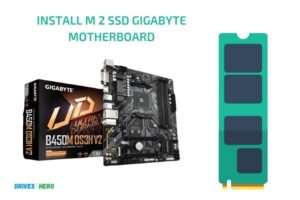
A board’s chipset-connected slot can still provide the full link specified for the P3 Plus. The slot table and active link tell you more than the slot position. Example motherboard slot and sharing table
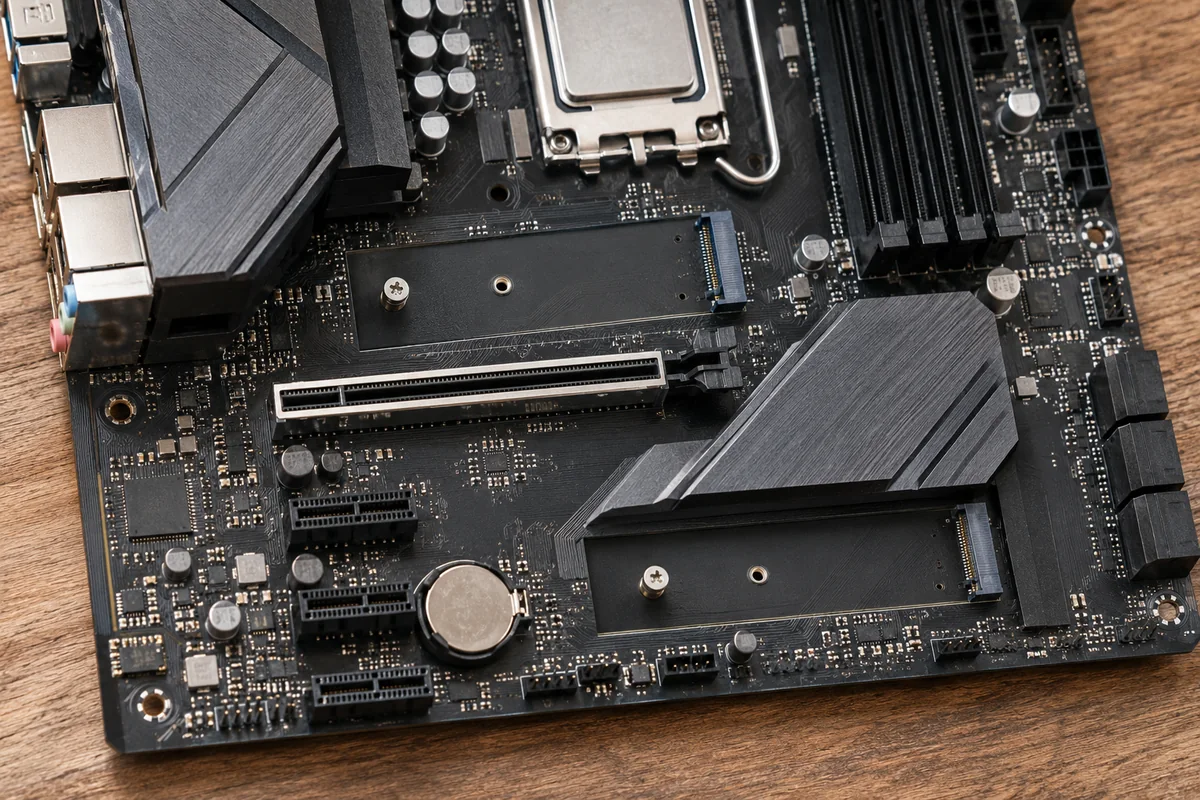
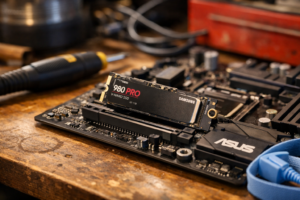
AI-generated editorial illustration.
Decide whether the move is worth it
If the second slot has less bandwidth and your workload needs more, use the compatible faster slot when practical. If it is your Windows boot drive, make a verified backup first and save any drive-encryption recovery key. Read the board’s installation and boot guidance before moving it. If both slots already negotiate the same link, compare temperatures and actual workload before moving the drive again.

James Kennedy is a writer and product researcher at Drives Hero with a background in IT administration and consulting. He has hands-on experience with storage, networking, and system performance, and regularly improves and optimizes his home networking setup.