Does Upgrading Steam Deck Ssd Void Warranty
Accurate Answer
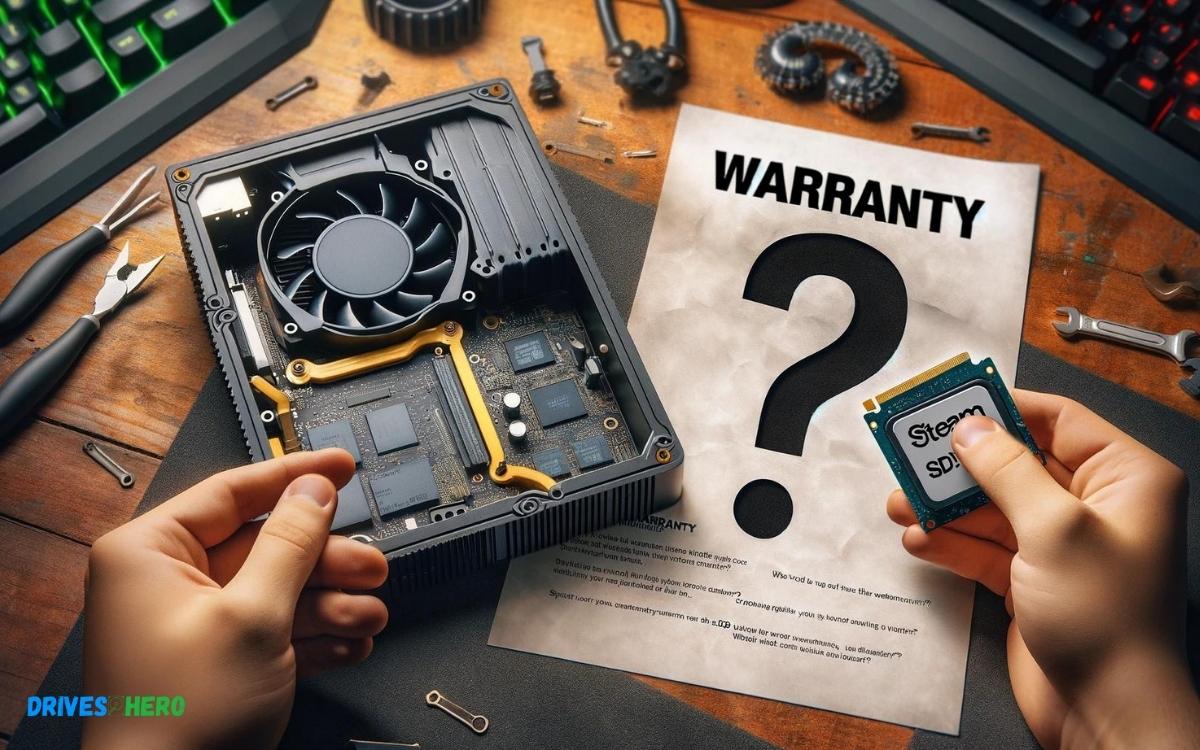
Upgrading the SSD on your Steam Deck does not inherently void the warranty. However, any damage caused by the upgrade process can invalidate your coverage.
Explanation
Valve has designed the Steam Deck with a certain degree of modularity, allowing users some freedom to upgrade components such as the SSD. While Valve doesn’t encourage users to open the device due to the potential risk of damaging sensitive components, they have specified that merely upgrading the SSD does not automatically void the warranty. Users should proceed with caution and understand that if any damage occurs during the upgrade process, it may void the warranty associated with the damaged components.
Here is a brief outline of considerations and steps involving an SSD upgrade:
- Backup Data: Save your games and data.
- Use Appropriate Tools: Avoid static discharge and use precision screwdrivers.
- Follow Guides: Use official Valve resources or trusted guides for the disassembly process.
- ESD Precautions: Ground yourself to avoid electrostatic discharge damage.
- Reassembly: Ensure everything is put back correctly to avoid additional damage.
Supporting Paragraph
Performing an SSD upgrade on the Steam Deck requires technical know-how. If you’re not comfortable with the process, consider professional assistance to maintain warranty coverage.
Key Takeaway
Introduction To The Steam Deck And Its Warranty Policies
Introduction to the Steam Deck and Its Warranty Policies
The Steam Deck, Valve’s foray into handheld gaming, combines powerful gaming hardware with the portability that modern gamers crave. However, as users look to personalize and enhance their devices, questions often arise regarding the implications of hardware modifications on warranty coverage. Here, we dive into the Steam Deck’s features, unpack the details of its standard warranty, and address the common worries that surround warranty status when considering SSD upgrades.
Overview Of Steam Deck Features
The Steam Deck boasts an array of features tailored for a rich gaming experience:
- Custom APU optimized for handheld gaming
- High-resolution touchscreen display
- Full-fledged control layout with haptic feedback
- Dock compatibility for desktop mode
- Expandable storage solutions
- Pre-installed with SteamOS, a Linux-based operating system
With these features, the Steam Deck positions itself as a versatile gaming powerhouse capable of running a wide range of PC games.
Understanding The Standard Warranty Terms
The Steam Deck comes with a standard warranty aimed at protecting the consumer against defects in materials and workmanship. The specifics are as follows:
- Coverage extends for one year from the date of purchase.
- It covers repair or replacement of the device.
- The warranty is non-transferable and is limited to the original purchaser.
The warranty does not cover damage resulting from unauthorized modifications or repairs. It becomes crucial, then, for users to understand how potential upgrades may influence their coverage.
Common Concerns About Warranty And Upgrades
A common upgrade considered by users is enhancing the device’s storage capabilities through an SSD upgrade. Concerns tend to focus on:
- Whether opening the device compromises the warranty
- The potential risks associated with self-performed upgrades
- Valve’s official stance on end-user modifications
It’s important to note that while Valve has communicated that simple storage upgrades won’t necessarily void the warranty, caution is still advised. Valve stipulates that damages incurred during the upgrade process are not covered, emphasizing the need for careful handling during any modifications.
Assessing The Impact Of Ssd Upgrades On The Warranty
When considering an upgrade for your Steam Deck’s SSD, one critical aspect stands out: the effect such a modification might have on the product’s warranty. In the gaming community, the Steam Deck has made waves with its powerful specs and versatility. Players eager to expand their library often look towards SSD upgrades for a more seamless experience. But before you unscrew the backplate, it’s crucial to understand the implications this might have on the coverage provided by Valve. This section delves deep into whether upgrading your Steam Deck’s SSD compromises your warranty.
The Nature Of The Steam Deck’s Ssd And Upgrade Options
At its core, the Steam Deck is designed with a built-in SSD, which varies in size depending on the model you purchase. Gamers with growing libraries face the inevitable need for more storage, prompting the question: What are the upgrade options? Technically, the Steam Deck comes equipped with an m.2 2230 slot, and while not officially endorsed for consumer replacement, it does open the door for potential upgrades.
- Pre-installed SSD sizes: 64GB, 256GB, or 512GB
- SSD type: NVMe m.2 2230
- Upgrade potential: Using larger NVMe m.2 2230 SSDs
That said, understanding the nuances of performing such modifications is essential, as the process is not straightforward and might require technical know-how that goes beyond the average user’s expertise.
Valve’s Official Stance On Warranty And User Modifications
Valve has been somewhat flexible in its approach to user modifications, but there is a line drawn when it comes to warranty coverage. The official stance is that users can open the Steam Deck and perform basic repairs or upgrades without immediately voiding the warranty. However, this comes with a caveat:
“Any damage caused by the user during disassembly or modification is not covered under warranty.”
This indicates that while Valve allows room for self-upgrade, it by no means provides carte blanche to do as one pleases. A successful upgrade without damage ensures ongoing warranty coverage, but any missteps could spell trouble.
Real-life Cases: Warranty Claims After Ssd Upgrades
The community has seen varied outcomes when dealing with warranty claims post-SSD upgrades. Here are some real-life scenarios:
- Users successfully upgraded SSDs and subsequently claimed unrelated warranty issues with no problems from Valve.
- Some have accidentally damaged components during the upgrade, resulting in a voided warranty.
- A few have faced challenges when claiming warranty, with Valve citing potential user-caused damage as the reason for denial.
The takeaway here is clear: upgrading your SSD is a possibility, but it comes with risks that need careful consideration. Should you choose to upgrade, ensure you’re well-equipped to do so, or seek professional help rather than risking potential damage and a voided warranty.
Best Practices For Upgrading Your Steam Deck’s Ssd Without Voiding The Warranty
Upgrading your Steam Deck’s SSD can seem daunting, especially with warranty concerns in tow. Maintaining your warranty while giving your device a storage boost requires careful steps, and luckily, it is indeed possible! Adhering to Valve’s guidelines, users can enhance their Steam Deck experience without voiding the precious warranty. Here, we present best practices and smart strategies to responsibly upgrade your SSD while keeping your warranty intact.
Step-by-step Guide On Safe Ssd Upgrading
- Check Compatibility: Verify that the SSD upgrades you consider are compatible with your Steam Deck.
- Gather Necessary Tools: Have the right set of tools on hand to disassemble the Steam Deck properly.
- Ground Yourself: To prevent static damage, use an anti-static wristband or ensure you are grounded during the operation.
- Refer to Official Guides: Follow the disassembly instructions from Valve’s official resources or trusted tutorials.
- Document Your Process: Take photos and notes to keep track of every step for accurate reassembly.
- Handle Components with Care: Be gentle with cables and connectors to avoid any damage.
- Reassembly: Once the new SSD is in place, reassemble your Steam Deck by reversing the disassembly steps taken earlier.
Tips To Maintain The Integrity Of The Steam Deck While Upgrading
Ensuring the longevity of your Steam Deck during an upgrade is critical. When handling the device:
- Keep Components Secure: Store small parts like screws in a container to prevent loss.
- Avoid Force: Gently connect and disconnect parts, avoiding excessive force.
- Stay Organized: Work in a clean, well-lit area and organize tools and parts to streamline the process.
Bold emphasis on gentle handling and adherence to guidelines cannot be overstated; these principles are crucial to maintaining your warranty and the device’s functionality.
Alternative Options For Increasing Storage Without Voiding The Warranty
If opening up your Steam Deck seems too risky, consider less invasive options that keep your warranty secured:
- SD Cards: Utilize high-speed SD cards for additional, risk-free storage expansion.
- External SSD: Connect an external SSD via USB-C for an easy storage boost without internal modifications.
- Cloud Storage: Explore cloud-saving features for certain games to save space on your device.
These alternatives provide flexible storage solutions while ensuring the Steam Deck remains in warranty-compliant condition.
Conclusion
Upgrading your Steam Deck’s SSD comes with risks, warranty-related and otherwise. Always consult Valve’s official guidelines before proceeding. Protecting your device’s warranty should be a top priority. For further updates and modifications, keep an eye on Steam’s policies and discussions within the gaming community.
Stay informed, game on, and modify wisely.

Harold Williams is a senior writer and technical editor at Drives Hero with 20+ years of experience in IT administration. He specializes in storage systems, SSD reviews, and performance testing, bringing real-world insight to every guide.