Raid 0 Vs Ssd Speed: Which One Is More Preferable?
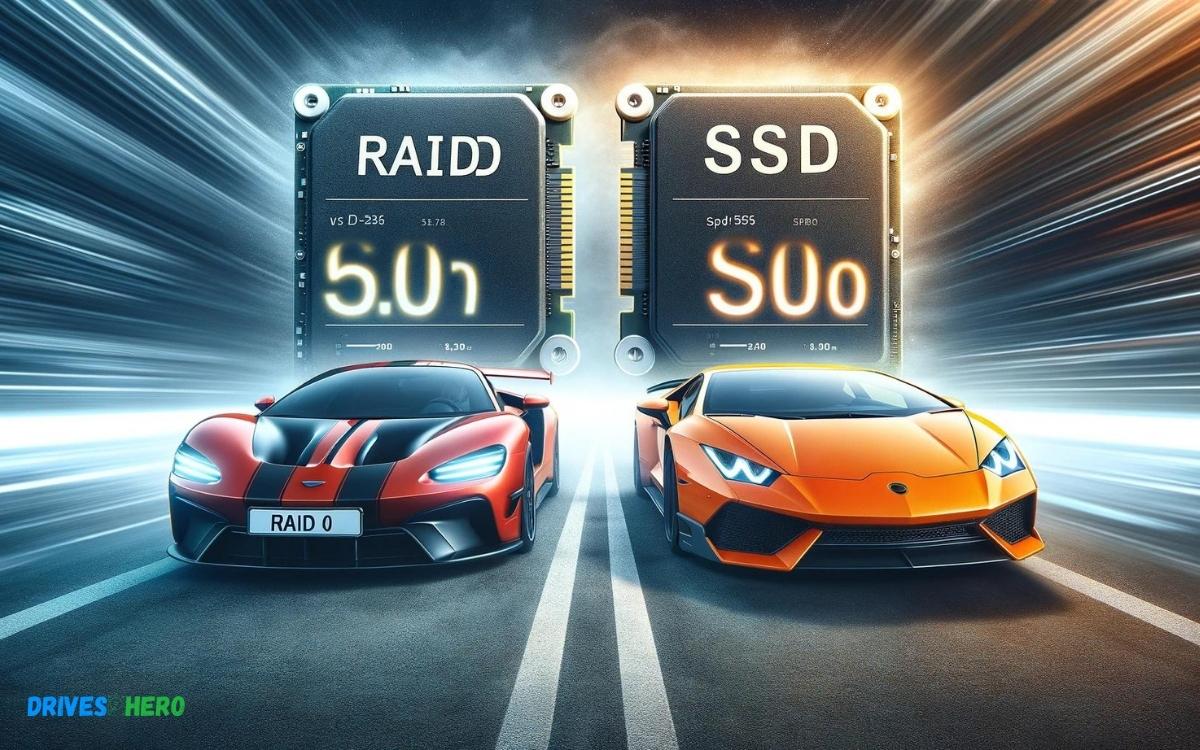
RAID 0 configurations can significantly increase data transfer speeds by using multiple hard drives in parallel, which often surpasses the performance of a single SSD.
Check out this helpful video on the topic:
However, modern SSDs, especially NVMe types, can reach higher speeds that rival or exceed RAID 0 setups with traditional hard drives due to their advanced technology and lack of mechanical parts.
When it comes to data transfer speeds, RAID 0 and SSDs are both designed to improve performance but in different ways.
RAID 0, also known as striping, involves dividing data into blocks and spreading them evenly across two or more disk drives.
This technique allows multiple drives to read and write data simultaneously, effectively doubling or tripling the performance of a single drive for large file transfers.
SSDs, on the other hand, use flash memory to store data, which allows for much faster data access times compared to traditional spinning hard drives.
SSDs do not require moving parts, resulting in lower latency and quicker boot and load times for both applications and operating systems.
Key Takeaway
6 Features Of Raid 0 Vs Ssd Speed
| Feature | RAID 0 Array | SSD (Solid State Drive) |
|---|---|---|
| Speed | High (faster than a single drive) | Very high (faster than RAID 0) |
| Data Transfer | Fast (depends on the number of disks) | Extremely fast |
| Reliability | Lower (failure of one disk = data loss) | High (no moving parts) |
| Capacity | Scalable (limited by the number of ports) | Fixed (depends on the SSD size) |
| Cost per Capacity | Lower (can use multiple cheap drives) | Higher (cost per GB is more expensive) |
| Ideal Usage | Performance-intensive applications | General use, high-speed applications |
Understanding Raid 0
Raid 0, known as “striping,” is a storage configuration that divides and distributes data across multiple hard drives for enhanced performance. This results in higher speed and efficiency, making it an attractive option for those seeking improved data transfer rates.
Striped Data And Performance Boost
By utilizing Raid 0, data is written across multiple drives in a striped fashion, allowing for concurrent read and write operations.
This improves performance as the workload is distributed across multiple drives, resulting in faster data transfer speeds and reduced latency.
No Redundancy: Risk Of Data Loss
Unlike other Raid configurations, Raid 0 does not provide data redundancy. The absence of redundancy means that if one drive fails, all the data stored across the array could potentially be lost. This introduces a significant risk of data loss that users must consider.
Benefits Of Ssd
SSD, or Solid State Drive, offers several advantages over traditional hard drives, making it a popular choice for improving system performance.
From speed and performance to durability and reliability, SSDs have proven to be a game-changer in the world of storage technology.
Speed And Performance
One of the most significant benefits of SSDs is their unmatched speed and performance. Unlike traditional hard drives that rely on spinning disks and mechanical components to read and write data, SSDs use flash memory technology.
This allows them to access data almost instantly, resulting in significantly faster boot times, application loading times, and overall system responsiveness.
Whether you’re launching applications, copying files, or multitasking, SSDs deliver a noticeable boost in speed and performance, enhancing the user experience and productivity.
Durability And Reliability
- Another key advantage of SSDs is their superior durability and reliability compared to traditional hard drives.
- Because SSDs have no moving parts, they are less susceptible to mechanical failure, such as disk platter damage or head crashes.
- This inherent durability makes SSDs ideal for mobile devices and laptops, where shocks, vibrations, and rough handling are common.
SSDs are less prone to data corruption and file fragmentation, resulting in more stable and reliable storage performance over time. With an SSD, you can trust that your data is safer and more secure, reducing the risk of data loss and downtime.
Energy Efficiency And Noise Reduction
In addition to speed, performance, durability, and reliability, SSDs also offer benefits in terms of energy efficiency and noise reduction.
Because they don’t have any moving parts, SSDs consume less power and generate less heat compared to traditional hard drives.
This not only prolongs the battery life of laptops and mobile devices but also reduces the need for active cooling systems, resulting in quieter operation.
Whether you’re working in a quiet office environment or recording audio/video content, SSDs provide a silent and energy-efficient storage solution without compromising on performance.
Raid 0 Vs Ssd: Performance Benchmarking
When it comes to selecting the right storage solution for your system, understanding the performance differences between Raid 0 and SSD is crucial. Both Raid 0 and SSD offer distinct advantages in terms of speed and performance.
Sequential Read/write Speed Comparison
Raid 0 involves striping data across multiple drives to improve performance, whereas SSDs utilize flash memory for faster read and write speeds.
Let’s compare their sequential read/write speeds:
| Storage Type | Sequential Read Speed | Sequential Write Speed |
|---|---|---|
| Raid 0 | High speed with data spread across multiple drives | Significantly improved write speeds |
| SSD | Rapid read speeds due to flash memory | Consistent and fast write speeds |
Random Read/write Speed Comparison
Random read/write speeds are crucial for everyday computing tasks and multitasking.
Here’s a comparison of the random read/write speeds between Raid 0 and SSD:
- Raid 0: Improved random read/write speeds due to data distribution across multiple drives
- SSD: Swift and consistent random read/write speeds supported by flash memory technology
Understanding the differences in the sequential and random read/write speeds between Raid 0 and SSD is essential in determining which storage solution aligns with your speed and performance requirements.
Impact Of Raid 0 And Ssd On System Performance
Raid 0 and SSD are both popular choices for enhancing system performance, but they operate in different ways and offer distinct advantages.
Understanding their impact on system performance can help users make informed decisions when it comes to optimizing their computing experience.
Application Loading And Boot Times
Both RAID 0 and SSDs can dramatically improve application loading times and system boot times, albeit through different mechanisms.
RAID 0:
- RAID 0, also known as disk striping, improves performance by splitting data across multiple drives. This parallel access allows for faster read and write speeds compared to a single drive configuration.
- As a result, applications load faster and system boot times are reduced since data retrieval is distributed across multiple drives simultaneously.
SSD:
- SSDs, on the other hand, excel in this aspect due to their inherent speed and lack of moving parts. With SSDs, data access is nearly instantaneous, resulting in rapid application loading times and lightning-fast system boot times.
- SSDs outperform traditional hard drives by a significant margin in terms of speed, making them an ideal choice for users seeking the quickest possible system response.
File Transfer Speeds And Workloads
File transfer speeds and handling workloads efficiently are critical factors in system performance, and both RAID 0 and SSDs can make a substantial impact in this area.
RAID 0:
- RAID 0’s ability to distribute data across multiple drives improves file transfer speeds, especially for large files or heavy workloads. By spreading the workload across multiple disks, RAID 0 can achieve higher throughput compared to a single drive configuration.
- This makes RAID 0 particularly beneficial for tasks such as video editing, 3D rendering, and large dataset analysis, where high-speed data access is crucial for optimal performance.
SSD:
- SSDs inherently offer blazing-fast file transfer speeds due to their flash memory technology. With no moving parts, SSDs can read and write data at speeds that far exceed those of traditional hard drives.
- This makes SSDs ideal for handling demanding workloads and transferring large files quickly and efficiently.
- Whether you’re copying multimedia files, running virtual machines, or performing data-intensive tasks, SSDs provide the performance and responsiveness needed to tackle even the most demanding workloads with ease.
Both RAID 0 and SSDs have a significant impact on system performance, albeit through different approaches.
RAID 0 enhances performance by distributing data across multiple drives, improving throughput and reducing access times for large files and heavy workloads.
SSDs, on the other hand, deliver unmatched speed and responsiveness thanks to their flash memory technology, making them ideal for tasks that require rapid data access and high-performance computing.
Depending on your specific needs and budget, incorporating either RAID 0 or SSDs into your system can greatly enhance its performance and user experience.
Choosing The Right Option For Your Needs
Considerations For Gaming And Multimedia
When it comes to deciding between RAID 0 and SSD for your gaming and multimedia needs, it’s crucial to consider the speed and performance capabilities of each option.
While both offer fast data access, RAID 0 amplifies speed by splitting data across multiple drives, whereas an SSD excels in rapid read and write speeds due to its lack of moving parts.
For gaming and multimedia enthusiasts aiming for lightning-fast loading times, smooth playback, and quick file transfers, the choice between the two options should be informed by the specific features and requirements of your preferred games and multimedia projects.
When choosing the right option for your gaming and multimedia needs, ensure that it aligns with your desire for seamless performance and rapid access to large files.
Factors For Professional Workloads
Professional workloads, such as video editing, graphic design, and complex data processing, demand high-speed storage solutions.
In this context, evaluating the pros and cons of RAID 0 and SSD speed becomes critical. RAID 0 excels in boosting overall storage performance through data striping, while SSDs offer blazingly fast read and write speeds, leading to swift rendering and seamless multitasking.
When it comes to professional workloads, SSDs are often favored for their reliability, durability, and rapid access to large files.
However, the decision between RAID 0 and SSD should be made based on the specific demands of your professional tasks, ensuring that the selected storage option can handle the intensive data processing, and storage requirements required for efficient workflow and high-quality output.
Conclusion
Both RAID 0 and SSD offer impressive speed enhancements for data storage and retrieval. However, each has its pros and cons that should be carefully considered before making a decision.
Ultimately, the choice between RAID 0 and SSD speed depends on individual needs, budget, and specific use cases.

Harold Williams is a senior writer and technical editor at Drives Hero with 20+ years of experience in IT administration. He specializes in storage systems, SSD reviews, and performance testing, bringing real-world insight to every guide.