SATA SSDs With DRAM Cache
Not every SATA SSD is built the same way under the hood, and DRAM cache is one of the biggest differences that separates a snappy, consistent drive from one that stutters under heavy write loads. DRAM-less drives lean on Host Memory Buffer (HMB) or just skip a mapping table cache entirely, which can tank performance once you fill the drive up. This page is a reference for drives that actually include dedicated DRAM, broken down by controller, NAND, and capacity so you’re not guessing.
If you want the quick technical rundown on why DRAM matters for sustained writes, this video does a solid job explaining the mechanics before you dig into the model list below.
Why DRAM Cache Still Matters on SATA Drives
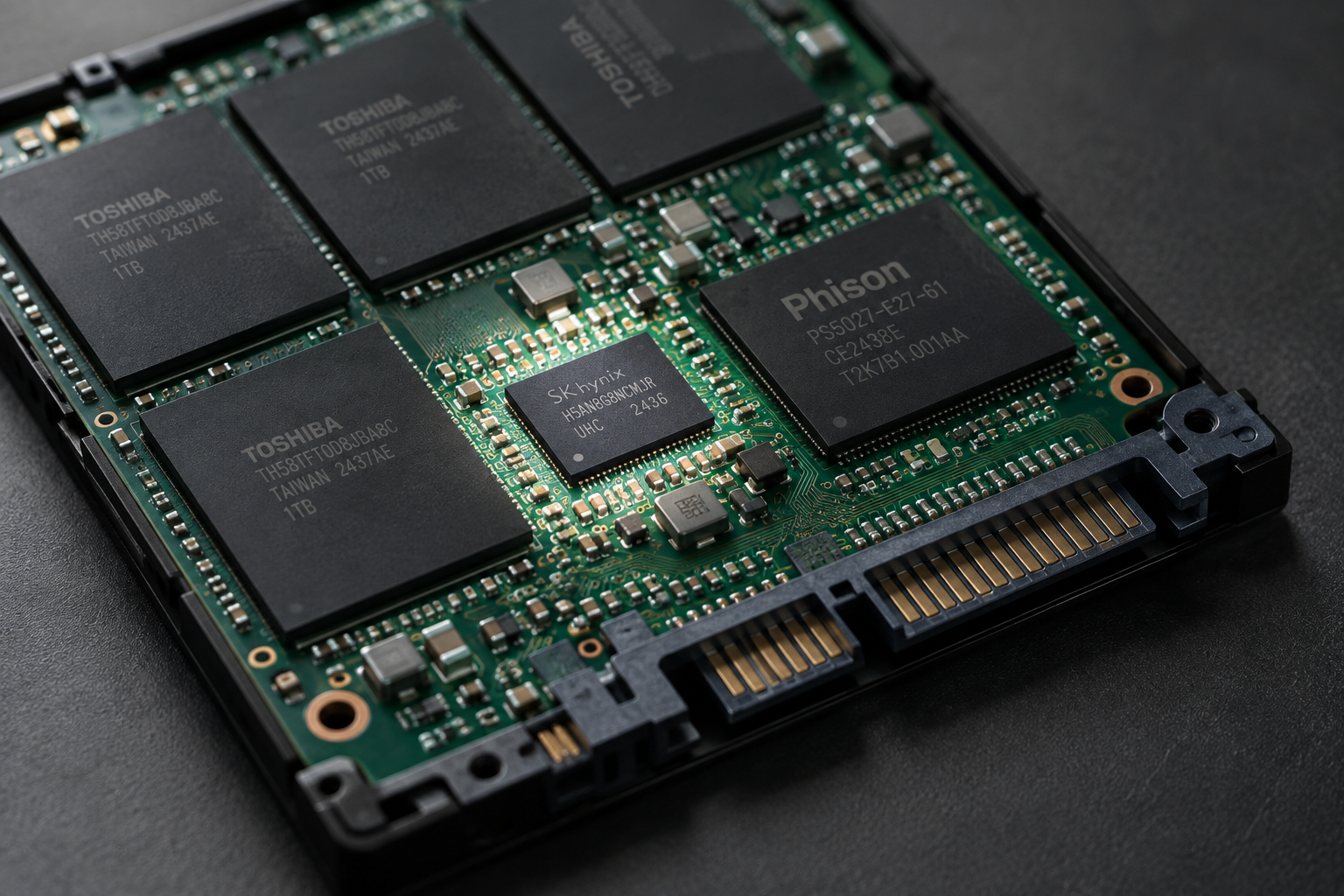
DRAM cache stores the flash translation layer (FTL) mapping table locally on the drive instead of forcing the controller to search through NAND for it. That means faster random reads/writes and less wear over time, especially once a drive is mostly full. SATA is already bandwidth-limited compared to NVMe, so a DRAM-less SATA drive under sustained load feels the bottleneck twice, once from the interface and once from the missing cache.
If you’re deciding between interfaces entirely, our breakdown on SATA vs NVMe for gaming covers whether the jump to NVMe is worth it for your setup. But if you’re stuck with a SATA-only laptop or building a NAS, the drives below are the ones worth your money.
SATA SSDs With DRAM Cache: Verified Model Lookup
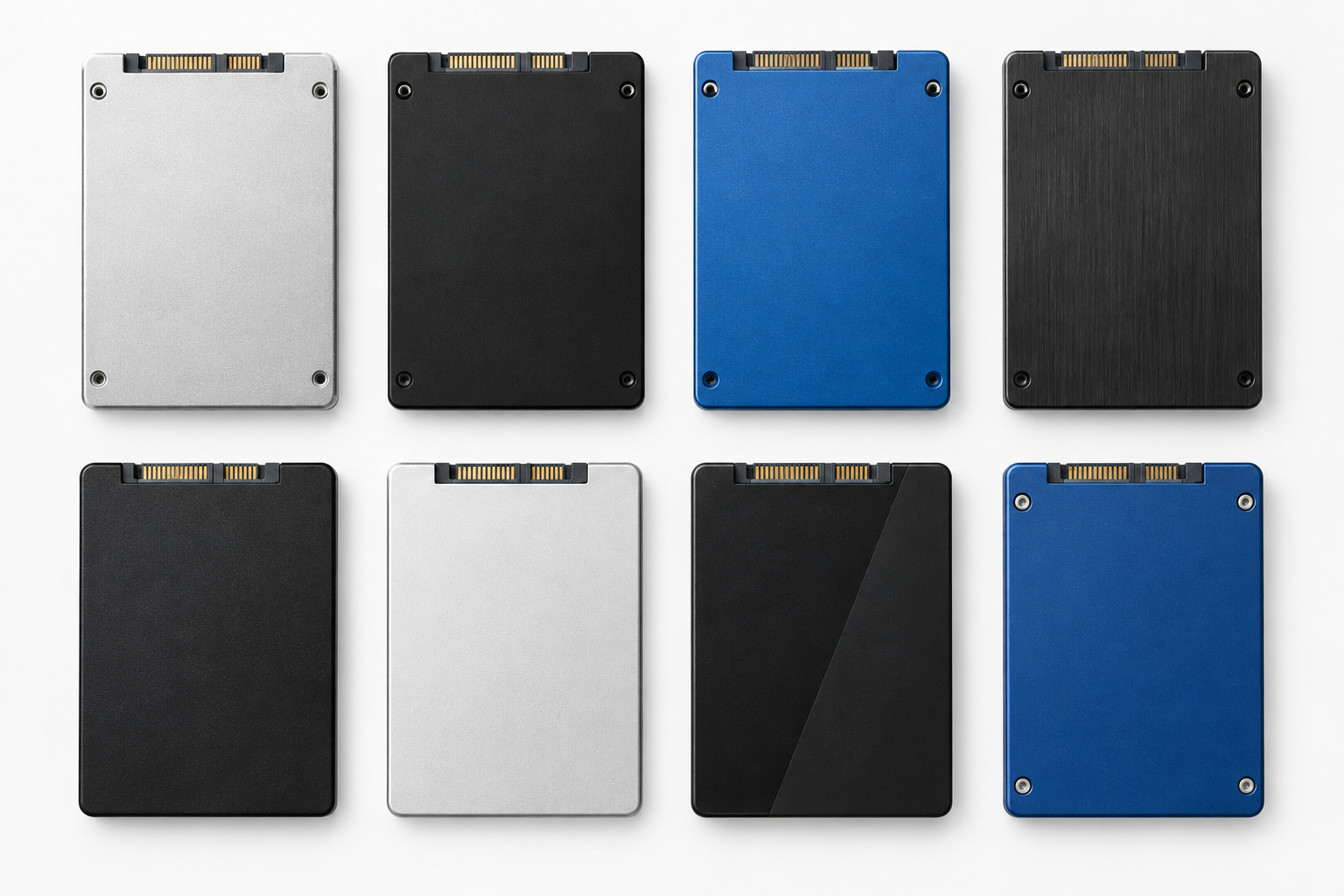
Samsung 870 EVO
- Controller: Samsung MJX (in-house)
- NAND: Samsung V-NAND, 3-bit MLC (TLC-style)
- DRAM: Yes, LPDDR4, scales with capacity (roughly 512MB on 250GB/500GB, up to 4GB on the 4TB model)
- TBW: 150TBW (250GB), 300TBW (500GB), 600TBW (1TB), 1,200TBW (2TB), 2,400TBW (4TB)
- Warranty: 5 years or the TBW limit, whichever comes first
This is still the benchmark for a mainstream SATA drive. Every capacity from 250GB to 4TB uses the same MJX controller and V-NAND, so you’re not gambling on a cut-down version at the low end. If you want the safest, most consistent pick on this list, the Samsung 870 EVO is it.
Samsung 870 EVO SATA SSD
Consistent DRAM cache and controller across every capacity, making it the most predictable SATA pick on this list.
Samsung 870 QVO
- Controller: Samsung MJX (same family as the 870 EVO)
- NAND: QLC V-NAND (4-bit), which trades endurance for higher capacity per dollar
- DRAM: Yes, present on all capacities
- TBW: 360TBW (1TB), 720TBW (2TB), 1,440TBW (4TB), 2,880TBW (8TB)
- Warranty: 3 years, shorter than the EVO because of QLC wear characteristics
Same DRAM cache benefit as the EVO, but QLC NAND means lower write endurance and a shorter warranty. It’s a fine pick for bulk storage or a secondary drive, not your primary OS drive if you write to it constantly.
Crucial MX500
- Controller: Silicon Motion SM2258
- NAND: Micron 3D TLC, though Crucial has shipped multiple NAND revisions (64-layer and later 96-layer dies) under the same model number over the product’s lifespan
- DRAM: Yes, on every capacity from 250GB up to 2TB
- TBW: 100TBW (250GB), 180TBW (500GB), 360TBW (1TB), 700TBW (2TB)
- Warranty: 5 years
Worth knowing before you buy: the Crucial MX500 has been revised more than once since launch, so a unit bought today may use a slightly different NAND die than one from a few years ago, even though the model number and rated specs haven’t changed. Performance in real use is nearly identical, but it’s a good example of why you shouldn’t assume every unit of a “model” is hardware-identical.
WD Red SA500 (NAS SATA SSD)
- Controller: SanDisk/WD in-house controller
- NAND: 3D NAND (TLC)
- DRAM: Yes, present across capacities, sized to match capacity
- TBW: 350TBW (500GB), 700TBW (1TB), 1,300TBW (2TB), 2,600TBW (4TB)
- Warranty: 5 years
Built specifically for NAS workloads with 24/7 uptime in mind, and validated for use in multi-bay NAS enclosures. If you’re running Synology or QNAP, this is the more sensible DRAM-equipped SATA option over a general desktop drive.
WD Red SA500 NAS SATA SSD
Purpose-built for NAS endurance with DRAM cache on every capacity, better suited to constant read/write cycles than desktop drives.
Seagate BarraCuda SATA SSD
- Controller: Phison-based controller (varies by production batch)
- NAND: 3D TLC NAND
- DRAM: Present on most capacities, though Seagate doesn’t always publish DRAM size specifics the way Samsung and Crucial do
- TBW: Varies by capacity, generally lower than Samsung/Crucial equivalents at the same size
- Warranty: 5 years
A reasonable budget option, but the spec sheet transparency isn’t as good as Samsung or Crucial. If you want fewer unknowns, stick with the 870 EVO or MX500.
Which One Should You Actually Buy
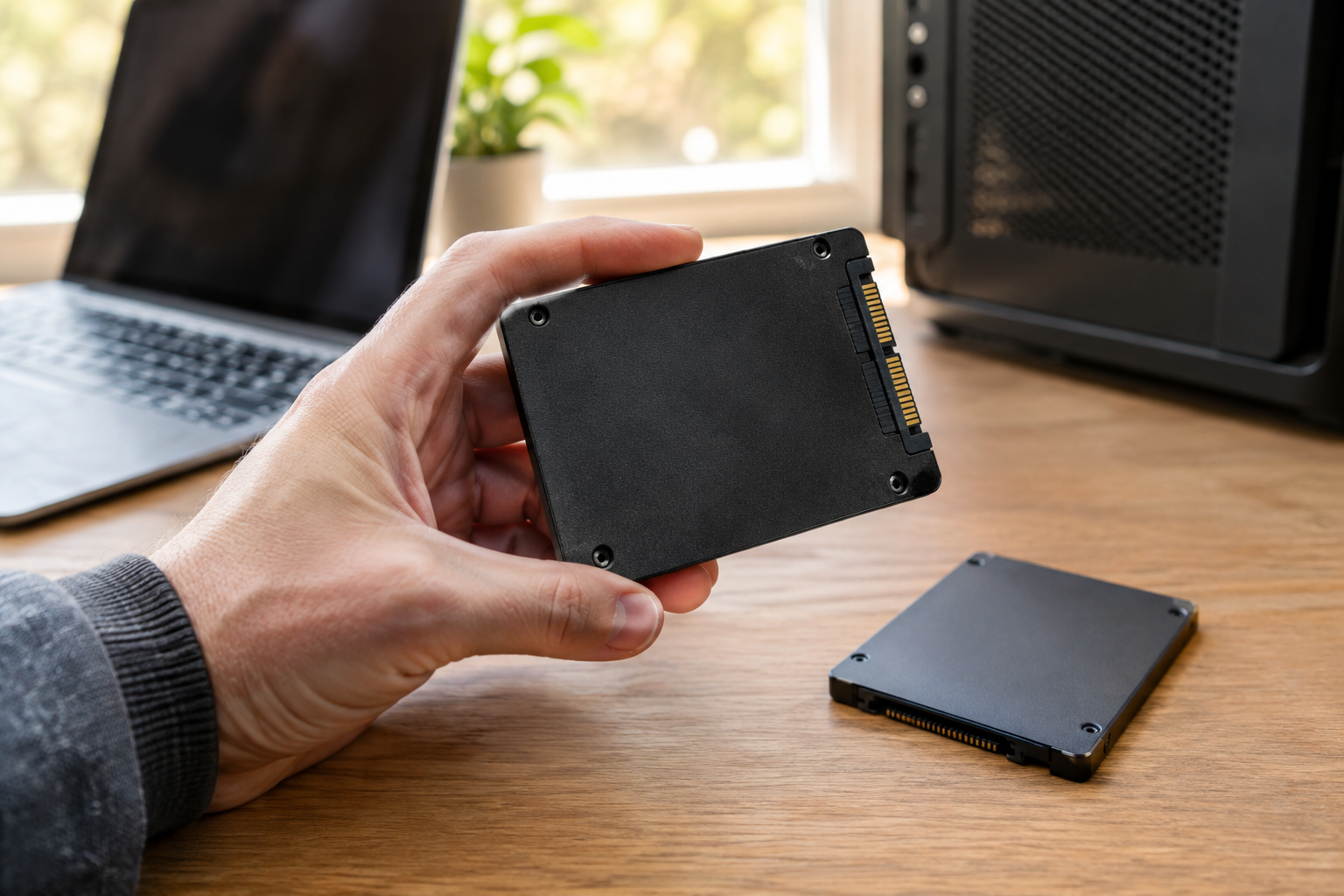
For a general desktop or laptop upgrade, the Samsung 870 EVO wins because every capacity shares the same controller and NAND family, so you’re not rolling dice on a cut corner. If you’re upgrading an older laptop from a spinning hard drive, the jump in responsiveness is one of the most noticeable upgrades you can make, and our guide on the benefits of upgrading HDD to SSD lays out exactly what to expect.
For NAS builds, go with the WD Red SA500 instead of a desktop drive. It’s rated for the workload you’re actually going to throw at it, and the TBW numbers back that up.
Frequently Asked Questions
Does DRAM cache make a SATA SSD faster than an NVMe drive without it?
No. NVMe’s interface bandwidth is still the bigger factor for raw speed. DRAM cache mainly improves consistency and random I/O performance within the SATA interface’s own limits. If you’re weighing interfaces directly, check out our comparison on whether NVMe is really faster than SATA SSDs.
Can I tell if a SATA SSD has DRAM just by looking at the capacity options?
Not reliably. Some manufacturers drop DRAM only on their smallest capacity (often 250GB or less) while keeping it on larger sizes, and others keep it consistent across the whole lineup. Always check the specific capacity’s spec sheet rather than assuming the whole product line behaves the same way.
This article contains affiliate links. We may earn a small commission at no extra cost to you.

James Kennedy is a writer and product researcher at Drives Hero with a background in IT administration and consulting. He has hands-on experience with storage, networking, and system performance, and regularly improves and optimizes his home networking setup.