DRAM-less SSDs That Use HMB
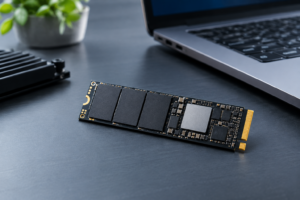
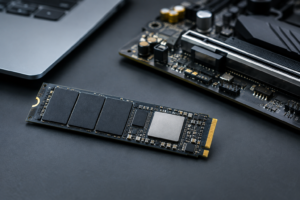
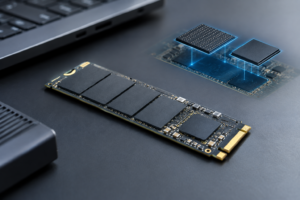
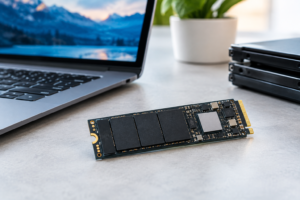
Not every fast SSD has a chunk of DRAM soldered onto the PCB, and that’s not automatically a bad thing. A lot of today’s popular NVMe drives skip the DRAM cache entirely and instead borrow a sliver of your system’s RAM through a feature called Host Memory Buffer (HMB). Done right, HMB keeps a DRAM-less drive feeling nearly as responsive as one with dedicated cache. Done cheaply, it can mean a controller swap or NAND downgrade you never asked for.
This page is meant to be a reference, not a rehash of “what is HMB” explainers you’ve probably already read. Below you’ll find specific DRAM-less, HMB-enabled drives with their actual controllers, NAND types, interfaces, and TBW ratings, plus notes on where manufacturers have quietly changed the hardware between capacities or production runs.
DRAM-less SSDs That Use HMB: Model-by-Model Specs
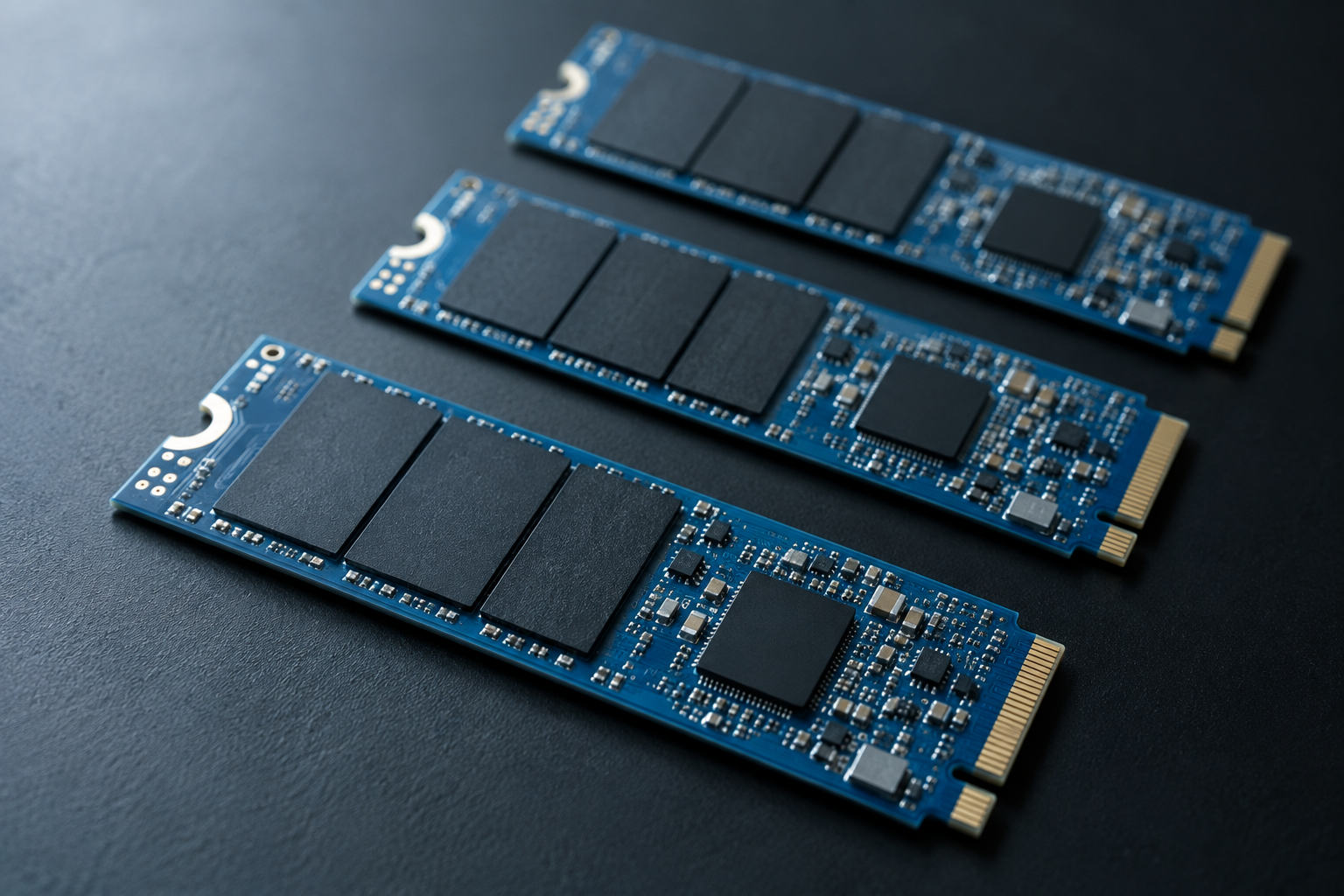
- WD Blue SN570: In-house SanDisk/WD DRAM-less controller, BiCS TLC NAND, PCIe Gen3 x4 NVMe 1.4, HMB supported. Capacities run 250GB, 500GB, 1TB, and 2TB, rated at 150TBW, 300TBW, 600TBW, and 900TBW respectively. Five-year warranty across the whole line.
- WD Black SN770: Also DRAM-less, which surprises people who assume “Black” means a premium DRAM design. It uses WD’s in-house Gen4 controller with BiCS5 TLC NAND over PCIe Gen4 x4. TBW ranges from 150TBW on the 250GB model up to 1200TBW on the 2TB. If you’re deciding between this and its DRAM-equipped sibling, the SN770 vs SN850X specs comparison lays out exactly what you give up by going DRAM-less.
- Crucial P3: Phison E19T controller, Micron 176-layer QLC NAND, PCIe Gen3 x4. Capacities span 500GB to 4TB, with TBW of 110, 220, 440, and 800 respectively. Five-year warranty, but QLC means it’s better suited to everyday use than sustained heavy writes.
- Crucial P3 Plus: Same QLC NAND family as the P3, but paired with the Phison E21T controller for PCIe Gen4 x4 speeds. TBW figures are essentially unchanged from the base P3, so the Plus version is really a speed upgrade, not an endurance one.
- Samsung 980 (non-Pro): Samsung’s own “Pablo” DRAM-less controller with Samsung TLC V-NAND, not QLC, over PCIe Gen3 x4. Capacities of 250GB, 500GB, and 1TB carry 150TBW, 300TBW, and 600TBW ratings with a five-year warranty. This is one of the few DRAM-less drives that sticks with TLC across the board.
- Samsung 990 EVO: Samsung’s newer “Pascal” DRAM-less controller, TLC NAND, and a dual-mode interface that runs PCIe Gen4 x4 or Gen5 x2 depending on your motherboard. Available in 1TB (600TBW) and 2TB (1200TBW), backed by a five-year warranty. If you’re weighing this against WD’s DRAM-less options, our WD Black vs Samsung SSD comparison is worth a read before you decide.
- Kingston NV2: This one needs its own callout below, because the hardware is not consistent across the lineup.
Where Manufacturers Swap Components Without Renaming the Drive
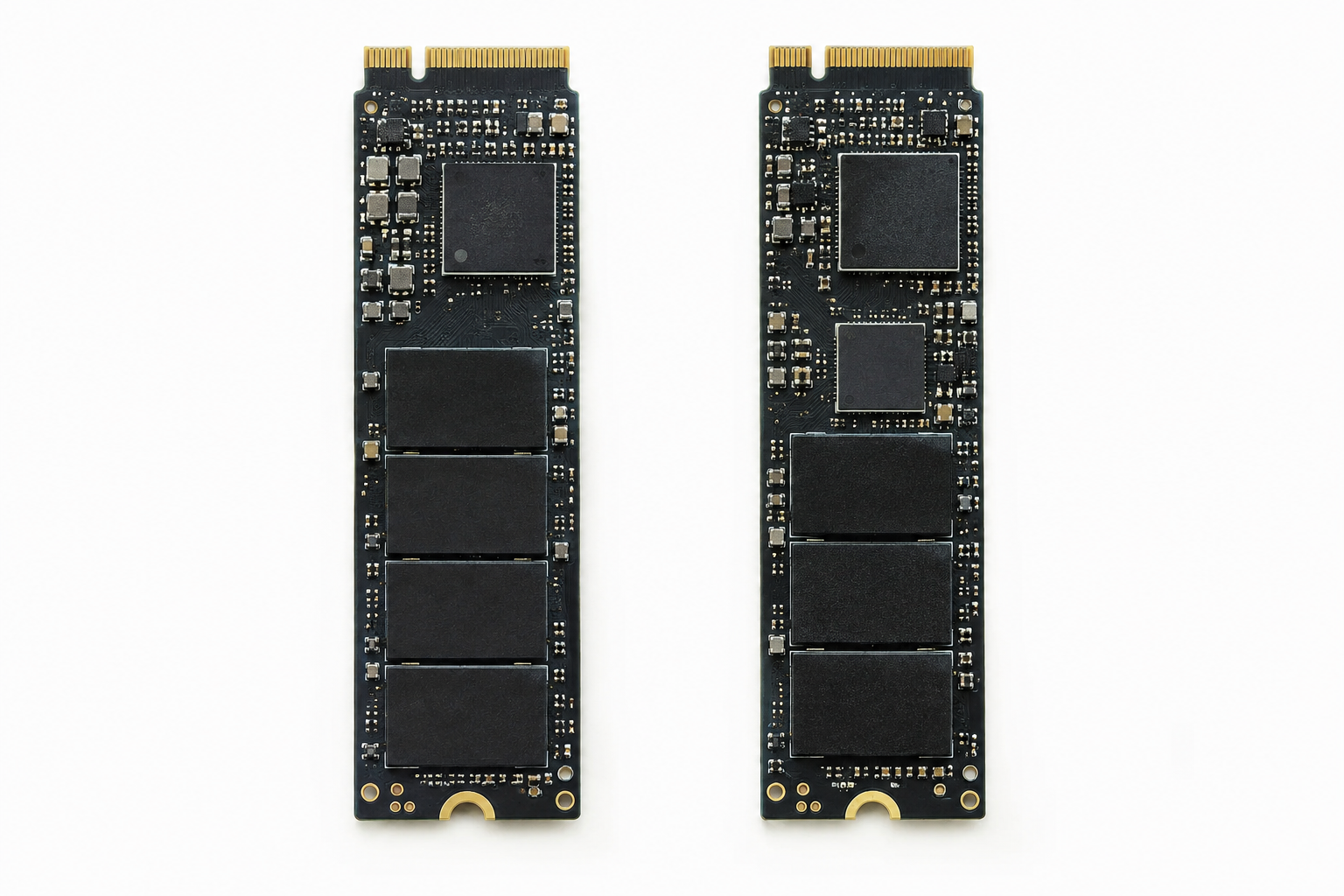
The Kingston NV2 is the textbook example of why you can’t assume every capacity of a model shares the same internals. Early NV2 units at 250GB and 500GB shipped with a Silicon Motion controller and TLC NAND. Later production runs, and several of the larger capacities, switched to a different controller paired with QLC NAND, all under the same model number and packaging.
Independent testing after the change showed real drops in sustained write performance once the SLC cache filled up, even though the box and listed specs looked identical to earlier units. Kingston backs the NV2 with only a three-year warranty, shorter than the five years you get from WD, Crucial, or Samsung on their DRAM-less drives, which is worth factoring in if endurance and long-term support matter to you.
The lesson here applies beyond Kingston. Whenever a drive spans multiple capacities and multiple years on the market, check the specific SKU’s controller and NAND before assuming a review of the 1TB model tells you anything about the 4TB version.
Does HMB Make DRAM-less SSDs Good Enough?
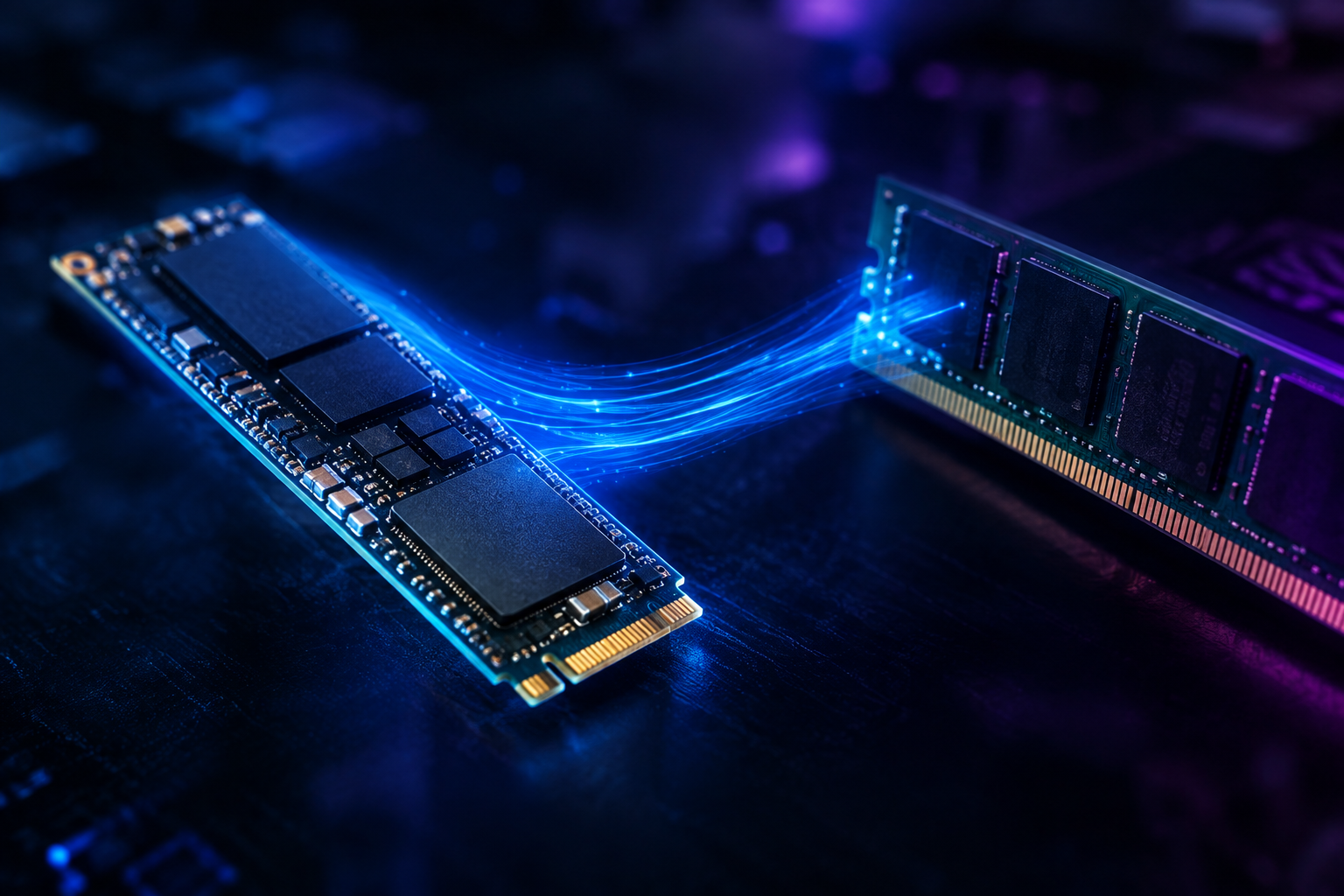
For general laptop use, browsing, office work, and even most gaming, a well-implemented HMB drive like the SN770 or 990 EVO performs close enough to a DRAM-equipped drive that you won’t notice a difference in daily use. Where DRAM-less designs fall behind is in sustained, heavy random writes, like large database work or transferring huge files well past the SLC cache limit.
If you’re upgrading a laptop and mainly care about boot times and app loading, a DRAM-less HMB drive is a perfectly reasonable choice, and our guide on how important an SSD is in a laptop covers why the jump from HDD or a slow SSD matters far more than the DRAM question. For workloads that hammer the drive constantly, spend the extra bit for a DRAM-equipped model instead.
Frequently Asked Questions
Does a DRAM-less SSD without HMB support perform worse?
Yes, noticeably. Without HMB, a DRAM-less controller has to store its mapping tables directly on the NAND itself, which slows down random reads and writes considerably. Almost every modern DRAM-less NVMe drive from a major brand supports HMB specifically to avoid this penalty, but budget or off-brand drives sometimes skip it, so it’s worth checking before you buy.
Can I tell if my SSD is using HMB right now?
On Windows, tools like CrystalDiskInfo or the manufacturer’s own utility (like Samsung Magician) will often show HMB status in the drive’s detailed info panel. You can also check in Device Manager under the NVMe controller properties on some systems. If the drive is listed as DRAM-less in its official spec sheet and your system supports NVMe 1.2 or later, HMB is almost certainly active.

James Kennedy is a writer and product researcher at Drives Hero with a background in IT administration and consulting. He has hands-on experience with storage, networking, and system performance, and regularly improves and optimizes his home networking setup.