Can You Upgrade Ssd on Xbox Series S
Accurate Answer
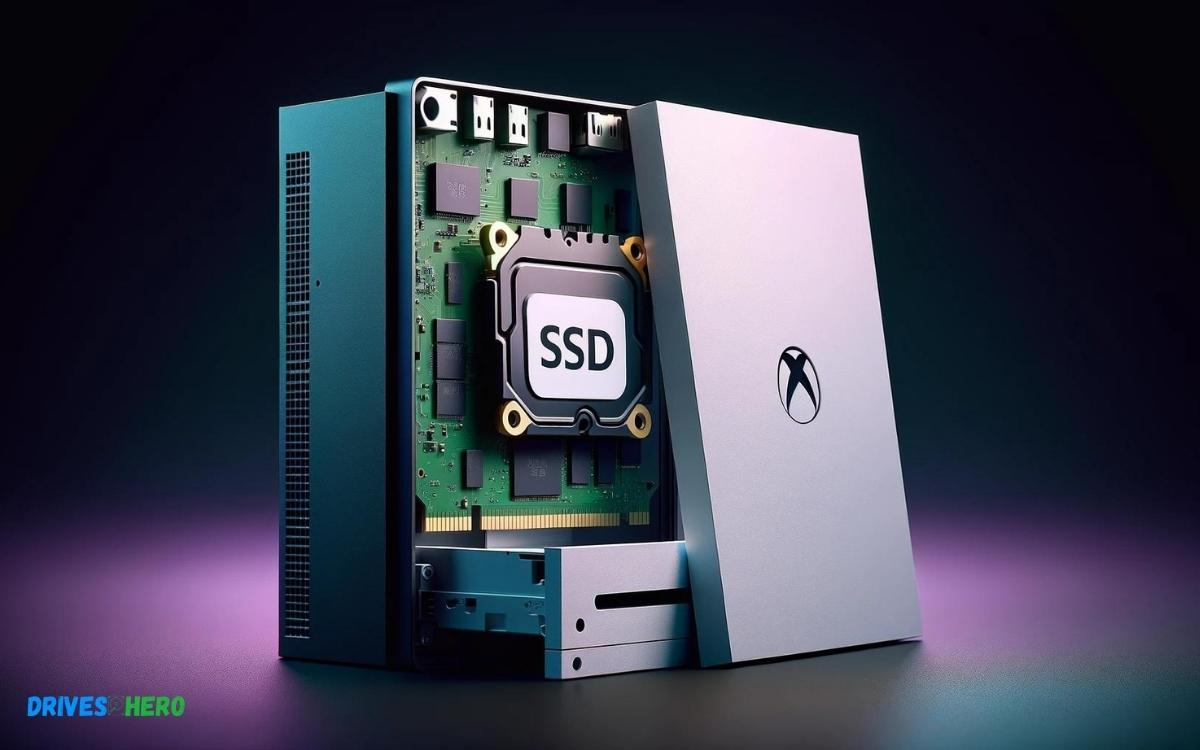
No, you cannot upgrade the internal SSD of the Xbox Series S as it is not designed to be user-serviceable. However, you can expand storage with a compatible external SSD.
Key Takeaway
Understanding The Xbox Series S Storage System
Understanding the Xbox Series S Storage System is crucial for gamers who demand the most from their consoles. The Xbox Series S comes with a high-speed SSD, which significantly reduces load times, providing a smooth gaming experience. Nonetheless, as games continue to grow in size and complexity, additional storage becomes a necessity. Let’s dive into what makes the Xbox Series S’s storage tick, its capabilities, and what you should know about upgrading it.
Overview Of Built-in Ssd
The Xbox Series S boasts a custom-built SSD designed to harness the full potential of the Xbox Velocity Architecture. This internal SSD is a game-changer, offering:
- 512GB of Storage: Enough space to store several games and media apps.
- Fast Load Times: Significantly reduces in-game loading screens.
- Quick Resume: Seamlessly switch between multiple games without lengthy reloads.
Storage Specifications And Performance
Performance-wise, the Xbox Series S’s SSD delivers impressive numbers:
| Specification | Detail |
|---|---|
| Form Factor | Custom NVMe SSD |
| Storage Capacity | 512 GB |
| I/O Throughput | 2.4 GB/s (Raw), 4.8 GB/s (Compressed) |
This storage solution is key to cutting-edge gaming, supporting advanced graphics, and providing a captivating user experience.
Limitations Of Internal Upgrades
When it comes to expanding storage, Xbox Series S users need to be mindful of certain constraints:
- No Internal SSD Swapping: The internal SSD is not user-replaceable, keeping internal hardware interventions off-limits.
- Supported Expansion Options: Microsoft provides an officially licensed Seagate Storage Expansion Card that slots into the back of the console, mimicking the internal drive’s performance.
- External Storage Alternatives: USB 3.1 external hard drives can store and play Xbox One, 360, and original Xbox games, but next-gen titles must be transferred to the internal SSD or expansion card to play.
It’s clear that while the Xbox Series S offers cutting-edge technology with its built-in SSD, the upgrade path for storage is somewhat restricted, guiding users toward official expansion solutions.
Official Expansion Options For Xbox Series S
The Xbox Series S delivers an impressive gaming experience, but its built-in storage can fill up rapidly with today’s large-game files. As the gaming library grows, expanding the storage becomes a priority for players. Fortunately, Microsoft provides official expansion options tailored for the Xbox Series S, ensuring that gamers can enhance their storage without compromising on performance or experiencing compatibility issues.
Microsoft’s Expansion Card Solution
A seamless solution from Microsoft comes in the form of a proprietary Seagate Storage Expansion Card, specifically designed for the Xbox Series X|S consoles. This card enables gamers to boost their storage with the same performance as the internal SSD. The plug-and-play functionality ensures a quick and straightforward setup process. Users can take advantage of these key features:
- Custom PCIe Gen4x2 NVMe technology that matches the console’s internal performance.
- Fast load times for an uninterrupted gaming experience.
- Compatibility with Xbox Velocity Architecture, enhancing game performance.
How To Use External Drives With Xbox Series S
Besides the dedicated expansion card option, the Xbox Series S allows for additional external storage devices. These can be used to store and play Xbox One, Xbox 360, and original Xbox games directly from the external drive. For Xbox Series X|S optimized games, external drives can store these titles and then transfer them to the internal SSD when you’re ready to play. Setting up an external drive involves:
- Connecting the drive to a USB 3.1 port on the console.
- Following the on-screen prompt to format the drive for game storage.
- Adjusting storage settings in the system menu as desired.
Comparison Of Official Expansion Card Vs External Drives
Choosing between the official expansion card and external drives depends on the user’s needs. Here is a comparison:
| Feature | Official Expansion Card | External Drives |
|---|---|---|
| Performance | Matches internal SSD’s speed | Varies; can be slower than internal SSD |
| Compatibility | Seamless with all games | Best for backward-compatible titles |
| Convenience | Plug and play; portability with games | Requires game transfers for next-gen titles |
Note that the expansion card is custom-engineered for the Xbox’s architecture, ensuring consistent and peak performance across all games, making it the optimal choice for most users. In contrast, the suitability of external drives may vary, offering greater flexibility, especially for those managing a vast collection of legacy titles or seeking more budget-friendly options.
Unoffical Ssd Upgrade Possibilities And Risks
For many Xbox Series S owners, storage capacity can become a limiting factor as game sizes continue to expand. While official expansion options exist, there are adventurous souls seeking unofficial ways to upgrade the internal SSD of their consoles. This route is fraught with challenges and risks that must be carefully weighed before proceeding with such a hardware modification.
Possible Methods To Upgrade The Internal Ssd
Beyond the proprietary expansion cards, there are unendorsed methods that some users claim can increase the storage capacity of an Xbox Series S:
- SSD Cloning: Some users have experimented with cloning the existing SSD onto a larger, compatible NVMe SSD.
- Drive Replacement: A more direct method involves replacing the existing SSD with a larger drive that matches the original’s specifications.
Both methods require a deep understanding of the Xbox architecture and the ability to disassemble the console without damaging sensitive components.
Warranty And Risk Considerations
It’s critical to remember that unofficial modifications can lead to serious consequences:
- Voided Warranty: Microsoft’s warranty does not cover any damages stemming from unauthorized modifications.
- Potential for Irreversible Damage: Incorrect installation may permanently damage the console, rendering it inoperable.
- Security Risks: Unofficial modifications could expose your console to security vulnerabilities.
Users must consider these factors seriously to avoid costly errors that compromise their investment in the console.
Implications On System Stability And Performance
Even if the physical installation is successful, there’s no guarantee the console will operate as intended:
- System Stability: Unofficial SSDs may lead to frequent crashes or errors, due to firmware incompatibilities.
- Performance Issues: The console’s software is optimized for specific hardware, and third-party SSDs can result in suboptimal performance.
- Firmware Updates: Future updates from Microsoft might not be compatible with modified hardware, which could disable the console or lead to other unforeseen issues.
Therefore, while upgrading the internal SSD of an Xbox Series S unofficially is technically possible, it comes with a set of risks that might outweigh the benefits for most users.
Future Prospects And Community Efforts
Focusing on the dynamic world of gaming consoles, understanding the potential for upgrades, particularly in storage for the Xbox Series S, unlocks intriguing possibilities. With the continual evolution of technology and the ingenuity of the gaming community, the future prospects and community efforts surrounding storage upgrades paint a vivid picture of what might lie ahead for gamers around the globe.
Updates In Storage Technology And Impact On Consoles
The landscape of storage technology is ever-changing, with newer, faster, and larger-capacity solutions constantly emerging. Solid State Drives (SSDs) have revolutionized the way we store data, contributing to enhanced performance in gaming consoles like the Xbox Series S. Rapid advancements in SSD technology hint at a future where consoles might see significant upgrades in speed and storage capacity. The introduction of NVMe, for example, has brought about a leap in data transfer rates, enabling games to load almost instantaneously. The profound impact on gaming experiences cannot be overstated, as these storage improvements could potentially lead to a dramatic reduction in load times and smoother in-game performance.
Community Mods And Workarounds For Storage Enhancement
Creative and tech-savvy members of the Xbox community have taken matters into their own hands, discovering ways to tweak their consoles for better storage performance. While official support for internal SSD upgrades on the Xbox Series S may not be in place, some gamers explore modding options to expand their console’s storage. It’s important to note, these efforts often come with risks, potentially voiding warranties or leading to system instabilities. However, the pursuit of enhanced storage signifies a clear demand, guiding the future decisions of Xbox developers and manufacturers.
What The Future Holds For Xbox Series S Storage Options
As we peer into the possibilities of the future, it’s evident that trends in gaming and technology will shape the storage options for consoles like the Xbox Series S. With cloud gaming on the rise and digital downloads becoming more prevalent, the need for substantial onboard storage has never been greater. Industry insiders speculate on future models sporting larger built-in SSDs, potentially also offering easier ways to expand or upgrade. The scalability of storage could soon become a defining feature of gaming consoles, with Xbox Series S leading the charge into this exciting era.
Conclusion
Upgrading the SSD on your Xbox Series S may seem daunting, but it’s achievable with the right tools. Keeping your console’s performance at its peak is crucial for a seamless gaming experience. Remember, a proper SSD can transform your playtime.
Dive in, boost your Xbox, and enjoy the ride!

Harold Williams is a senior writer and technical editor at Drives Hero with 20+ years of experience in IT administration. He specializes in storage systems, SSD reviews, and performance testing, bringing real-world insight to every guide.