Benefits of Upgrading Hdd to Ssd: Comprehensive Guide!
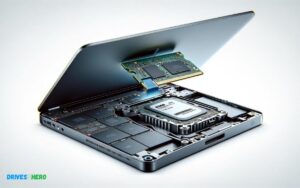
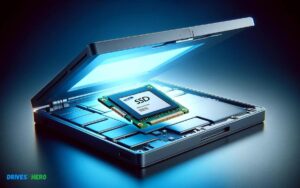
Upgrading from a Hard Disk Drive (HDD) to a Solid State Drive (SSD) can significantly boost your computer’s performance.
SSDs provide faster data access speeds, improved durability, lower power consumption, and quieter operation, making them a valuable upgrade for both personal and professional use.
When you switch from an HDD to an SSD, you’re trading spinning magnetic platters for flash memory.
This change results in several benefits:
For example:
- After upgrading to an SSD, a laptop that took minutes to boot up may now start in a matter of seconds, and applications that once loaded sluggishly will become much more responsive.
Experience a remarkable improvement in your computer’s responsiveness and efficiency by upgrading from an HDD to an SSD, transforming your computing experience with speed and reliability.
Key Takeaway
Performance Enhancements With Ssds
Swapping out a Hard Disk Drive (HDD) for a Solid State Drive (SSD) can revolutionize the way a computer performs. With no moving parts, SSDs provide a substantial upgrade over traditional spinning drives.
Users enjoy remarkable differences in speed, reliability, and efficiency, making this upgrade one of the most impactful changes to computer hardware for both casual users and professionals alike.
Speed: Boot Times And Data Transfer
One of the most conspicuous gains when upgrading to an SSD is the speed improvement. This is seen immediately in the boot-up time of the system, which can be decreased by several magnitudes of order compared to HDDs.
An SSD-equipped computer can go from powered off to ready-to-use in seconds. In addition, data transfer rates soar, as SSDs boast faster read and write speeds. Expect the following changes:
- Reduced loading times for applications and games.
- Quicker file transfers, enhancing productivity for large files.
- Enhanced system responsiveness during multitasking.
Reliability And Durability Advantages
SSDs are not just faster; they’re far more reliable too. Because SSDs use non-volatile memory chips instead of spinning platters, there are no mechanical parts to wear out or fail. This results in a longer lifespan and fewer data corruption issues.
The durability of SSDs makes them ideal for laptops and other mobile devices that are subject to movement and potential impacts.
| HDD | SSD |
|---|---|
| Moving parts prone to failure | No moving parts, less prone to failure |
| Sensitive to shock and vibration | Resistant to shock and vibration |
| Longer time to recover data | Faster data recovery |
Efficiency: Power Consumption And Heat Generation
SSDs win on the efficiency front too. They consume less power, which is crucial for laptops and other battery-powered devices, as it translates to longer battery life.
With lower power consumption, SSDs generate less heat, reducing strain on a system’s cooling mechanism and leading to quieter operation.
The efficiency advantages include:
- Extended battery lifespan due to reduced power needs.
- Less heat is produced, thus potentially extending the overall device lifespan.
- Quieter computing experience without the sound of spinning drives.
Practical Benefits Of Upgrading To Ssd
Transitioning from a traditional hard disk drive (HDD) to a solid-state drive (SSD) can seem like crossing into a new realm of computer performance.
For many, the move toward SSD offers a tangible shift in how they interact with their technology daily.
Improved Productivity For Professionals
Faster Boot Times and Speedy File Access: Upgrading to an SSD is like injecting a rush of adrenaline into a sluggish system.
You’ll enjoy rapid boot-up times and instant file access, paving the way for a more streamlined and productive workflow.
- Reliability in Data Management: Unlike HDDs, SSDs lack moving parts which significantly reduces the risk of mechanical failures, ensuring your professional data remains safe and persistently accessible.
- Efficient Multitasking: SSDs offer swift read/write speeds that boost multitasking capabilities. Juggle multiple applications with ease, without the dreaded slowdown.
Extended Lifespan For Older Computers
Revitalize your aging PC by replacing its HDD with an SSD.
This upgrade is akin to a second life for older machines, offering benefits such as:
- Improved durability, thanks to SSDs’ lack of moving parts, reducing wear and tear over time.
- Noticeable performance enhancement, making even legacy systems operate with a newfound sprightliness.
Silent Operation: SSDs are whisper-quiet, minimizing distractions and allowing for a focus-friendly environment, ideal for extending the usability of older computers in academic or professional settings.
Gaming Experience: Faster Load Times And Better Performance
Enhance your gaming rig with an SSD and witness a dramatic improvement in your virtual adventures. Immediate benefits include:
| Aspect | Impact of SSD Upgrade |
|---|---|
| Load Times | Significantly reduced, making in-game transitions nearly seamless. |
| Game Performance | Smooth, uninterrupted gameplay with fewer hitches and lag. |
| System Updates | Accelerated installation and update processes, returning you to action faster. |
With an SSD, your gaming experiences will be transformed, enticing you into immersive worlds with unprecedented fluidity and responsiveness.
Economic And Ecological Considerations
Embarking on the journey from traditional Hard Disk Drives (HDDs) to Solid State Drives (SSDs) not only accelerates computing tasks but also sets the stage for major economic and ecological benefits.
This exploration isn’t just a matter of immediate cost or performance, but a broader perspective on how upgrading to an SSD can reap financial rewards over time and foster positive environmental implications.
Cost Analysis Over Time: Ssd Vs. Hdd
Initially, SSDs may seem less budget-friendly than HDDs, but durable construction and long-term reliability can invert the cost equation.
By examining the Total Cost of Ownership (TCO), buyers recognize the profound economic advantages of SSDs.
Let’s break down the cost comparison into digestible insights:
- Enhanced Durability: SSDs have no moving parts, reducing wear and tear. This results in longer lifespan, diminished need for replacements, and thus, notable savings.
- Lower Energy Consumption: SSDs draw less power than HDDs, leading to decreased utility costs, especially pertinent in large-scale data centers.
- Improved Productivity: The speed and efficiency of SSDs translate into faster data access and processing, which can drastically reduce downtime and improve workforce productivity.
- Maintenance and Repair Costs: With fewer mechanical issues, SSDs often require less maintenance, thereby curtailing support expenses.
Factoring these elements, SSDs often emerge as the more economically prudent choice in the long-term scenario despite the upfront investment.
The Ecological Impact Of Upgrading To Ssd
Beyond financials, SSDs serve as a testament to eco-friendly technology. Their inherent design attributes yield reduced carbon footprint and energy savings.
Let’s outline the ecological boons:
- Energy Efficiency: SSDs consume significantly less power than HDDs. This translates to lower greenhouse gas emissions, especially in large data centers where energy demand is massive.
- Reduced Waste: The longevity of SSDs implies less frequent disposal and waste generation. Consequently, e-waste, which is a growing environmental concern, is mitigated.
- Resource Conservation: As SSDs last longer, the demand for production of new units diminishes, preserving resources and minimizing manufacturing-related pollution.
Data centers embracing SSD technology witness lower cooling requirements due to less heat generation compared to HDDs, which contributes further to the energy conservation narrative.
Upgrading Process And Best Practices
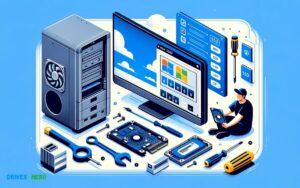
An upgrade from an HDD to an SSD can seem like a daunting task for many users, but understanding the process and following best practices can make it seamless and rewarding.
Upgrading to an SSD not only improves computer speed and performance, but it also provides better durability and efficiency.
Choosing The Right Ssd For Your Needs
Selecting the ideal SSD is a pivotal step in the upgrade. The market presents a plethora of options, so identifying your system requirements is imperative.
Consider these aspects:
- Storage Capacity: Gauge how much space you need to comfortably operate your system and store data.
- Read/Write Speeds: The faster an SSD can read and write data, the quicker your system will perform.
- Form Factor: Know your computer’s compatible SSD type – 2.5-inch, M.2, or mSATA.
- Price: More features and higher capacities often mean a higher price. Set a budget that reflects your needs.
Step-by-step Guide To Upgrading
Performing the upgrade requires careful steps to ensure data integrity and system functionality.
Follow this guide:
- Backup Important Data: Secure your files before starting the process.
- Ensure Compatibility: Check that the SSD fits and is supported by your motherboard.
- Prepare Tools: Gather the necessary screwdrivers and mounting brackets.
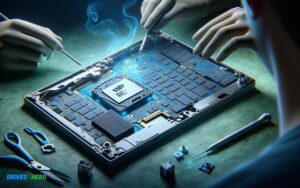
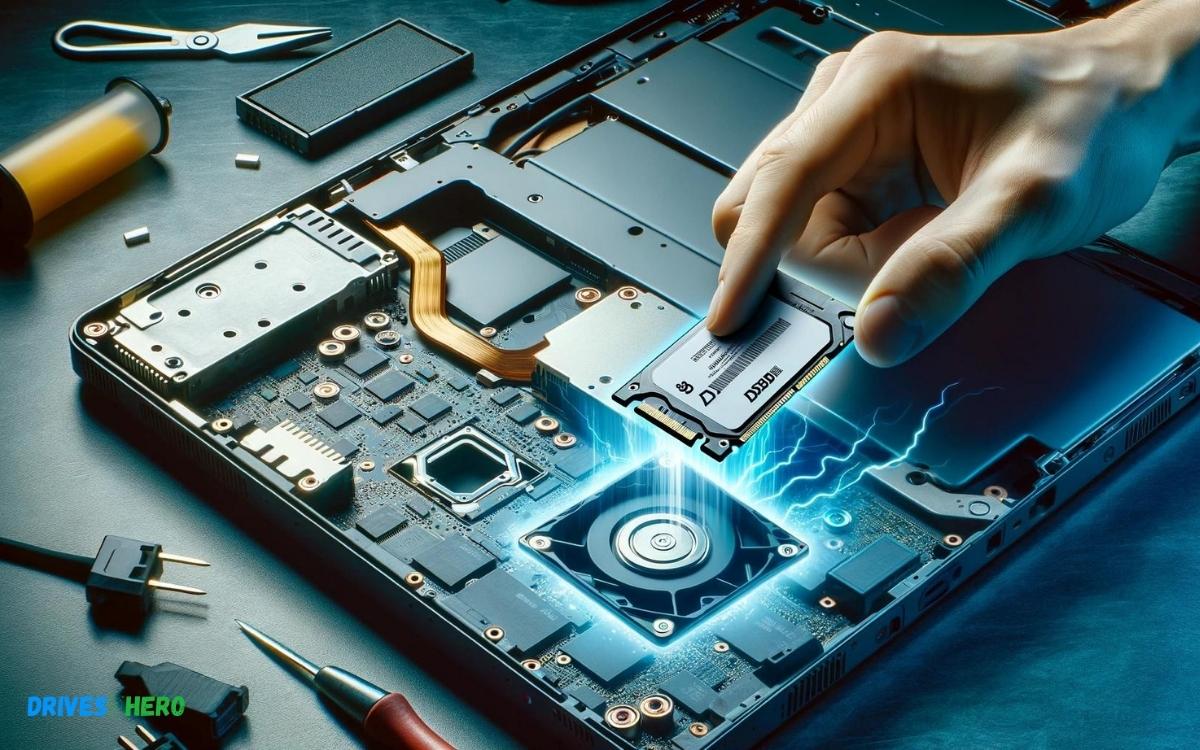
- Physical Installation: Open the computer case, remove the HDD, and install the SSD, following the manufacturer’s instructions.
- Initialize the SSD: Boot up your computer, go to the disk management utility, and initialize the SSD.
Data Migration And System Setup
After installing the SSD, you need to restore your operating system and data:
- Cloning Software: Use reliable software to clone your HDD’s data to the SSD, or opt for a fresh OS installation.
- System Configuration: Enter the BIOS setup and select the SSD as the primary boot device.
- Restore Data: If you performed a fresh install, manually transfer your data back onto the SSD.
Finalizing the SSD setup includes updating the firmware, installing necessary drivers, and optimizing the operating system’s settings for SSD usage.
Future Outlook
As we delve into the ‘Conclusion and Future Outlook’ of upgrading from HDDs to SSDs, it is essential to consolidate the key benefits that solid-state drives have brought to the table.
Not only do SSDs offer a quantum leap in data access speeds, but they also mark a shift towards a more resilient and efficient computing experience.
Taking a glimpse into what lies ahead, we are on the cusp of witnessing further innovation in SSD technology, which promises to redefine storage performance and capacity.
Summarizing The Advantages Of Ssds
- Faster boot times and application launches
- Enhanced overall system responsiveness and multitasking capabilities
- Significantly reduced power consumption leading to longer battery life in laptops
- Improved durability with no moving parts, lowering the risk of mechanical failure
- Quieter operation with negligible heat production
- Compact form factors that contribute to lighter and thinner devices
Future Developments In Ssd Technology
- Looking ahead, the trajectory for SSDs indicates a horizon brimming with potential.
- Early indicators suggest that upcoming advances will focus on enhancing data transfer rates, increasing storage capacities, and integrating next-generation memory technologies like 3D NAND.
- The advent of PCIe 4.0 and 5.0 interfaces promises to further escalate performance levels.
| Technology | Impact on SSDs |
|---|---|
| 3D NAND | More layers for higher density at a reduced cost |
| PCIe 4.0/5.0 | Multiplier effect on data throughput speeds |
| QLC NAND | Stores more data per cell, boosting storage capacities |
| NVMe Over Fabrics | Empowering SSDs for enterprise applications over diverse network topologies |
As consumers and businesses alike demand more from their digital storages, the evolution of SSDs becomes an inexorable march. With an expanding ecosystem, tailored SSD solutions are emerging to serve a plethora of industry needs.
Ultimately, the shift towards solid-state storage represents a significant stride in the pursuit of a faster, smarter, and more reliable digital age.
Conclusion
Upgrading from a traditional HDD to an SSD offers numerous perks that are hard to overlook. From blazing-fast boot times to improved overall system responsiveness, the benefits are clear.
Embrace the change for a seamless computing experience, as SSDs provide a notable boost in efficiency and reliability.

Harold Williams is a senior writer and technical editor at Drives Hero with 20+ years of experience in IT administration. He specializes in storage systems, SSD reviews, and performance testing, bringing real-world insight to every guide.