Can 2019 Macbook Pro Ssd Be Upgraded? No!
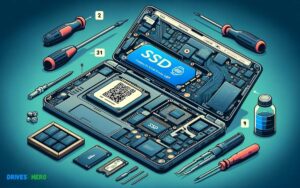
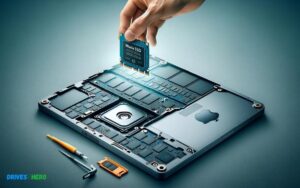
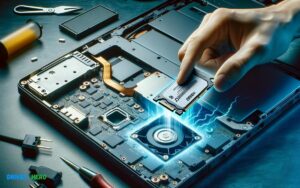
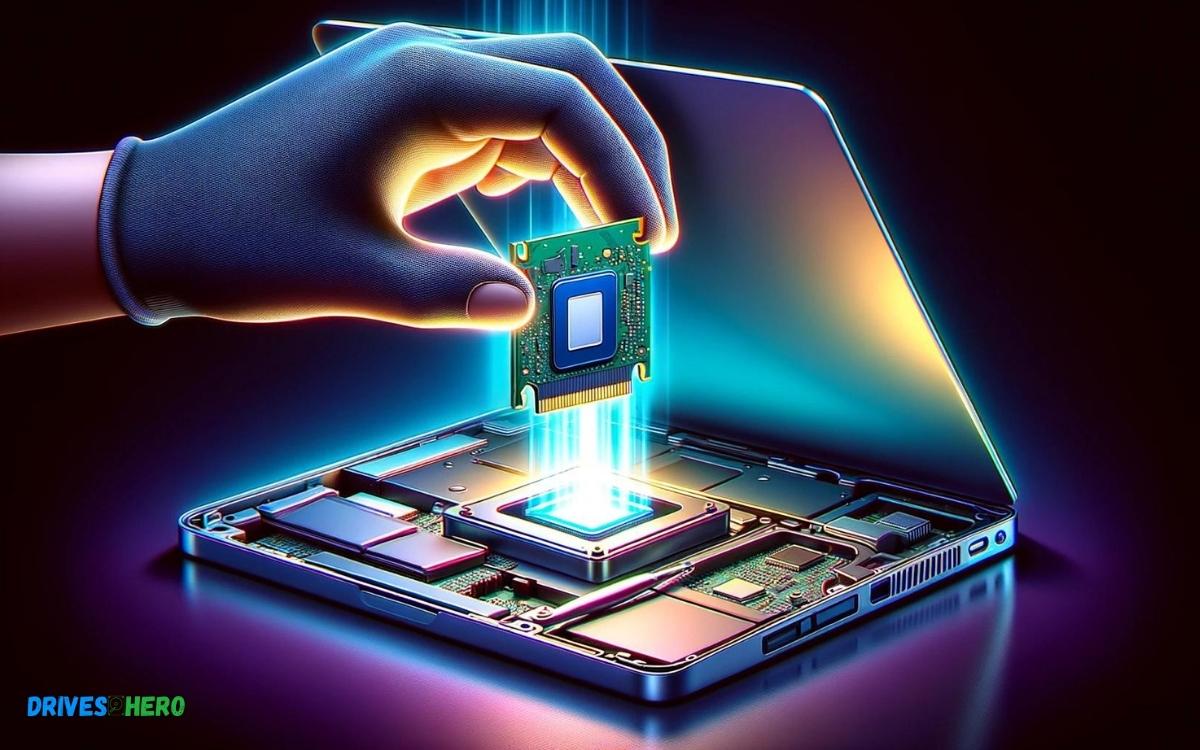
No, the SSD on the 2019 MacBook Pro is not upgradable as it is soldered onto the motherboard, making it a permanent fixture of the device.
The 2019 MacBook Pro, like many of Apple’s newer laptops, features a non-removable SSD. This means that the storage capacity cannot be increased through traditional means of upgrading.
Here are some key points to consider:
- The SSD is soldered directly to the logic board.
- Due to this design, you cannot easily remove or replace the SSD.
- Upgrading storage requires purchasing a new MacBook with higher storage capacity.
- External storage solutions are a viable alternative for additional space.
For example:
- If you’ve purchased a 2019 MacBook Pro with 256GB of storage and find you need more space, you cannot replace the SSD with a larger one. Your options would include using cloud storage services or connecting an external hard drive or SSD.
Choosing the correct storage capacity at purchase is crucial for the 2019 MacBook Pro since the SSD cannot be upgraded after the fact.
Key Takeaway
Introduction To Macbook Pro Upgradability
The longevity and performance of a laptop rest significantly on its upgradability. MacBook Pro users often seek ways to enhance their device’s capabilities as their computing demands evolve.
In the realm of Apple laptops, the topic of component upgrades, especially the Solid State Drive (SSD), frequently arises.
Understanding The Design Philosophy Of Apple
Throughout the years, Apple has positioned itself as a pioneer in technology, often prioritizing sleek designs and integrated systems. This philosophy influences the upgradability of their devices.
The harmonious blend of hardware and software in MacBooks tends to lock down components in favour of a streamlined user experience and superior aesthetic.
Nonetheless, this integration often comes at the cost of more challenging upgrades post-purchase, a critical point for users with an eye on future-proofing their investment.
Evolution Of The Macbook Pro’s Hardware
The MacBook Pro has undergone a significant evolution, marking Apple’s shift from modular, user-serviceable parts to more integrated and sealed components.
This progression is pivotal in understanding the current landscape of MacBook Pro upgradability; it sets the stage for one of the most frequent queries from users and tech enthusiasts alike.
The Common Inquiry: Can The 2019 Macbook Pro’s Ssd Be Upgraded?
Boldly put, the 2019 MacBook Pro does not support user-upgradeable SSDs. This is primarily due to Apple’s design decision to solder the storage directly onto the motherboard, ensuring a thin profile and optimized performance, but at the same time limiting upgradability.
Consequently, users with the 2019 model must consider external storage solutions or opt for a system with a higher capacity SSD at the point of purchase to circumvent potential space constraints in the future.
The Architecture Of The 2019 Macbook Pro
Apple’s MacBook Pro models have consistently set the benchmark for high-performance computing with their sleek designs and powerful internals.
The 2019 MacBook Pro is no exception, sporting a sophisticated architecture that appeals to professionals and power users alike.
Overview Of The 2019 Macbook Pro’s Specifications
The 2019 MacBook Pro comes with a host of features designed to deliver a seamless experience.
Here’s a glance at its key specifications:
- Processor: Options include 8th and 9th generation Intel Core i7 or i9 processors
- Memory: Up to 32GB of DDR4 RAM
- Graphics: Equipped with Intel UHD Graphics 630 and Radeon Pro series GPUs
- Display: True Tone technology with P3 wide color gamut on a Retina display
- Storage: SSD options ranging from 256GB to 4TB
Dissecting The Internal Layout: Ssd Integration
Intricately designed, the 2019 MacBook Pro reveals a tight internal layout that maximizes space efficiency. The SSD, an essential component for storage, sits within this configuration and is key to the system’s swift performance.
Apple has integrated it directly into the logic board. This integration has pros and cons in terms of repairability and performance.
While this design choice streamlines the data pathways for faster access speeds, it’s worth noting how it impacts the upgrade process.
Soldered Ssds Vs Removable Ssds: What Does The 2019 Model Have?
- The era of easily swappable storage components seems to be fading, as many modern notebooks move towards soldered SSDs. The 2019 MacBook Pro follows this trend.
- Previous MacBook Pro models before 2016 often featured removable SSDs, which allowed users to perform relatively simple upgrades to increase storage capacity.
- The storage solution in the 2019 MacBook Pro is soldered directly onto the mainboard.
This means that the SSD is not intended to be replaced or upgraded by the end-user. The decision to go with a permanent solution is largely due to the space constraints within the ultra-thin laptop chassis and the desire for improved data security and thermal efficiency.
Users looking to expand their storage capacity may need to consider external solutions or ensure they select a model with ample built-in storage to meet future needs.
Upgradability Of The 2019 Macbook Pro Ssd
Owners of the 2019 MacBook Pro often wonder if their SSD is upgradable, as an SSD upgrade can potentially extend the lifespan and performance of their device.
Before we dive into the nuances of upgrading this sophisticated piece of technology, let’s clarify the complexities and possibilities that encompass SSD upgrades for the 2019 MacBook Pro model.
Exploring Official Statements From Apple On Ssd Upgrades
Apple has a reputation for designing products with integrated components to ensure reliability and performance.
The official stance from Apple on upgrading the SSD of the 2019 MacBook Pro is quite straightforward they do not consider the SSD to be user-replaceable.
This implies that any upgrade not conducted through Apple or an authorized service provider might void the warranty.
Technical Challenges In Upgrading The 2019 Model’s Ssd
Technically speaking, upgrading the SSD on a 2019 MacBook Pro is not for the faint-hearted due to several reasons.
Firstly, the SSD in these models is soldered directly onto the motherboard, which makes the removal process risky and complex.
The proprietary nature of Apple’s SSDs means standard aftermarket upgrades are incompatible. Users face a variety of complex issues, such as:
- Specialized tools are needed to open the device without causing damage.
- High chance of damaging other components during the disassembly process.
- Apple T2 security chip imposes additional encryption and security measures on the storage.
The Role Of Third-party Solutions And Services
While Apple doesn’t endorse or provide support for third-party SSD upgrades, specialized service providers are willing to take on this challenge.
These entities often have the necessary expertise and equipment to perform upgrades on MacBooks, but there are caveats.
Users must consider:
- The risk of voiding the warranty.
- Reliability and quality of the third-party components.
- The potential loss of data integrity or functionality due to incompatibility with the T2 chip.
It’s essential to weigh the pros and cons and assess the trustworthiness of any third-party service before proceeding with an upgrade. Seek out providers with strong reputations and verify that they have successfully upgraded similar models.
Alternatives To Internal Upgrades
Owners of the 2019 MacBook Pro might find themselves facing the classic tech dilemma: needing more storage space with no easy path to an internal upgrade.
Expanding Storage Via External Drives: Pros And Cons
Pros:
- Easy to use: Simply plug the drive into your MacBook’s USB or Thunderbolt port.
- Variability: External drives come in various sizes and speeds to fit different needs and budgets.
- Portability: External drives can be used across multiple devices, not just your MacBook Pro.
Cons:
- Extra device: Carrying an external drive means having another item to transport and potentially losing.
- Performance: Some external drives may have slower data transfer rates compared to the internal SSD.
- Power usage: External drives can drain your MacBook’s battery faster when in use.
Leveraging Cloud Storage For Additional Space
Cloud storage emerges as a prominent solution, offering virtually unlimited space without physical constraints. Platforms like iCloud, Dropbox, and Google Drive provide seamless integration with macOS.
| Advantages | Limitations |
|---|---|
| Access files from anywhere with an internet connection. | Dependency on internet connectivity for access and speed. |
| Enhanced collaborative features for shared files. | Monthly or annual subscription fees may apply. |
| Data is backed up and protected against local hardware failure. | Concerns over data privacy and security. |
The Possibility Of Trading Up: Moving To A Newer Model With More Storage
When external solutions don’t fit the bill, trading up for a newer MacBook model can be a wise decision. The latest models offer significantly more storage capacity, performance enhancements, and the latest features.
Considerations for Trading Up:
- Assess the trade-in value of your current MacBook Pro to offset the cost of a new one.
- Review the newer models to find one that fits your storage needs and budget.
- Consider the improvements in hardware and software that could boost your productivity.
Remember: A new MacBook Pro is a long-term investment that can provide a considerable payoff in both storage and performance.
Best Practices For Managing Storage On A Non-upgradable Macbook Pro
When it comes to the sleek and high-performing 2019 MacBook Pro, one caveat users must navigatet is the inability to upgrade the Solid-State Drive (SSD).
Apple’s engineering integrates the SSD directly into the logic board, which makes after-purchase upgrades virtually impossible.
Nevertheless, effective storage management can serve as a great equalizer, allowing users to optimize and extend the life of their onboard storage.
Implementing strategic practices can ensure that your MacBook remains swift and clutter-free, enabling peak performance throughout the lifespan of the device.
Optimizing Existing Onboard Storage Space
Cleaning out unnecessary files regularly can dramatically improve the performance of your MacBook Pro.
Begin with the following steps:
- Review and delete large files that are no longer needed.
- Empty the Trash Bin to permanently remove discarded files.
- Uninstall applications that are seldom or never used.
- Use built-in tools like ‘Optimize Storage’ to automatically remove iTunes movies and shows you’ve already watched.
- Store documents and data in the cloud using services like iCloud, Dropbox, or Google Drive.
Software Tools And Utilities For Space Management
Mac’s in-built utilities and third-party tools can help manage storage more effectively:
- Disk Utility: Used for monitoring your SSD’s storage usage.
- Finder: Identify large files and folders; sort items by size to spot what’s taking up the most space.
- Third-party apps: Programs like DaisyDisk, CleanMyMac, or Disk Drill can provide detailed overviews of storage use and help clean up large, unused, or duplicate files.
Remember, while some tools are free, others come with a cost. Always download software from reputable sources to safeguard your MacBook’s security.
Maintenance Habits To Maximize Ssd Lifespan And Performance
Preserving the integrity of your SSD requires adopting maintenance habits, such as:
- Regularly updating macOS to ensure you have the latest optimizations and security enhancements.
- Using SSD-friendly file systems like APFS, which is designed for the speed and efficiency of SSD storage.
- Avoiding to keep your SSD storage at full capacity; aim to have at least 10-15 percent free space.
- Maintaining backups via Time Machine or a cloud service, which prevents data accumulation and makes it easier to wipe and restore your MacBook if performance declines.
Following these guidelines will help maintain your MacBook Pro’s SSD’s speed and reliability, thereby ensuring a seamless user experience minus the option to upgrade the drive.
Future Predictions
For those passionate about personalizing their computing experience, the upgrade limitations of the 2019 MacBook Pro might come as a disappointment.
Reconciling With The Non-upgradable Nature Of The 2019 Macbook Pro
Accepting the reality of the 2019 MacBook Pro means understanding Apple’s design philosophy that leans towards a non-upgradable, integrated system.
Users must make peace with the fact that the solid-state drive (SSD) in their device is soldered directly onto the motherboard, thereby ruling out the possibility of a straightforward upgrade.
- Soldered SSD implies zero upgrade capability post-purchase
- Increased reliability and thinner design at the cost of customizability
- Higher upfront investment in a configuration that will last for the desired duration
Will Apple Ever Return To Upgradable Designs?
The winds of change are ever-present in the tech industry, but the question of whether Apple will pivot back to upgradable designs remains speculative.
Here’s a glance at the trend:
| Year | Design Trend | Customer Sentiment |
|---|---|---|
| 2019 | Non-upgradable | Mixed reactions, with some frustration over lack of flexibility |
| 2020+ | Eco-system integration priority | Growing demands for upgradable options |
Observing market demands and competition, Apple may reconsider its strategy. However, as of today, no definitive signs indicate a return to the upgradable MacBook Pro designs of yesteryears.
Final Thoughts: Balancing Performance And Customization Needs
Performance and customization often duel when discussing high-end laptops like the MacBook Pro. Apple’s 2019 model offers impressive specs right out of the box tailored for users prioritize stability and speed over the ability to upgrade.
Here’s how to balance these aspects:
- Evaluate your long-term needs before purchasing to select a model that won’t quickly become obsolete for your purposes.
- Consider external expansion options such as cloud storage, external drives, and docks for added functionality.
- For those requiring more flexibility, explore alternative brands or older MacBook models with upgradeable components.
Deciding on a MacBook Pro boils down to preference and projected use—understanding that with high-level integration, comes a trade-off in the realm of upgrades.
Conclusion
Upgrading the SSD on a 2019 MacBook Pro poses challenges. Yet, with the right tools and expertise, it’s not impossible. It’s crucial to weigh the benefits against potential risks.
Seek professional advice if you’re unsure. Don’t forget to back up your data before proceeding with any hardware modifications. Your MacBook’s performance could soar with a successful upgrade.

Harold Williams is a senior writer and technical editor at Drives Hero with 20+ years of experience in IT administration. He specializes in storage systems, SSD reviews, and performance testing, bringing real-world insight to every guide.