How to Tell If an SSD Uses TLC or QLC NAND
Not every SSD with the same model number uses the same NAND flash inside. Manufacturers swap components between capacities, and sometimes between production runs of the exact same drive, without changing the name on the box. If you’re trying to figure out whether your drive (or the one you’re about to buy) uses TLC or QLC NAND, you need to check the actual spec sheet, not just guess based on price or branding.
This guide works as a quick lookup. It covers how to verify NAND type yourself, plus a rundown of common drives and what’s actually inside them, including the capacities where things change.
How to Check NAND Type Yourself
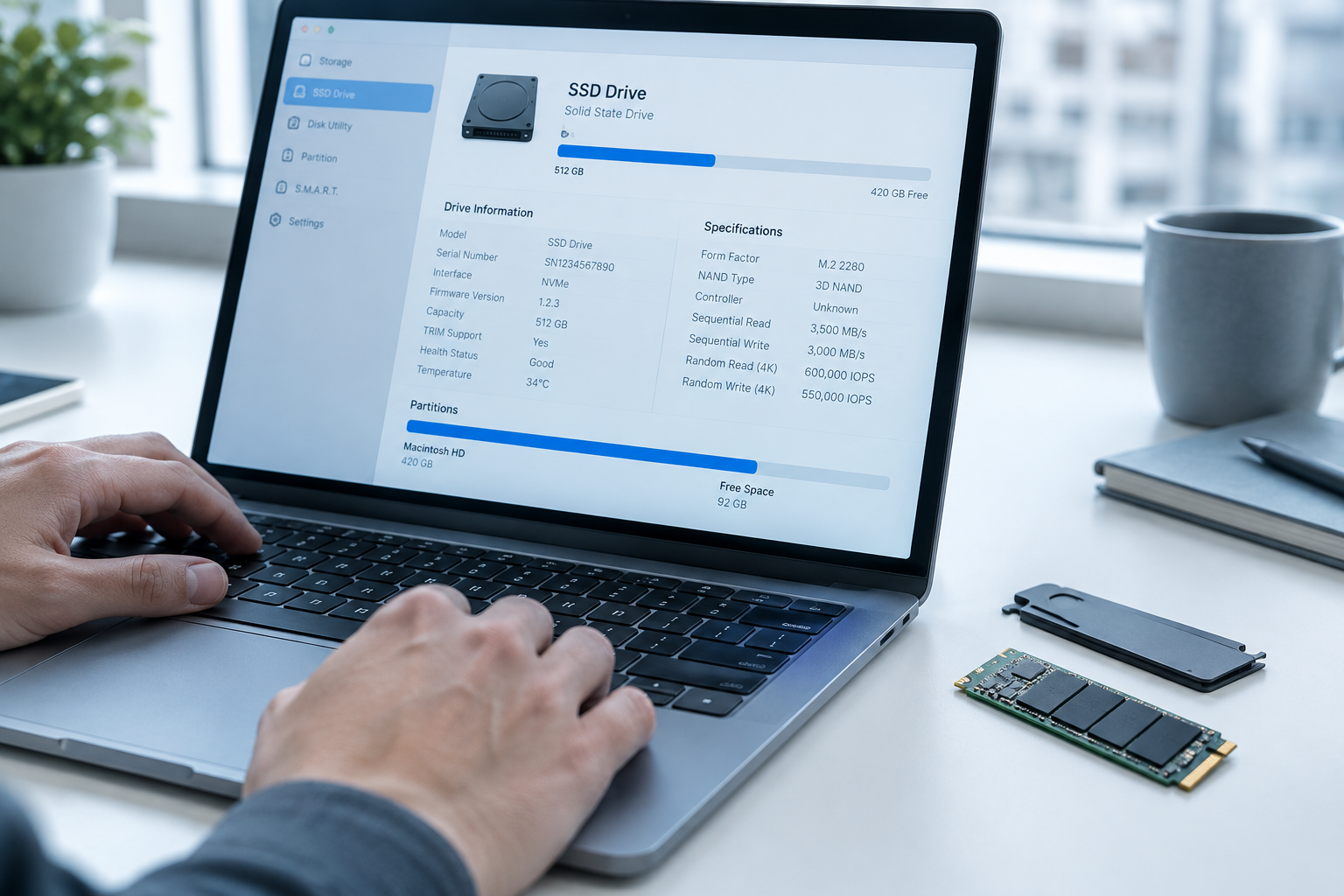
Before trusting any list (including this one), verify with these methods:
- CrystalDiskInfo (Windows): Shows controller and firmware info that you can cross-reference with the manufacturer’s spec sheet.
- Manufacturer’s ARK or product page: Samsung, WD, and Crucial all publish NAND type per capacity, though you sometimes have to dig into the datasheet PDF rather than the marketing page.
- TBW (Total Bytes Written) rating: QLC drives almost always carry lower TBW per gigabyte than TLC drives at the same capacity, since QLC endurance is inherently weaker.
- Warranty length: QLC consumer drives commonly ship with 3-year warranties, while TLC drives from the same brand often get 5 years.
If you’re checking a laptop’s factory-installed drive, this matters more than people realize. It directly affects how the machine feels over time, something covered in more detail in how important an SSD is in a laptop.
SSD Reference Lookup: NAND Type by Model
Samsung
- 970 EVO Plus: TLC NAND, Phoenix controller, DRAM present across all capacities, PCIe 3.0 NVMe, 5-year warranty. TBW scales from 150TB (250GB) up to 1200TB (2TB).
- 980 (non-Pro): TLC NAND but DRAM-less, relying on Host Memory Buffer (HMB) instead. Don’t confuse this with the 980 Pro, which does include DRAM.
- 990 Pro: TLC NAND, DRAM present, PCIe 4.0, 5-year warranty, with TBW of 600TB (1TB) and 1200TB (2TB). No 250GB option exists for this line.
- 870 EVO: SATA TLC, DRAM present, 5-year warranty.
- 870 QVO: SATA QLC, DRAM present, but only a 3-year warranty and noticeably lower TBW than the 870 EVO at matching capacities.
Western Digital / SanDisk
- WD Black SN850X: TLC NAND, DRAM present, PCIe 4.0, 5-year warranty.
- WD Black SN770: TLC NAND, but no DRAM chip at all, DRAM-less design using HMB. This is a real distinction between two drives in the same “Black” line, and it’s worth reading the full breakdown in WD Black SN770 vs SN850X specs before choosing between them.
- WD Blue SN570: TLC NAND, DRAM-less, PCIe 3.0.
- WD Green (SATA and SN350 NVMe): QLC NAND, DRAM-less, and typically a 3-year warranty. The Green line exists specifically as WD’s budget/QLC tier, so don’t expect TLC-level endurance here.
Crucial
- MX500: SATA TLC, DRAM present, 5-year warranty, a reliable long-runner in Crucial’s lineup.
- P3 and P3 Plus: QLC NAND, DRAM-less. These are budget NVMe drives, and Crucial is upfront about the QLC NAND, but shoppers comparing them against TLC competitors at similar capacities often miss the endurance gap.
- P5 Plus: TLC NAND, DRAM-less design, PCIe 4.0, positioned above the P3 line specifically because of the NAND difference.
Kingston
- NV2: QLC NAND, DRAM-less, 3-year warranty, budget PCIe 4.0 drive with capped real-world speeds on many capacities.
- KC3000: TLC NAND, DRAM present, PCIe 4.0, 5-year warranty, aimed at users who actually need sustained write performance.
- NV1 (discontinued): Worth knowing about even though it’s off the market. Kingston quietly changed the controller and NAND on this model after launch without renaming it, which is exactly the kind of silent swap that makes spec-sheet verification necessary rather than optional.
Red Flags That Signal QLC or a Component Swap

A few patterns show up again and again across brands. Watch for these when comparing drives, especially before an upgrade:
- A 3-year warranty on a consumer NVMe or SATA drive almost always signals QLC NAND or a cost-cut DRAM-less design.
- TBW that looks unusually low relative to capacity (under roughly 0.3 drive writes per day equivalent) points to QLC.
- Product listings that only show one spec sheet for a whole model line, even though capacities range from 250GB to 4TB. Larger capacities frequently get more NAND dies and sometimes a different controller revision than the smallest capacity in the same line.
- Sudden across-the-board price drops on an existing model number, which often correlates with a manufacturer quietly switching to cheaper NAND or dropping the DRAM cache.
If you’re shopping by capacity rather than brand loyalty, it also helps to understand what a given capacity actually buys you in real terms, covered in what does 512GB SSD mean on a laptop and 512GB NVMe SSD vs 512GB SSD.
FAQ
Does a higher price always mean TLC instead of QLC?
Not always, but it’s a decent starting signal. Within the same brand’s lineup, the cheaper model in a given capacity is usually the one that dropped to QLC NAND or removed the DRAM cache to hit that lower price. Across different brands, though, a premium-priced drive from one company can still use QLC, so check the actual spec sheet rather than relying on price alone.
Can I improve a QLC drive’s performance after buying it?
Keeping firmware updated helps the controller manage the SLC cache and wear leveling more efficiently, so it’s worth checking for updates through the manufacturer’s tool, something walked through in how to upgrade Samsung SSD firmware. Keeping at least 10-20% of the drive free also helps QLC drives maintain their SLC cache buffer, which is where most of the perceived speed difference actually comes from.

James Kennedy is a writer and product researcher at Drives Hero with a background in IT administration and consulting. He has hands-on experience with storage, networking, and system performance, and regularly improves and optimizes his home networking setup.