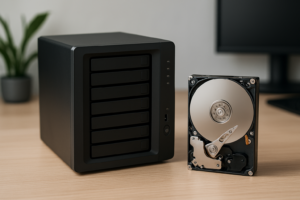
Synology DS725neo+ vs. DS725+: Which Two-Bay NAS Should You Buy?
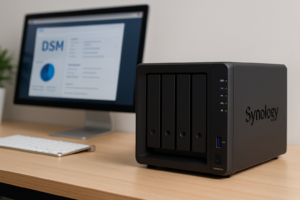
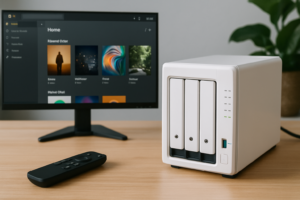
The easiest detail to miss when shopping for a two-bay Synology NAS is the word neo. The DiskStation DS725neo+ and DS725+ each ship with 4 GB of memory. The DS725+ includes error-correcting memory (ECC). The DS725neo+ ships with conventional non-ECC memory. If your purchasing requirements call for ECC, that one word changes what comes in the box.
Synology launched the neo+ family in the U.S. on October 21, 2026. If you’re buying your first network-attached storage (NAS) system to back up laptops or share family photos, compare the cost of each enclosure with the disks and memory you’ll actually use.
What changes with ECC memory?
ECC can detect and correct certain errors in data held in RAM. That matters if you run long-lived services or have a business requirement for error-correcting memory. A backup addresses a different problem. If someone deletes a shared folder, either NAS still needs an independent, recoverable copy.
Both units use an AMD Ryzen R1600 processor and have two memory slots. Synology lists a 32 GB maximum for each. The neo model supports compatible ECC upgrades, but Synology requires matching modules in a multi-module configuration. If you want ECC on day one, compare the cost of the DS725+ against the neo enclosure plus replacement memory. The factory non-ECC module cannot form a supported pair with a new ECC module.
Budget for the disks and check the network port
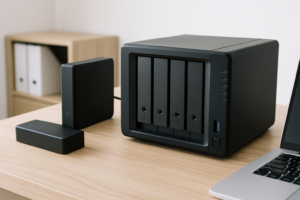
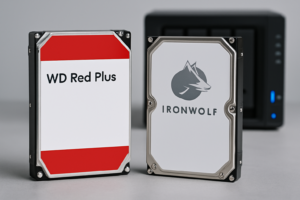
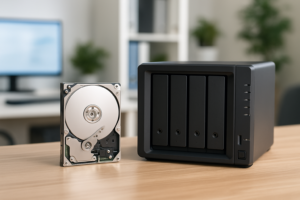
The DS725neo+ listing below is diskless. Its two main bays accept compatible 3.5-inch SATA hard drives or 2.5-inch SATA SSDs. With two 8 TB drives in a mirror, each drive holds the same data. That gives you 8 TB of nominal capacity before formatting and system overhead. Include both drives and a separate backup destination when comparing costs.
There’s a detail worth checking if you plan to connect the NAS to a faster switch. Synology’s series announcement describes two 2.5 GbE ports across the lineup, but the model-specific table for these two-bay units lists one 2.5 GbE port and one 1 GbE port on each. Use the 2.5 GbE jack for your faster connection. Your switch and the computer on the other end also need to support that speed.
For a home backup target, compare the two diskless prices after setting aside the drive budget. If ECC is a firm requirement and you would buy replacement memory immediately, the standard DS725+ is the simpler starting point. If the factory memory suits you, the neo is worth comparing on the total cost of the setup.
As an Amazon Associate I earn from qualifying purchases. View the Synology DS725neo+ two-bay diskless NAS on Amazon.
See Synology’s side-by-side DS725 hardware specifications and drive compatibility links and its U.S. neo+ launch announcement.

James Kennedy is a writer and product researcher at Drives Hero with a background in IT administration and consulting. He has hands-on experience with storage, networking, and system performance, and regularly improves and optimizes his home networking setup.