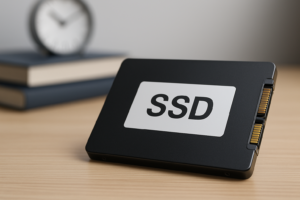
What Does 50% SSD Health Mean?
You checked your SSD health with CrystalDiskInfo, Samsung Magician, or some other utility, and it showed 50%. Your first reaction is probably somewhere between mild panic and confusion. Is your drive half dead? Does it need replacing this week? Should you already be shopping for a new one?
The honest answer is that 50% SSD health means very different things depending on which tool generated that number, what it’s actually measuring, and how you use your computer. It’s rarely as alarming as it looks, but it’s also not something to ignore completely. Let’s break down what’s actually behind that percentage.
What That Percentage Actually Measures
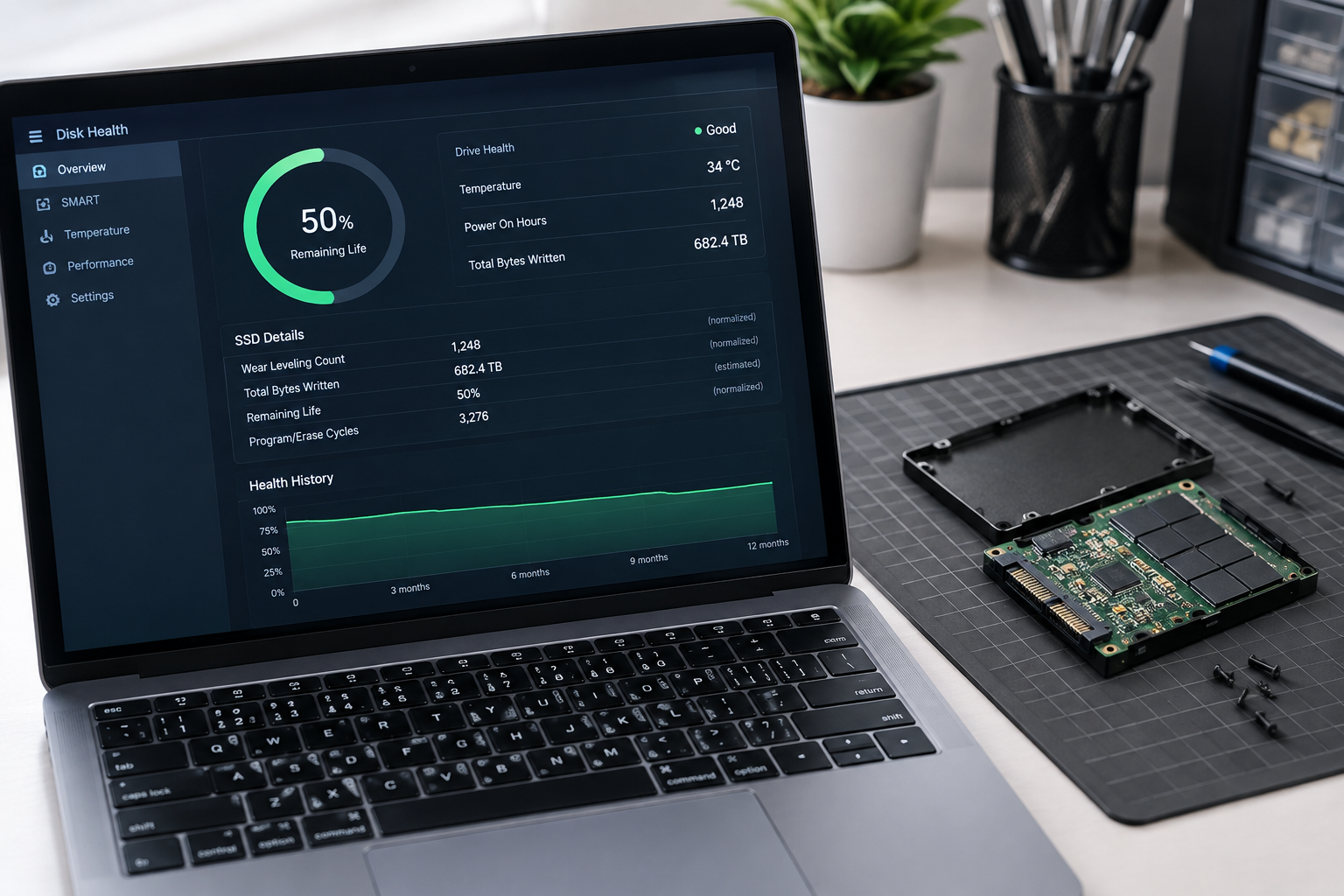
SSD health percentages aren’t a direct measurement of “how close to death” your drive is. They’re usually a calculated estimate based on one or two SMART or NVMe attributes, most commonly wear leveling data or remaining write endurance.
Every SSD is built with NAND flash memory that can only handle a finite number of write and erase cycles before individual memory cells stop reliably holding data. Manufacturers rate their drives for a total amount of data you can write over the drive’s lifetime, expressed as TBW (Total Bytes Written) or DWPD (Drive Writes Per Day).
When your monitoring software shows 50% health, it typically means you’ve used up roughly half of that rated write endurance, not that the drive is halfway to failure in some general sense. A drive rated for 300TBW that has recorded 150TB of writes will often report 50% health, even if it’s only two or three years old.
The SMART Attributes Behind the Number
Most health calculations pull from a specific handful of SMART attributes:
- Attribute 231 (SSD Life Left): A direct manufacturer estimate of remaining lifespan, often the source of the percentage you see.
- Attribute 177 (Wear Leveling Count): Tracks how evenly write operations have been spread across NAND cells.
- Attribute 233 or 241 (Total LBAs Written): Raw data on how much has been written to the drive over its life.
- Percentage Used (NVMe): On NVMe drives, this field in the SMART/Health log is the standardized equivalent, and it’s generally more consistent across brands than SATA SMART attributes.
On NVMe drives, “Percentage Used” is the field to trust most, since it’s part of the official NVMe spec rather than a vendor-specific interpretation. SATA SSDs rely more heavily on proprietary attribute numbering, which is part of why two tools can look at the same drive and report different health scores.
Why Manufacturers Calculate This Differently
There’s no universal standard for turning raw SMART data into a single health percentage. Samsung, Crucial, Western Digital, and Kingston all weight their calculations slightly differently, and third-party tools like CrystalDiskInfo apply their own interpretation on top of that when reading generic SMART data.
Samsung Magician tends to be a reliable read on Samsung drives specifically because it uses Samsung’s own thresholds and firmware data. Crucial’s Storage Executive does the same for Crucial and Micron based drives. When you run a generic tool like CrystalDiskInfo on a drive from a brand it doesn’t fully recognize, it may fall back on more generic assumptions that skew the number higher or lower than it should be.
This is why you shouldn’t treat 50% as some fixed, cross-brand benchmark. A 50% reading on a Samsung 970 EVO Plus and a 50% reading on a generic SATA SSD from a lesser known brand can represent very different real-world situations. If you’re deciding between drives for an upgrade, it’s worth checking how brands like WD Black and Samsung SSDs compare, since endurance ratings and monitoring accuracy vary quite a bit between them.
Is 50% Health Normal, or a Warning Sign?

On its own, 50% is usually not an emergency. Most consumer SSDs are rated for hundreds of terabytes of writes, often 300 to 600 TBW for a 1TB drive, and normal desktop or laptop use rarely burns through that quickly.
If you’ve had the drive for several years and it’s been used for typical tasks like web browsing, office work, and general storage, hitting the halfway mark on write endurance is expected wear, not a malfunction. Plenty of SSDs continue running fine well past the 50% mark and some keep working even after reporting 0% remaining life, since manufacturer ratings build in a safety margin.
What matters more than the percentage alone is the trend and the context around it. A drive that dropped from 90% to 50% in six months is behaving very differently than one that took four years to get there.
When 50% Health Should Concern You
Context turns an unremarkable number into a legitimate warning sign. Watch for these combinations:
- The drive is less than a year or two old and already at 50%, suggesting unusually heavy write activity or a firmware issue.
- You’re also seeing reallocated sector counts increasing, uncorrectable error counts rising, or the Critical Warning field in NVMe SMART data flagging anything other than zero.
- The drive has started showing performance drops, longer boot times, or occasional failures to be detected on startup.
- SMART status has shifted from “Good” to “Caution” or “Bad” in your monitoring tool, not just the health percentage alone.
Any one of these alongside a 50% reading is a much stronger signal than the percentage by itself. Wear leveling data tells you about endurance, but it doesn’t catch every failure mode. Controller failures, power related corruption, and bad NAND blocks can all take a drive down well before its rated write endurance is used up.
What to Actually Do When You See 50%
Don’t panic, but don’t ignore it either. Treat 50% as a prompt to check your backup habits rather than a reason to order a replacement drive immediately.
- Check your backup situation first. If your important files aren’t backed up somewhere else, fix that today regardless of what the health percentage says.
- Look at the full SMART report, not just the summary percentage. Reallocated sectors, pending sectors, and uncorrectable errors matter more than wear leveling alone.
- Track the trend over a few months instead of reacting to a single reading. A stable or slowly declining number is far less concerning than a sudden drop.
- Use the manufacturer’s own tool when possible. Samsung Magician, Crucial Storage Executive, or WD Dashboard will give you a more accurate picture than a generic third-party utility.
- Plan a replacement if you see errors accumulating alongside the wear percentage, especially on a drive holding your operating system or important work files.
If you’re already thinking about your next drive, it’s a good time to consider whether an NVMe drive is actually faster than your current SSD for your workload, since a replacement is a natural opportunity to upgrade rather than just swap like for like.
How SSD Health Differs From HDD Failure Signs
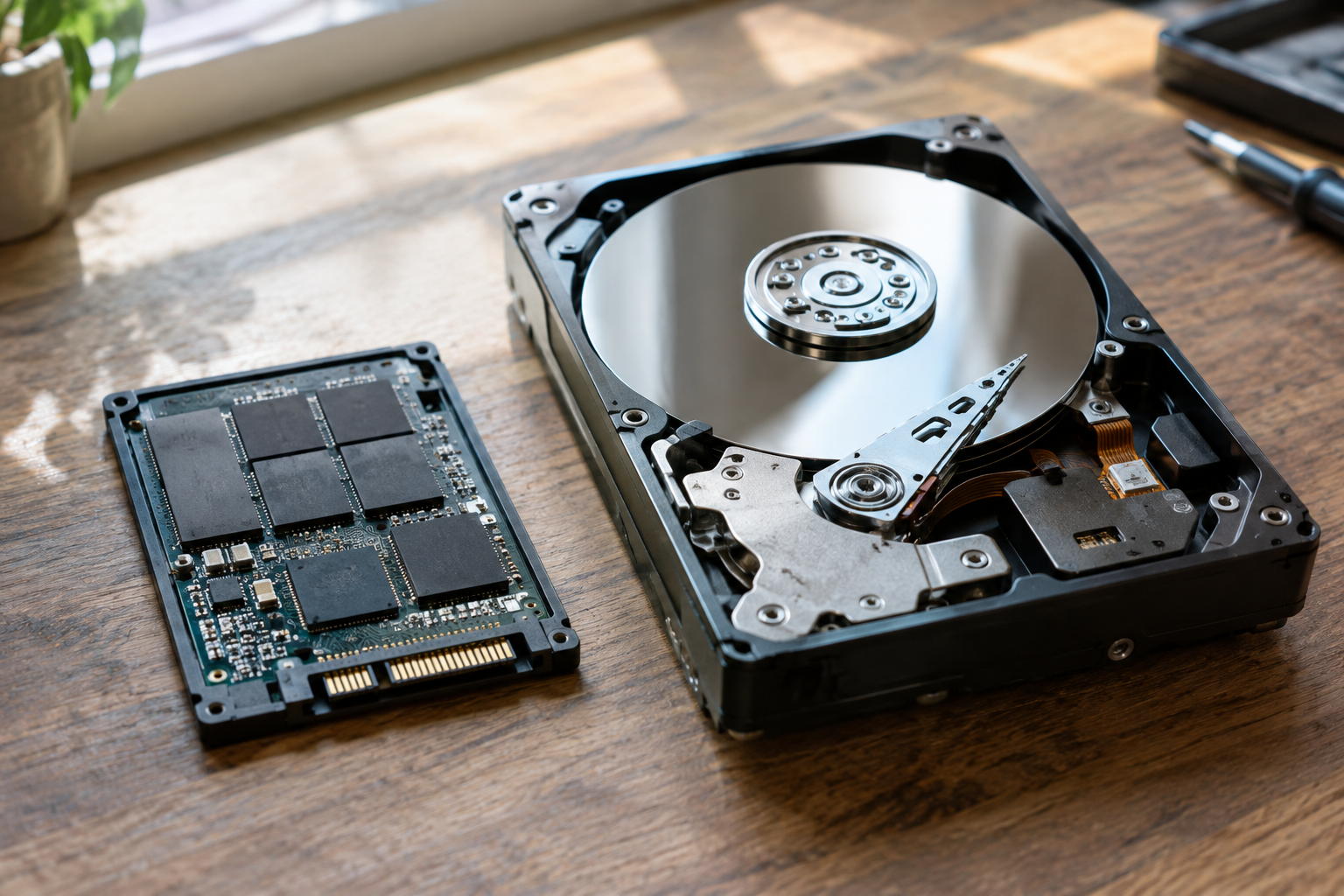
If you’re used to thinking about hard drive health, SSDs behave differently enough that old instincts can mislead you. Hard drives fail mechanically, through worn bearings, head crashes, or platter damage, and those failures are often sudden and total.
SSDs degrade more gradually and predictably because the wear is tied to write cycles rather than moving parts. This is one of the reasons SSDs are generally more reliable for everyday use, alongside the speed benefits covered in our guide on upgrading from HDD to SSD. A gradually declining health percentage on an SSD is a much more useful early warning than anything you’d typically get from a failing mechanical drive.
That said, SSDs aren’t immune to sudden failure. Controller chips can fail, firmware bugs can corrupt data, and power surges can damage a drive regardless of how much write endurance is left. Health percentage is one useful signal among several, not a complete failure prediction system.
Frequently Asked Questions
Can I keep using an SSD at 50% health?
Yes, in most cases. A 50% reading based on write endurance alone typically means the drive still has a substantial amount of usable life left. Keep an eye on SMART error counts and back up your data regularly, but there’s no need to stop using the drive just because of this number.
Does 50% SSD health mean the drive is halfway through its lifespan?
Not necessarily. It usually reflects how much of the manufacturer’s rated write endurance (TBW) has been consumed, not a literal countdown to failure. Many drives continue working well past this point, especially under light to moderate use.
Why do different tools show different health percentages for the same drive?
Each tool interprets SMART or NVMe data using its own formulas, and manufacturer specific software like Samsung Magician or Crucial Storage Executive usually reads proprietary attributes more accurately than generic third-party utilities. Differences of 10 to 20 percentage points between tools aren’t unusual and don’t necessarily mean one reading is wrong.

James Kennedy is a writer and product researcher at Drives Hero with a background in IT administration and consulting. He has hands-on experience with storage, networking, and system performance, and regularly improves and optimizes his home networking setup.