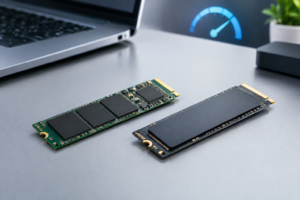
PCIe 3.0 vs 4.0 vs 5.0 SSD Speed Chart
If you’ve ever shopped for an NVMe SSD, you’ve probably seen “PCIe 3.0,” “PCIe 4.0,” or “PCIe 5.0” listed right next to speed numbers that sound impressive but don’t mean much without context. The interface generation sets a ceiling on how fast data can theoretically move between your SSD and your motherboard, but the drive itself rarely hits that ceiling. Understanding the gap between advertised bandwidth and real-world throughput will save you from overpaying for speed you’ll never actually use.
This guide breaks down exactly what each PCIe generation offers, what NVMe drives realistically deliver on each one, and why the difference between “theoretical” and “real-world” numbers is bigger than most spec sheets let on.
What PCIe Generation Actually Controls
PCIe (Peripheral Component Interconnect Express) is the physical and logical connection that links your SSD to the rest of your system. Each new generation doubles the raw transfer rate per lane, measured in GT/s (gigatransfers per second), while keeping the encoding scheme largely the same from PCIe 3.0 onward.
Consumer NVMe SSDs almost always use four lanes, written as x4. That lane count, combined with the generation, determines the maximum bandwidth available to the drive. The SSD controller and NAND flash inside the drive determine whether it can actually use that bandwidth.
PCIe 3.0 vs 4.0 vs 5.0 Theoretical Bandwidth Chart
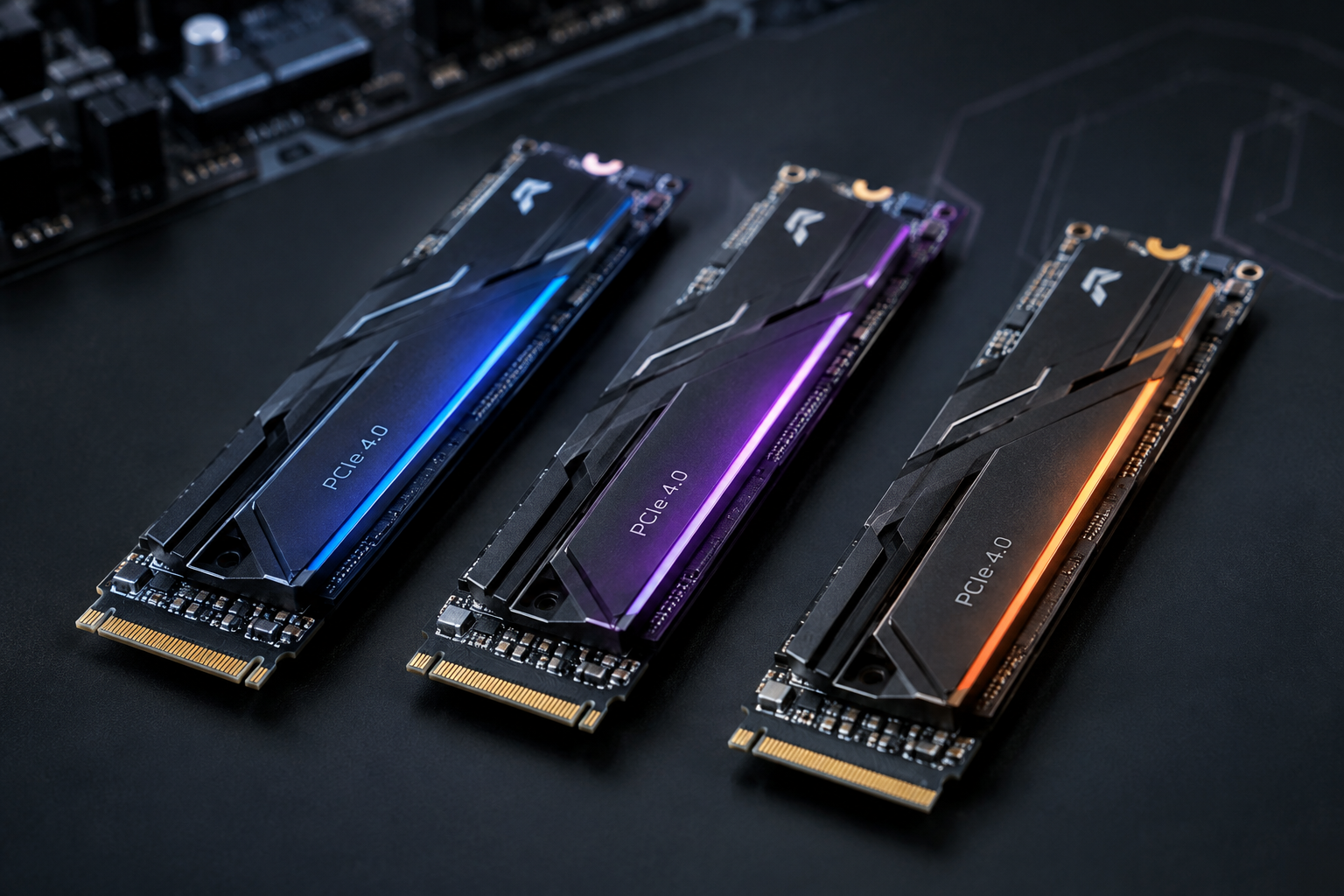
These numbers represent the maximum possible throughput per direction (read or write) on an x4 link, based on the official PCI-SIG specifications. This is the ceiling, not what you’ll see in everyday use.
- PCIe 3.0 x4: 8 GT/s per lane, roughly 3.94 GB/s (about 31.5 Gbps) total theoretical bandwidth
- PCIe 4.0 x4: 16 GT/s per lane, roughly 7.88 GB/s (about 63 Gbps) total theoretical bandwidth
- PCIe 5.0 x4: 32 GT/s per lane, roughly 15.75 GB/s (about 126 Gbps) total theoretical bandwidth
Notice the unit shift here. Interface speeds are often quoted in Gbps (gigabits per second) in spec sheets, while storage throughput is almost always reported in MB/s or GB/s (megabytes or gigabytes per second). Divide Gbps by 8 to get GB/s, and don’t let a vendor’s Gbps number trick you into thinking a drive is faster than it is.
Real-World NVMe SSD Speeds by PCIe Generation
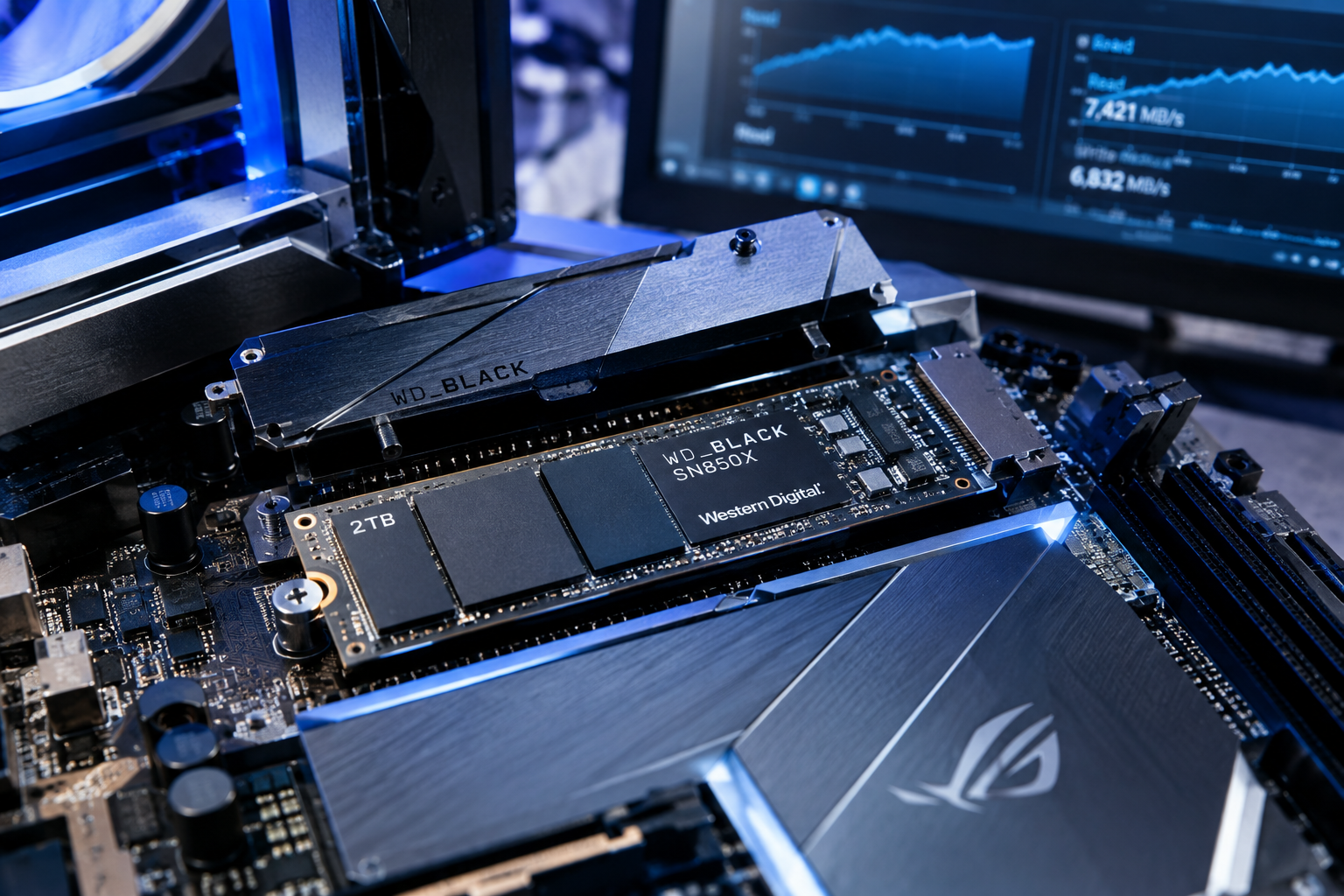
Actual SSD performance depends on the controller, NAND type, cache design, and firmware, not just the interface. Still, each generation has a realistic range you can expect from a healthy, well-reviewed consumer drive.
- PCIe 3.0 x4 NVMe SSDs: sequential reads typically land between 3,400 and 3,500 MB/s, with writes ranging from about 2,000 to 3,300 MB/s depending on whether the drive uses DRAM caching
- PCIe 4.0 x4 NVMe SSDs: sequential reads commonly fall between 5,000 and 7,500 MB/s, with writes in the 4,000 to 7,000 MB/s range on higher-end controllers
- PCIe 5.0 x4 NVMe SSDs: sequential reads range from roughly 10,000 to 14,000 MB/s, with writes between about 10,000 and 12,000 MB/s, though these drives run hotter and often need dedicated heatsinks
For comparison, a SATA III SSD tops out around 550 to 560 MB/s in real-world use, regardless of the drive’s internal capabilities, because the SATA interface itself is the bottleneck. If you’re trying to decide whether that jump to NVMe matters for your workload, the SATA vs NVMe SSD gaming comparison breaks down where the difference actually shows up and where it doesn’t.
Why Real-World Speeds Never Match Theoretical Bandwidth
Every PCIe generation from 3.0 onward uses 128b/130b encoding, which adds about 1.54% overhead to account for clock synchronization and error checking. That’s a big improvement over the 8b/10b encoding used in PCIe 1.0 and 2.0, which carried roughly 20% overhead, but it still means the raw transfer rate and the usable data rate are never identical.
Beyond encoding, there’s protocol overhead from the NVMe command set itself, plus latency introduced by the SSD controller translating logical block addresses to physical NAND locations. Then there’s thermal throttling. PCIe 5.0 drives in particular can hit their bandwidth ceiling for short bursts, then throttle once the controller heats up, which is why heatsink design matters more on these drives than on older generations.
Cache exhaustion is another factor. Most consumer NVMe drives use an SLC cache to accelerate writes, and once that cache fills up during a large sustained transfer, write speeds can drop by half or more. This is one of the reasons a drive’s headline speed on the box rarely matches what you’ll see copying a 100GB video file. If you want a deeper look at how NVMe compares against other storage types beyond just the numbers, Is NVMe Really Faster Than SSDs? covers the practical side of that question.
Which PCIe Generation Should You Actually Buy
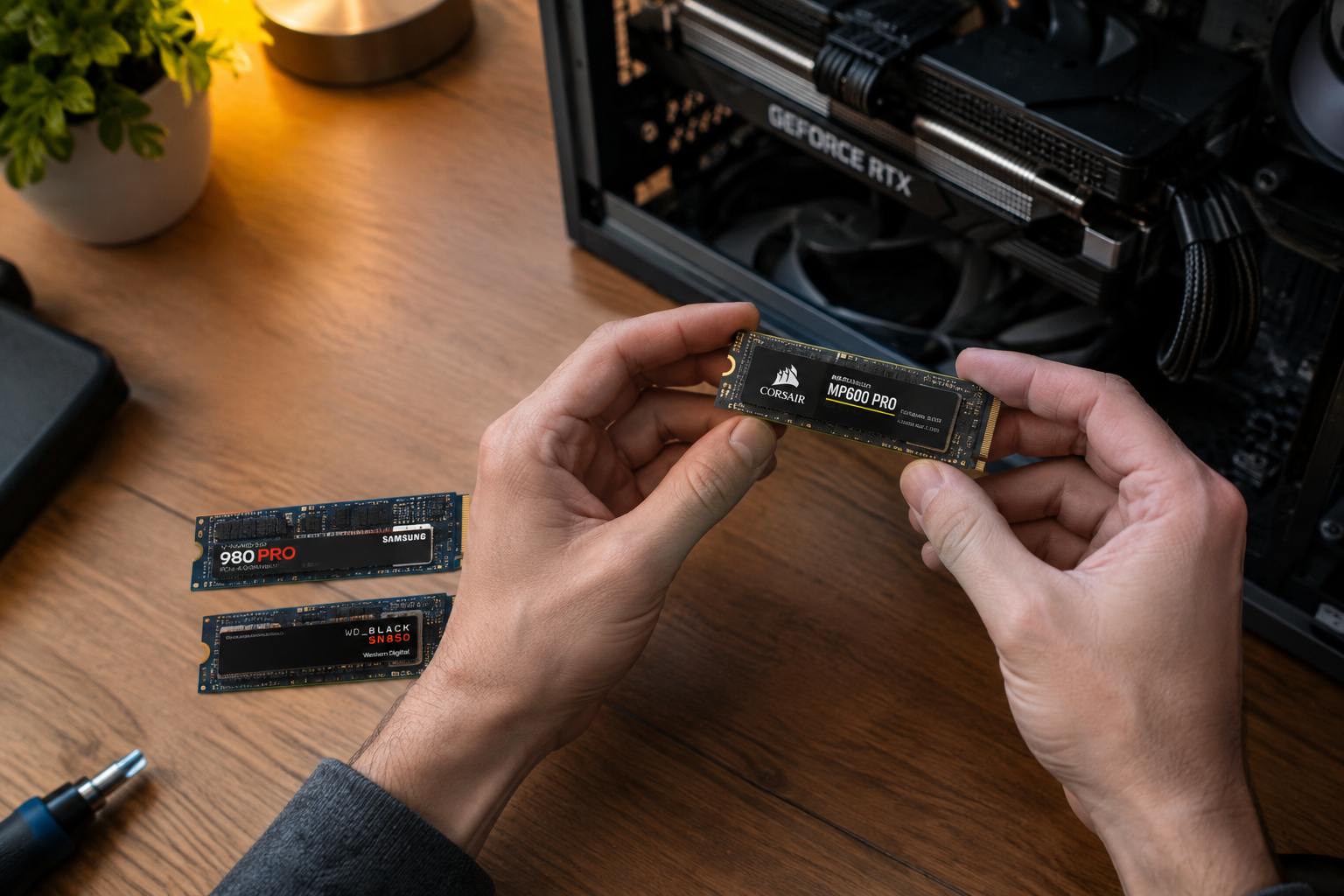
For most laptops and everyday desktops, PCIe 4.0 is the current sweet spot. It offers a real, noticeable jump over PCIe 3.0 for large file transfers and game load times without the heat and price premium of PCIe 5.0.
PCIe 5.0 makes sense if you’re doing video editing with large RAW files, running local AI workloads, or building a high-end workstation where sustained sequential throughput actually gets used. For typical gaming and productivity tasks, you likely won’t notice the difference between a fast PCIe 4.0 drive and a PCIe 5.0 drive in daily use, since random read performance and application responsiveness matter more than peak sequential numbers.
PCIe 3.0 is still perfectly usable and often the more budget-friendly choice, especially in older systems where the motherboard caps out at that generation anyway. Drives like the WD Black SN770 sit comfortably in the PCIe 4.0 range, and comparing it against something like the SN850X is a good way to see how much controller quality affects real-world numbers within the same generation, which the WD Black SN770 vs SN850X specs comparison lays out in detail.
Before buying based on PCIe generation alone, check your motherboard or laptop’s actual supported generation. A PCIe 5.0 SSD in a PCIe 3.0 slot will run at PCIe 3.0 speeds, since the connection negotiates down to the slower device automatically.
Frequently Asked Questions
Does PCIe 4.0 double PCIe 3.0 speed in practice?
The theoretical bandwidth doubles, but real-world SSD performance usually shows a smaller gain, often 50% to 80% faster on sequential transfers, because the SSD controller and NAND become the limiting factor before the interface does.
Can I use a PCIe 4.0 SSD in a PCIe 3.0 slot?
Yes. PCIe is backward compatible, so the drive will work fine but will run at PCIe 3.0 speeds since the connection negotiates to the slower of the two components. This is common when upgrading storage in an older laptop or desktop.
Is PCIe 5.0 worth it for gaming?
Not really, at least not yet. Game load times are more dependent on random read speeds and CPU performance than raw sequential bandwidth, so a good PCIe 4.0 drive delivers nearly identical gaming performance to a PCIe 5.0 drive while running cooler and often at a lower price.

James Kennedy is a writer and product researcher at Drives Hero with a background in IT administration and consulting. He has hands-on experience with storage, networking, and system performance, and regularly improves and optimizes his home networking setup.