HDD RPM Speed Chart: 5400 vs 7200 vs 10000 RPM
If you’re shopping for a mechanical hard drive, the RPM number tells you more about real-world speed than almost any other spec on the label. A drive spinning at 5400 RPM and one spinning at 10000 RPM can feel like completely different categories of storage, even though they’re both technically “hard drives.” Before you pick one, it helps to know what those numbers actually translate to in usable performance.
RPM Speed Chart: What Each Tier Actually Delivers
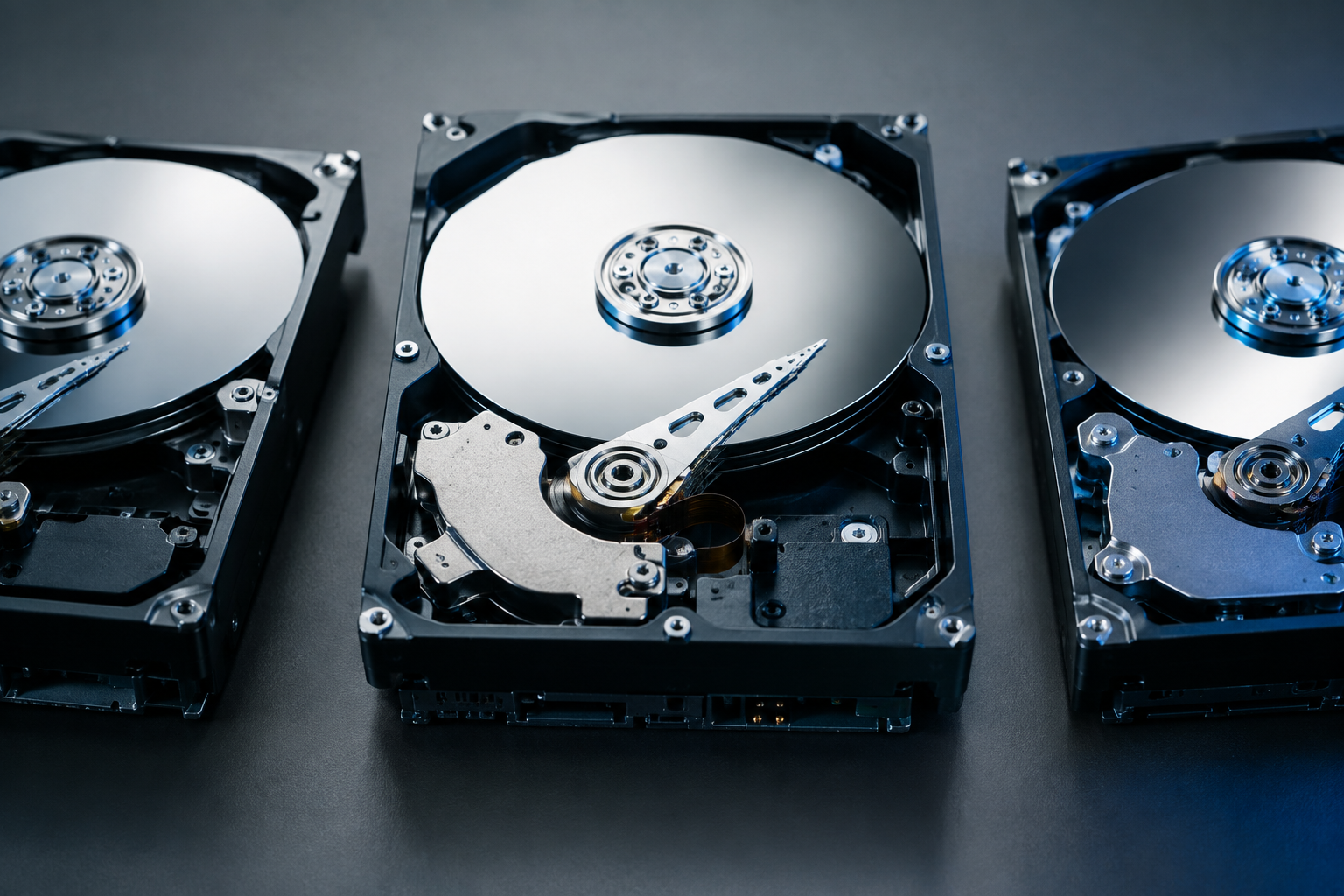
RPM stands for revolutions per minute, referring to how fast the physical platters inside the drive spin. Faster spin speeds mean the read/write head can access data sooner and pull it off the platter faster, which lowers latency and raises sustained throughput.
Here’s how the three common consumer and enterprise tiers stack up in realistic terms:
- 5400 RPM: Average latency around 5.5 ms, sustained transfer speeds typically in the 100 to 150 MB/s range. Common in budget laptops, external backup drives, and NAS units built for capacity over speed.
- 7200 RPM: Average latency around 4.2 ms, sustained transfer speeds typically in the 150 to 220 MB/s range. The standard for desktop PCs, gaming rigs still using HDDs for bulk storage, and most internal 3.5-inch drives sold today.
- 10000 RPM: Average latency around 3 ms, sustained transfer speeds typically in the 200 to 260 MB/s range. Found in enterprise and workstation drives like older WD VelociRaptor models, aimed at database and server workloads that need lower latency more than raw capacity.
Notice that going from 5400 to 10000 RPM roughly doubles the spin speed but doesn’t double the real throughput. That’s because platter density, areal recording technology, and controller overhead all cap how much extra speed you actually get in practice.
Interface Bandwidth vs Real-World Throughput
This is where a lot of people get confused, and it’s worth clearing up before you compare any spec sheet. The interface connecting your drive to your motherboard has a theoretical maximum bandwidth that has almost nothing to do with what a spinning HDD can actually achieve.
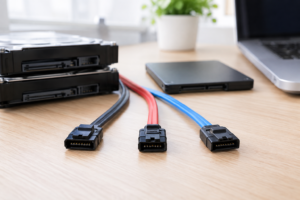
SATA III, the interface used by virtually all consumer HDDs today, has a rated bandwidth of 6 Gbps. But that number is measured in gigabits per second, not gigabytes, and it includes protocol encoding overhead. SATA uses 8b/10b encoding, meaning 2 out of every 10 bits are overhead for error checking and signal integrity, not usable data.
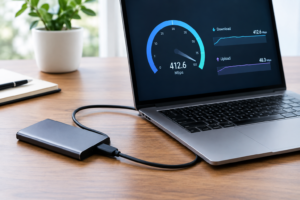
Do the math and 6 Gbps becomes roughly 4.8 Gbps of usable data, which works out to about 600 MB/s of theoretical maximum throughput. No mechanical hard drive, at any RPM, comes remotely close to saturating that interface. Even a 10000 RPM enterprise drive tops out around 260 MB/s, less than half of what SATA III can carry.
That gap tells you something important: the bottleneck in an HDD is never the cable or the port, it’s the physics of a spinning platter and a moving read/write head. This is a big part of why solid state drives feel so dramatically faster even on the same SATA interface. If you want to understand just how much that difference matters day to day, the benefits of upgrading from HDD to SSD are worth reading before you commit to another mechanical drive.
Which RPM Should You Actually Buy?
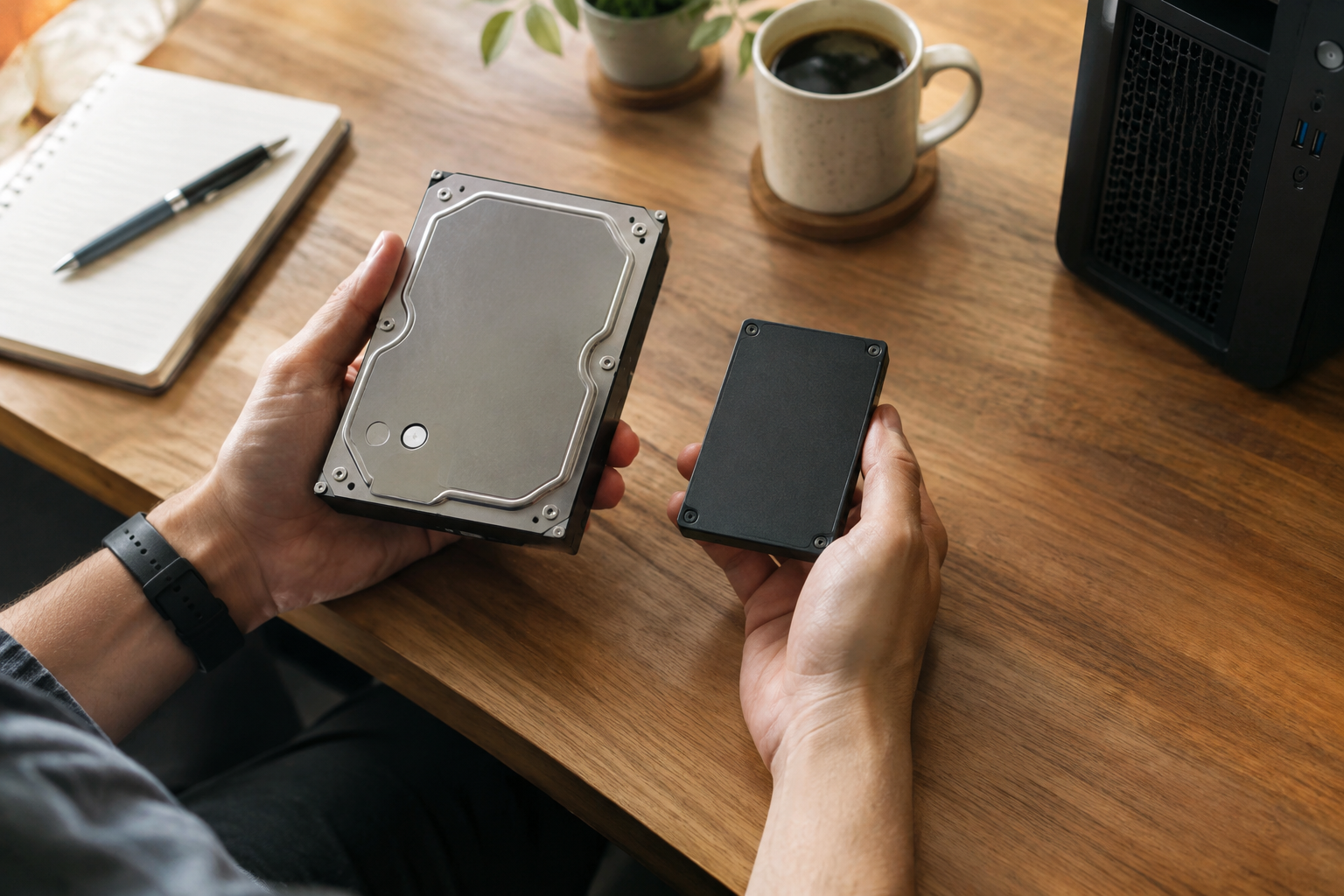
For most people, 7200 RPM is the right default choice for an internal HDD. It offers a meaningful speed bump over 5400 RPM without the higher price, power draw, and heat that come with 10000 RPM drives.
5400 RPM still makes sense for external backup drives, media storage, and NAS setups where quiet operation and lower power consumption matter more than speed. You’re not editing video off a backup drive, so the slower spin speed is rarely a real drawback there.
10000 RPM drives are mostly a niche choice now, aimed at specific server and workstation scenarios rather than everyday computing. Honestly, if you’re at the point where you’re considering a 10000 RPM HDD for speed, you’re almost always better served by a SATA or NVMe SSD instead. Even a basic SSD will outrun the fastest mechanical drive by a wide margin, and prices have dropped enough that the old cost argument for HDDs barely holds up anymore.
If your system still boots off a hard drive, upgrading is one of the most noticeable improvements you can make. Check out how important an SSD really is in a laptop to see why this swap tends to matter more than adding RAM or a faster CPU.
Frequently Asked Questions
Is a 7200 RPM drive noticeably faster than a 5400 RPM drive?
Yes, in everyday use you’ll notice faster file transfers, quicker load times for large files, and snappier response during multitasking. The difference isn’t as dramatic as switching to an SSD, but it’s real, especially when copying large video or backup files.
Does higher RPM mean the hard drive will wear out faster?
Not significantly. Modern 7200 and 10000 RPM drives are engineered for their higher spin speeds and rated for similar lifespans as 5400 RPM models, though enterprise drives often carry longer warranties due to their intended workloads. Heat and vibration matter more for longevity than RPM alone.

James Kennedy is a writer and product researcher at Drives Hero with a background in IT administration and consulting. He has hands-on experience with storage, networking, and system performance, and regularly improves and optimizes his home networking setup.