How to Check SK hynix SSD Warranty by Serial Number
If your SK hynix SSD is acting up or you’re just curious about how much warranty coverage you have left, checking it doesn’t require guesswork. SK hynix, like most SSD manufacturers, ties warranty status directly to the drive’s serial number. The tricky part is knowing where to find that number and which official tool to actually trust with it.
This guide walks you through exactly where to locate your SSD’s serial number, how to tell it apart from the model number and firmware version, and how to run an official warranty check without handing your drive’s information over to a random third-party website.
Why Warranty Status Actually Matters
SSDs don’t fail as often as spinning hard drives, but they aren’t immune to problems. NAND flash cells wear out over time, controllers can fail, and firmware bugs occasionally cause drives to drop off the system entirely. Knowing whether your drive is still under warranty can save you the cost of a replacement.
SK hynix typically backs its consumer SSDs, including the Gold P31, Gold S31, and BC series, with a standard warranty period that ranges from three to five years depending on the model and region. Some drives also include a total bytes written (TBW) limit as part of the warranty terms, so a drive can technically fall outside coverage if it’s been written to heavily even before the time limit runs out.
If you’re weighing whether your current storage setup is even worth troubleshooting versus replacing, it helps to understand how important an SSD really is for your laptop’s performance before you decide how much effort a warranty claim is worth.
Serial Number vs Model Number vs Firmware Version
People mix these three up constantly, and it’s an easy mistake to make since they’re all printed close together on the drive’s label. Each one serves a different purpose, and warranty checks specifically need the serial number.
Serial Number
The serial number is a unique identifier assigned to that individual physical drive. No two SK hynix SSDs share the same serial number, which is exactly why manufacturers use it to look up purchase and warranty records. It’s usually a mix of letters and numbers, often 10 to 20 characters long, and labeled clearly as “S/N” on the sticker.
Model Number
The model number identifies the product line and capacity, not the individual unit. For example, you might see something like “HFS512GDE9X073N” or a Gold P31 designation followed by a capacity like 500GB or 1TB. This tells you what the drive is, but it won’t get you anywhere on a warranty lookup tool by itself.
Firmware Version
Firmware version refers to the software running on the SSD’s controller, not the hardware itself. It’s more relevant for troubleshooting performance issues or checking whether an update is available than for warranty purposes. You can usually view this through SK hynix’s own SSD utility software or through tools like CrystalDiskInfo on Windows.
If you’re dealing with firmware questions on a different brand, the process is similar in spirit to what’s covered in this guide on how to upgrade Samsung SSD firmware, though SK hynix uses its own dedicated tool.
Where to Find the Serial Number on Your SK hynix SSD
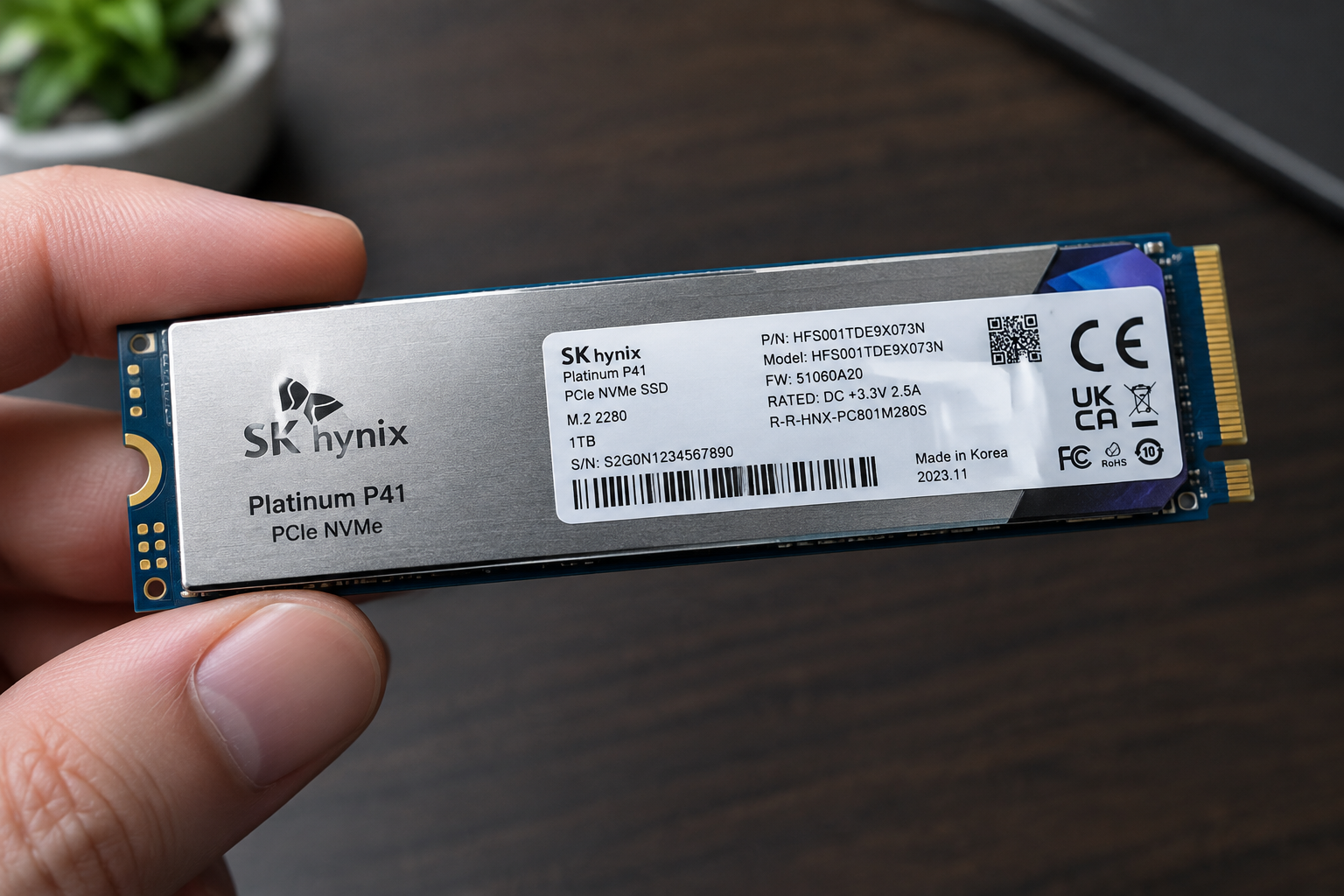
You have two main ways to find it: physically reading the label on the drive, or pulling it up through software without opening your laptop or desktop at all.
Checking the Physical Label
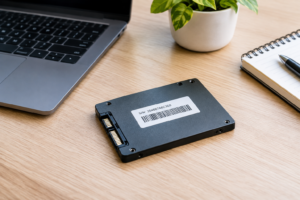
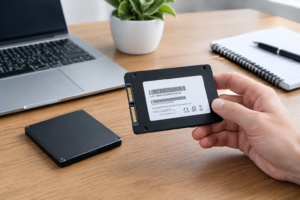
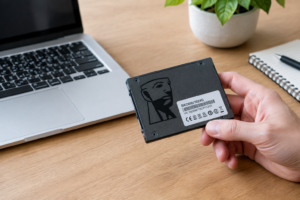
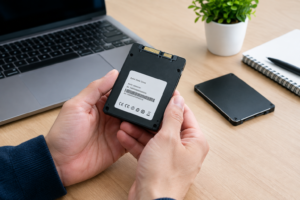
If your SSD is a 2.5-inch SATA drive, flip it over and look at the sticker on the back or bottom. You’ll see the model number, serial number, capacity, and sometimes a manufacturing date code all printed together.
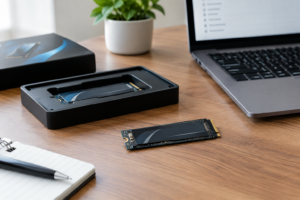
For M.2 NVMe drives, the label is usually printed directly on the small circuit board itself. Since these drives sit inside a laptop or under a heatsink on a desktop motherboard, you’ll likely need to power down the machine and remove a panel or M.2 slot cover to see it.
Checking the Serial Number Through Software
This is the easier route for most people, especially if the drive is already installed and running. On Windows, open Command Prompt and type:
wmic diskdrive get model,serialnumber
This pulls up the model and serial number for every drive connected to your system. You can also use SK hynix’s own SSD Utility software, which displays the serial number, firmware version, model, and drive health all in one screen.
On a Mac, open System Information (hold the Option key and click the Apple menu, then choose System Information), navigate to NVMExpress or SATA under Hardware, and select your SSD to view its details.
How to Check SK hynix SSD Warranty Status

Once you have your serial number written down correctly, head to SK hynix’s official support and warranty portal rather than a third-party site. Manufacturer warranty tools pull directly from their own registration and shipping databases, which is the only reliable source for this kind of information.
- Go to the official SK hynix SSD support page and locate the warranty check or product support section.
- Enter your serial number exactly as it appears on the label or in the software output. Avoid extra spaces or mixing up similar-looking characters like “0” and “O”.
- Submit the request and review the results, which typically show the warranty start date, end date, and remaining coverage.
- If the tool asks for additional details like proof of purchase, have your receipt or order confirmation ready to upload.
Avoid third-party “SSD serial number lookup” sites that promise instant warranty results. These sites often scrape outdated data, and in some cases they’re set up purely to collect your drive’s serial number and personal details for unrelated purposes. Stick with SK hynix’s own domain when entering this information.
What Affects Your Warranty Eligibility
A serial number lookup will tell you the warranty window, but whether a claim actually gets approved depends on a few other factors that are worth understanding upfront.
Region and Retailer
SK hynix warranty terms can differ depending on which country the drive was originally sold in. A drive purchased through a US retailer may have different coverage terms than one sold in Europe or Asia, even if it’s the exact same model. Gray market or imported drives sometimes carry reduced or no manufacturer warranty at all, since they weren’t sold through an authorized regional distributor.
Purchase Date and Proof of Purchase
The warranty clock generally starts from the original purchase date, not the manufacturing date printed on the label. This is where a receipt or order invoice becomes important. Without proof of purchase, SK hynix may default to calculating the warranty period from the manufacturing date instead, which could shorten your actual coverage window if the drive sat on a shelf before you bought it.
Retailer-Specific Return Policies
Some sellers, especially large retailers like Amazon, Newegg, or Best Buy, offer their own return and replacement windows that are shorter than the manufacturer’s warranty but much faster to process. If your drive failed recently and you’re still within the retailer’s return window, that route is often quicker than a manufacturer warranty claim, which can take longer to process and ship a replacement.
If you’re troubleshooting a suspected drive failure and considering whether to replace it entirely, it’s worth comparing your options first, including reading up on how NVMe SSDs stack up against other drive types if you’re due for an upgrade anyway.
What To Do If Your Drive Is Out of Warranty
If the lookup shows your SK hynix SSD is no longer covered, you still have a few practical options. Many drives keep working fine for years past their warranty window, so don’t assume a drive is dead just because coverage lapsed.
Run a health check using SK hynix’s SSD Utility or a third-party tool like CrystalDiskInfo to check the drive’s SMART data, remaining lifespan estimate, and any reported errors. If the drive shows serious wear or reallocated sectors, it’s time to plan a replacement rather than wait for a full failure.
Back up your data immediately if you see any warning signs, regardless of warranty status. For guidance on migrating your data cleanly, check out this walkthrough on how to upgrade an SSD without losing data, which covers cloning your drive to a new one step by step.
Frequently Asked Questions
How long is the standard SK hynix SSD warranty?
Most SK hynix consumer SSDs carry a three to five year limited warranty, though the exact term depends on the specific model and the region where it was purchased. Enterprise and OEM drives sometimes carry different terms entirely, so always confirm through the official lookup tool rather than assuming.
Can I check warranty status without the physical drive in hand?
Yes, as long as you previously recorded the serial number or can pull it up through system software while the drive is still installed. If you no longer have access to the drive or the computer it was in, you may need proof of purchase to help SK hynix support locate the record another way.
Does the warranty transfer if I bought the SSD used?
Generally, manufacturer warranties are tied to the original purchase and proof of purchase, not the current owner. Some manufacturers allow transfer with valid documentation, but SK hynix’s policy on this varies by region, so it’s best to check directly with their support team.
What if the serial number lookup shows no results?
Double check that you’ve entered the serial number exactly as printed, since a single mistyped character will return no match. If it still shows nothing, the drive may have been sold through an unauthorized channel, or you may need to contact SK hynix support directly with your purchase details for manual verification.

James Kennedy is a writer and product researcher at Drives Hero with a background in IT administration and consulting. He has hands-on experience with storage, networking, and system performance, and regularly improves and optimizes his home networking setup.