M.2 SATA vs NVMe Speed
If you’ve ever stared at two M.2 SSDs that look identical but cost wildly different amounts, you’re not alone. The confusion usually comes down to one word buried in the spec sheet: SATA or NVMe. Both can come in the same M.2 stick form factor, but the speed difference between them isn’t small, it’s closer to an order of magnitude once you get into real workloads.
Before comparing numbers, it helps to separate two things people mix up constantly: the theoretical bandwidth of an interface, and the actual throughput a drive delivers once encoding overhead and controller limits enter the picture. Here’s how the two protocols actually stack up.
Theoretical Interface Bandwidth
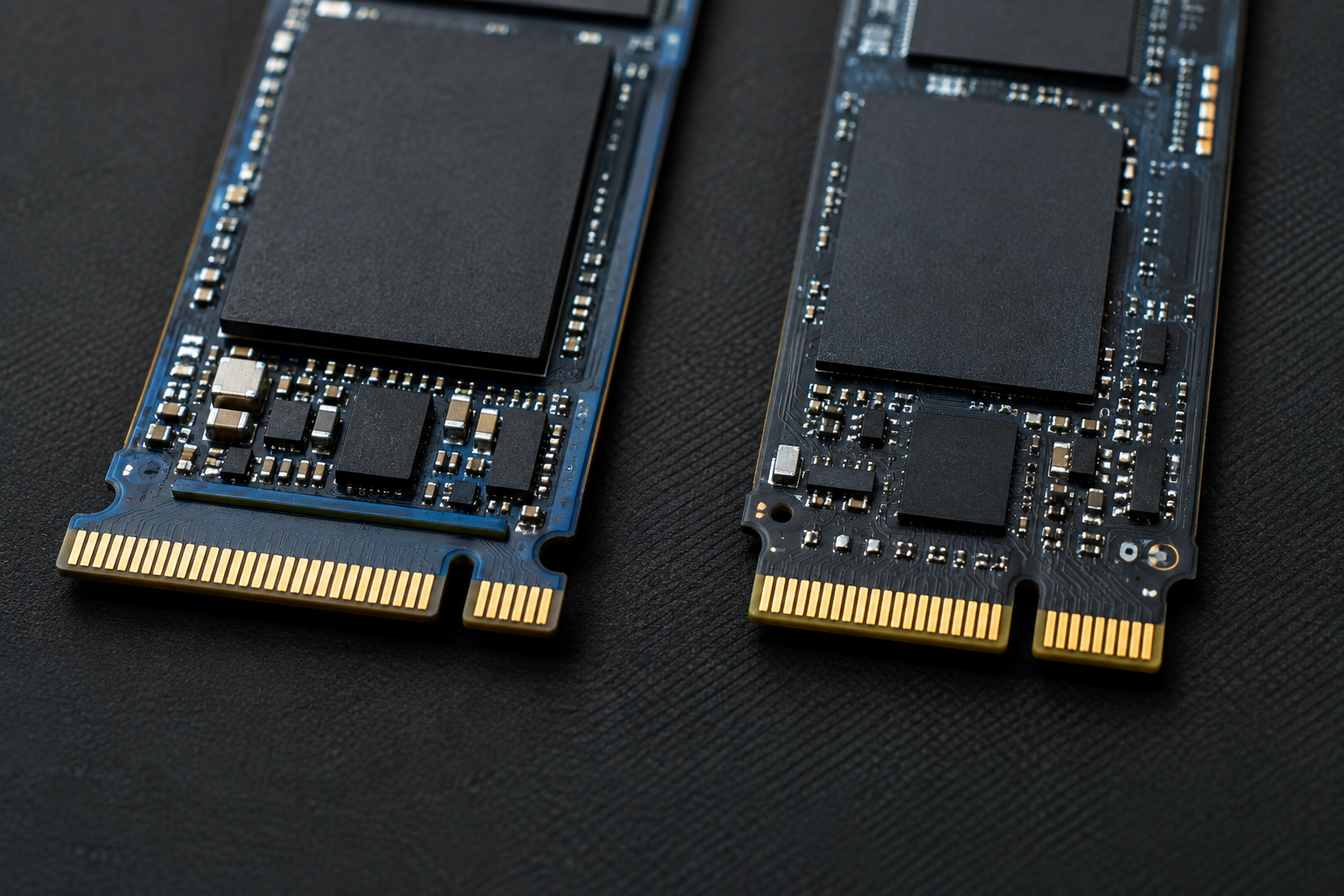
M.2 is just a physical connector. What determines speed is the protocol running over it, either SATA or PCIe (via NVMe). Each generation of PCIe roughly doubles the previous one’s raw bandwidth per lane.
| Interface | Signaling Rate | Lanes | Theoretical Max Bandwidth |
|---|---|---|---|
| SATA III | 6 Gbps | 1 | ~750 MB/s |
| PCIe Gen3 (NVMe) | 8 GT/s per lane | x4 | ~3,940 MB/s |
| PCIe Gen4 (NVMe) | 16 GT/s per lane | x4 | ~7,880 MB/s |
| PCIe Gen5 (NVMe) | 32 GT/s per lane | x4 | ~15,750 MB/s |
Notice the unit shift there. Interface speeds are often quoted in Gbps (gigabits per second), but drive performance is always listed in MB/s (megabytes per second). Divide Gbps by 8 to get a rough GB/s figure, and that’s before any protocol overhead is subtracted. Mixing up bits and bytes is the single biggest reason people misread spec sheets.
Real-World Throughput: What You’ll Actually See
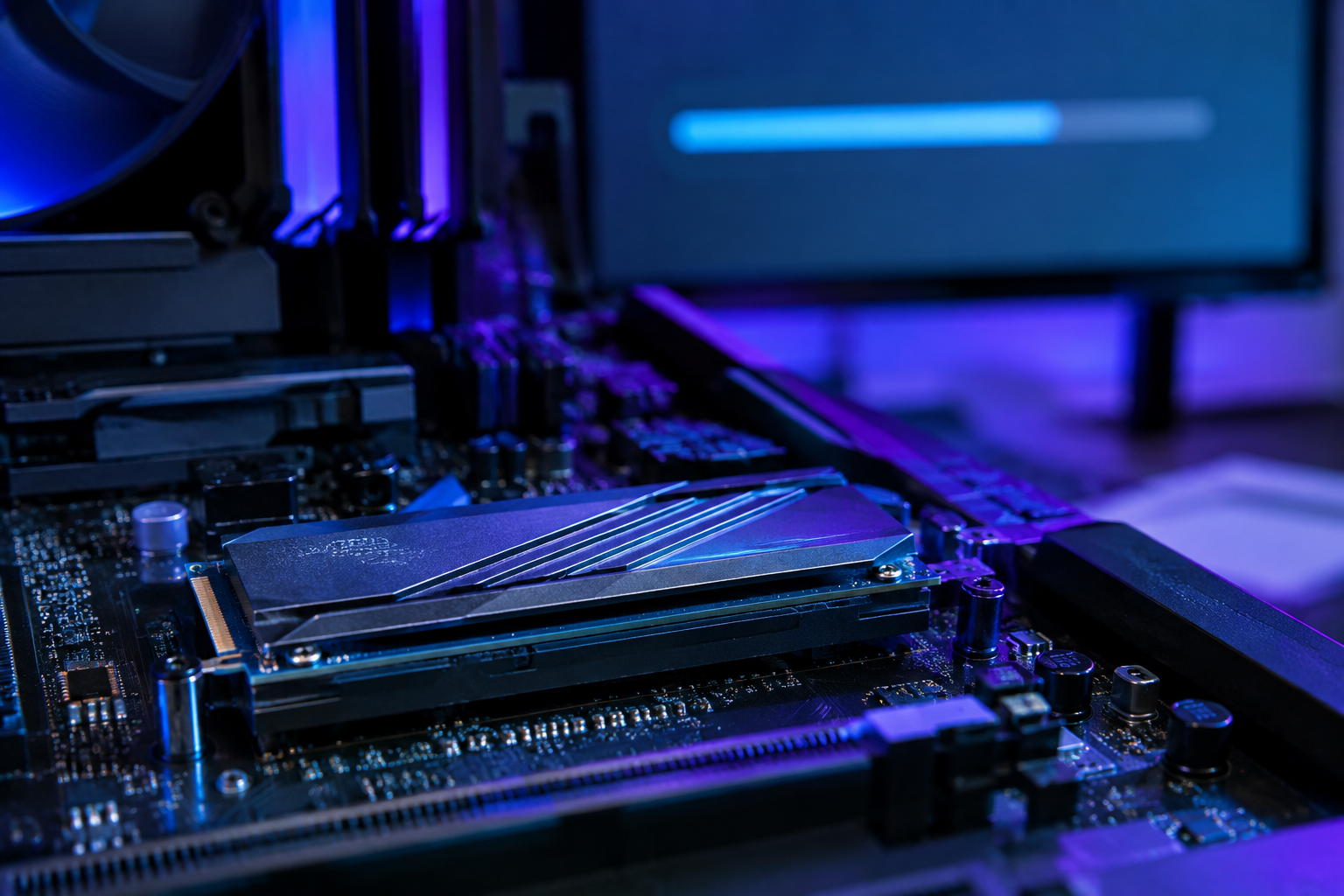
Theoretical bandwidth is a ceiling, not a promise. SATA uses 8b/10b encoding, which burns about 20% of its raw signal just on overhead, and that’s before you factor in the AHCI protocol’s single command queue, which was never designed with flash memory in mind. NVMe, by contrast, uses more efficient 128b/130b encoding and supports thousands of parallel command queues, which is why it scales so much better as flash chips get faster.
| Drive Type | Typical Sequential Read | Typical Sequential Write |
|---|---|---|
| SATA III SSD | 500 to 560 MB/s | 450 to 530 MB/s |
| NVMe PCIe Gen3 | 3,000 to 3,500 MB/s | 1,500 to 3,000 MB/s |
| NVMe PCIe Gen4 | 5,000 to 7,000 MB/s | 4,000 to 6,500 MB/s |
| NVMe PCIe Gen5 | 10,000 to 14,000 MB/s | 8,000 to 12,000 MB/s |
A SATA SSD basically maxes out its interface no matter how good the NAND inside it is. That’s the ceiling, and it’s been the ceiling since SATA III launched back in 2009. NVMe drives, meanwhile, rarely hit their absolute theoretical max in consumer benchmarks because controller efficiency, thermal throttling, and whether you’re hitting the fast SLC cache or the slower native storage all affect the final number. We’ve covered this gap in more detail in Is NVMe Really Faster Than SSDs? if you want the deeper technical breakdown.
Does That Speed Actually Matter to You?

Sequential throughput numbers look great in marketing, but most everyday tasks (booting Windows, opening apps, browsing files) depend more on random read/write speed and queue depth than raw sequential MB/s. That’s part of why the jump from HDD to any SSD feels enormous, while the jump from SATA SSD to NVMe feels more subtle in daily use. We break down that everyday impact in How Important is SSD in Laptop.
Where NVMe actually earns its keep is in sustained large-file work: video editing, large game installs, big dataset transfers, and multitasking with heavy background I/O. If gaming load times are your main concern, our SATA vs NVMe SSD Gaming comparison lays out exactly where the differences show up and where they don’t. And if you’re deciding on capacity as well as speed, 512GB NVMe SSD vs 512GB SSD is worth a read.
For most builds today, NVMe Gen4 is the sweet spot of price and performance. SATA still makes sense for bulk secondary storage or budget builds where the drive isn’t the bottleneck anyway. Check out What Is NVMe SSD Used For if you want help matching a drive type to your specific use case before you buy.
Frequently Asked Questions
Can a SATA M.2 drive fit in an NVMe M.2 slot?
Physically, sometimes yes, but it won’t work unless the slot explicitly supports both protocols (called SATA/AHCI and NVMe capable, often labeled “B+M key”). Motherboards and laptops vary here, so always check the manual before buying a drive based on slot shape alone.
Why isn’t my NVMe drive hitting its rated speed?
Rated speeds are best-case numbers measured with the drive’s fast SLC cache still available and no thermal throttling. Once you write past that cache, or the drive heats up during sustained transfers, speeds drop toward the native NAND’s slower baseline. This is normal and expected, not a defect.

James Kennedy is a writer and product researcher at Drives Hero with a background in IT administration and consulting. He has hands-on experience with storage, networking, and system performance, and regularly improves and optimizes his home networking setup.