SATA I vs SATA II vs SATA III Speed
If you’ve ever shopped for a hard drive or SSD and seen “SATA III 6Gbps” on the box, you’ve probably wondered why your drive never actually hits anywhere near that number. The short answer is that interface bandwidth and real-world storage speed are two very different things, and the gap between them gets confusing fast when Mbps, Gbps, and MB/s all get thrown around interchangeably.
This guide breaks down the actual differences between SATA I, SATA II, and SATA III, including the theoretical ceiling of each standard and what you can realistically expect a drive to deliver.
SATA I vs SATA II vs SATA III: The Numbers
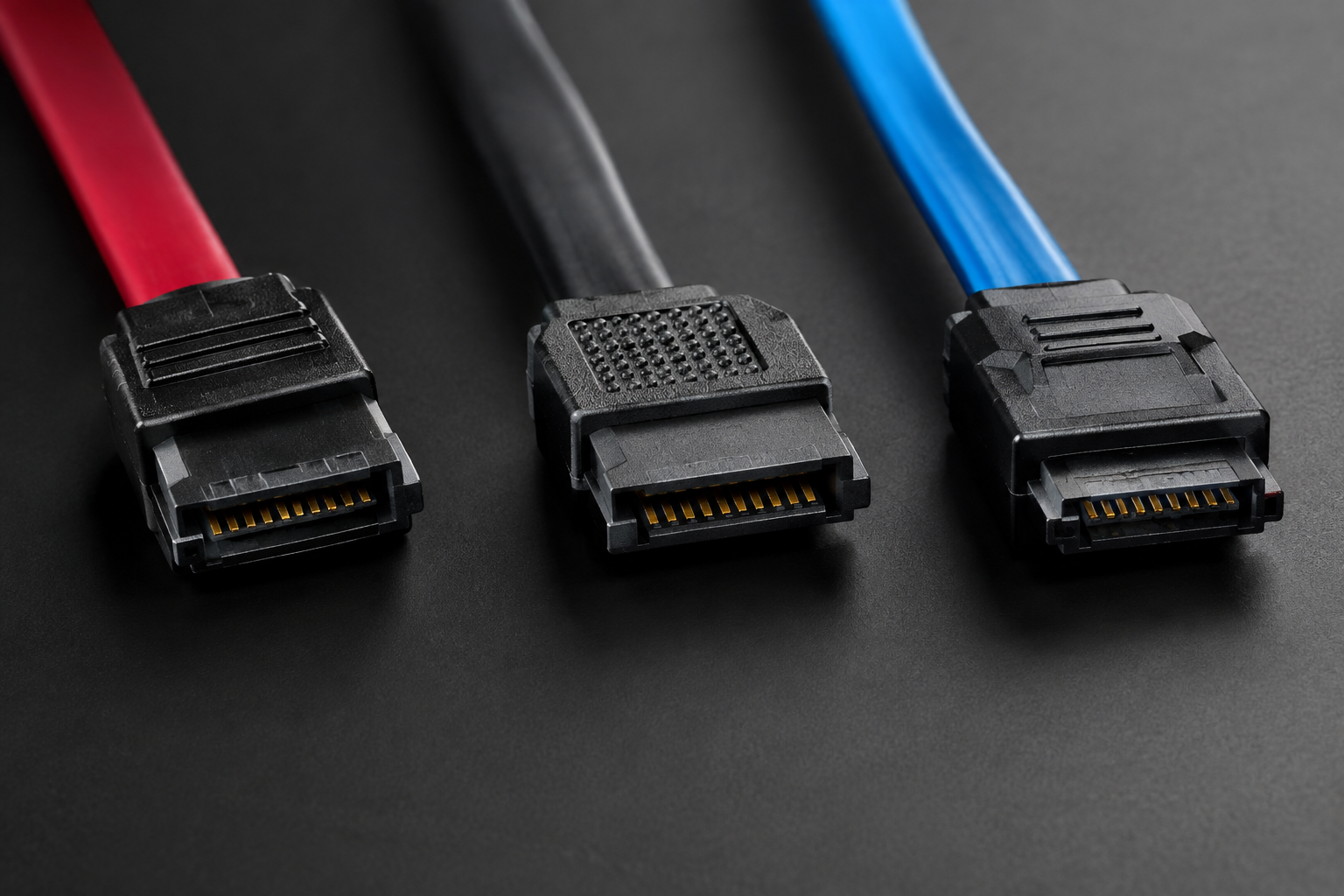
Each SATA generation doubled the raw signaling rate of the one before it. Here’s how the three standards stack up, with bandwidth listed in both Gbps (gigabits per second, how the interface spec is written) and MB/s (megabytes per second, how your OS reports file transfer speed).
- SATA I (SATA 1.5Gb/s): Released in 2003. Raw interface speed of 1.5 Gbps, which works out to a theoretical maximum of about 150 MB/s after encoding overhead.
- SATA II (SATA 3Gb/s): Released in 2004. Raw interface speed of 3 Gbps, translating to a theoretical maximum of about 300 MB/s.
- SATA III (SATA 6Gb/s): Released in 2009. Raw interface speed of 6 Gbps, translating to a theoretical maximum of about 600 MB/s. This is still the standard used in nearly every SATA SSD and hard drive sold today.
Notice that each generation is exactly double the last. That’s not a coincidence. It’s why people still often round SATA III down to “600 MB/s” even though nothing actually hits that number in practice.
Why Real-World Speeds Are Always Lower
The theoretical numbers above assume zero overhead, and that’s never how real hardware works. SATA uses 8b/10b encoding, which adds a bit of overhead to every byte sent across the cable for error checking and signal integrity. That overhead eats up about 20% of the raw bandwidth on every SATA generation.
Run the math and it lines up neatly with the numbers you’ll actually see quoted for each standard:
- SATA I: 1.5 Gbps minus encoding overhead lands around 150 MB/s
- SATA II: 3 Gbps minus encoding overhead lands around 300 MB/s
- SATA III: 6 Gbps minus encoding overhead lands around 600 MB/s
But even that adjusted number isn’t what you’ll see in a real benchmark. Controller efficiency, command overhead, and the physical limits of the storage media itself all take another bite. In practice, SATA III SSDs top out in the 540 to 560 MB/s range for sequential reads, and mechanical hard drives never come close to saturating any SATA generation because a spinning platter simply can’t move data that fast, usually capping out somewhere between 120 and 200 MB/s regardless of which SATA port it’s plugged into.
This is also why SATA has become the bottleneck for modern SSDs rather than the drive itself. If you want to see how much headroom a faster interface actually unlocks, it’s worth reading up on whether NVMe is really faster than SATA SSDs, since NVMe drives communicate over PCIe lanes instead of the SATA bus and aren’t held back by that 600 MB/s ceiling.
Does SATA Generation Actually Matter for Your Setup?
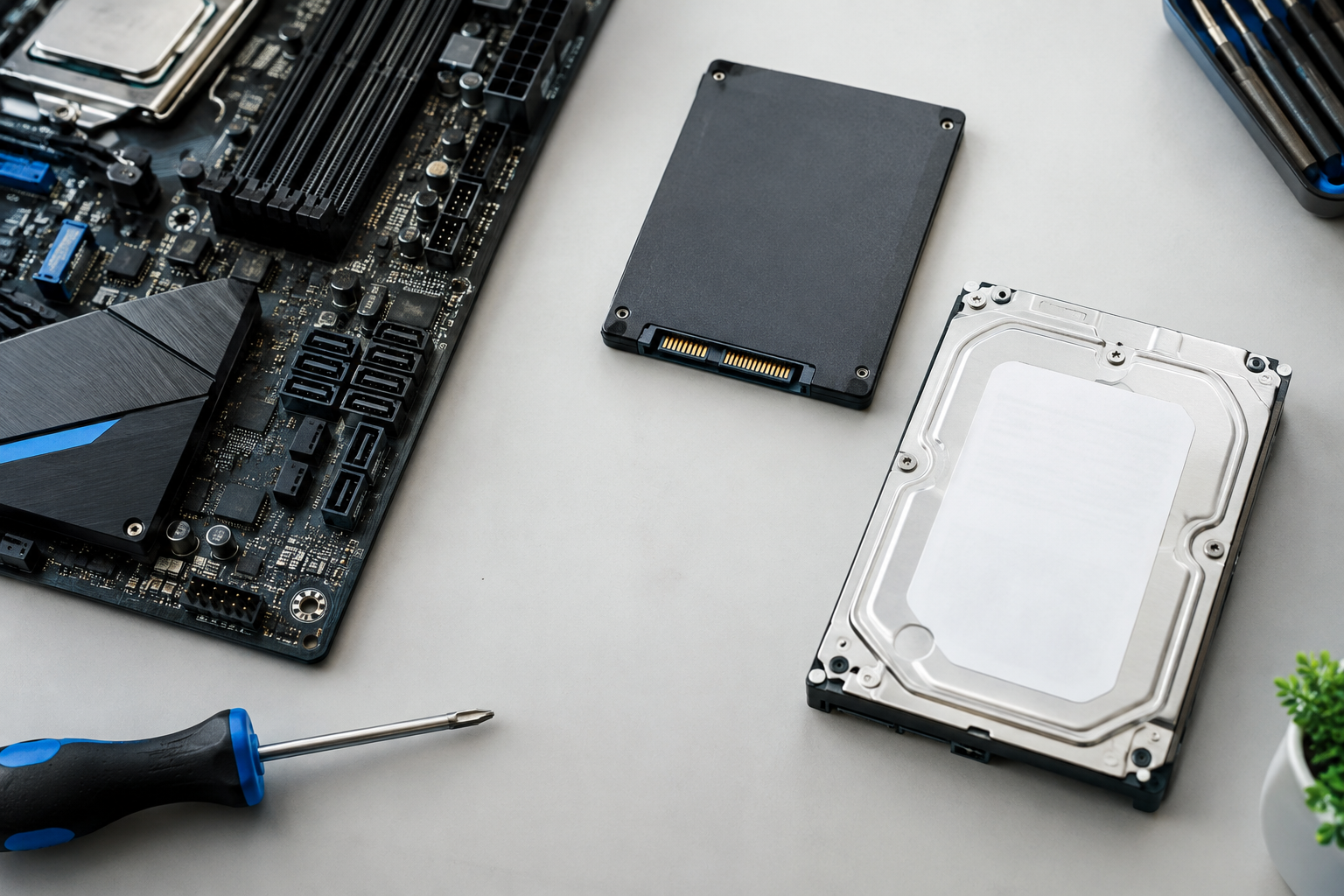
For everyday use, the SATA generation matters most when you’re pairing an SSD with an older motherboard. SATA connections are backward compatible, so a SATA III drive plugged into a SATA II port will still work, but it’ll negotiate down to the slower speed automatically. That means you’d cap a fast SSD at roughly 300 MB/s instead of its rated 550 MB/s, which is a real and noticeable difference for boot times and large file transfers.
If you’re gaming, this gap matters less than people assume. Load times differ only marginally between SATA generations once you’re already on an SSD, and the bigger jump comes from moving off a hard drive entirely. For a deeper look at how storage speed actually affects gaming performance, check out this comparison of SATA vs NVMe SSDs for gaming.
If you’re still running a mechanical drive, upgrading to any SATA SSD, even an older SATA II era system, will feel like a massive jump. The benefits of moving off spinning storage are covered in detail in this guide to upgrading from HDD to SSD, and if you’re on a laptop specifically, it’s also worth reading about how much an SSD actually matters for laptop performance.
Frequently Asked Questions
Can I use a SATA III SSD in a SATA II or SATA I port?
Yes. SATA is fully backward and forward compatible. A SATA III drive in a SATA II port will simply run at SATA II speeds, and a SATA I drive in a SATA III port will run at SATA I speeds. The connection always negotiates down to whichever device on the link is slower.
How do I know which SATA version my computer supports?
Check your motherboard’s specification sheet or product page, since this is where the SATA generation is always listed for each port. You can also use a tool like CrystalDiskInfo on Windows, which reports both the drive’s supported SATA speed and the negotiated link speed of the port it’s connected to.

James Kennedy is a writer and product researcher at Drives Hero with a background in IT administration and consulting. He has hands-on experience with storage, networking, and system performance, and regularly improves and optimizes his home networking setup.